ይህ ገጽ ገና ወደ አማርኛ አልተተረጎመም። የእንግሊዝኛው ጽሑፍ ቀርቧል።
Manage CRM pipeline stages and lead scoring
Configure visual Kanban stages, automated lead assignment rules, AI lead scoring, and activity scheduling.
1. Overview & Business Value#
This comprehensive operational guide details the architecture, business workflows, configuration parameters, and execution steps for Manage CRM pipeline stages and lead scoring within SmartERP.
This guide explains how sales teams manage and convert opportunities using the SmartERP visual CRM pipeline.
{screenshot:manage-crm-pipeline-and-leads-overview-dashboard}
2. Prerequisites & Security Access Groups#
- Required Modules:
sale_management, crm, point_of_sale, smarterp_payment_telebirr - Security Groups:
Sales User(Technical ID:sales_team.group_sale_salesman)Sales Administrator(Technical ID:sales_team.group_sale_manager)POS User / Cashier(Technical ID:point_of_sale.group_pos_user)
- Master Data Dependencies: Customer partner registry, selling pricelists, product inventory balances, payment providers (Telebirr/CBE Birr), and POS terminal sessions.
3. Step-by-Step Configuration & Execution#
Step 1: Navigating to the Module Interface#
- Log into your SmartERP instance at
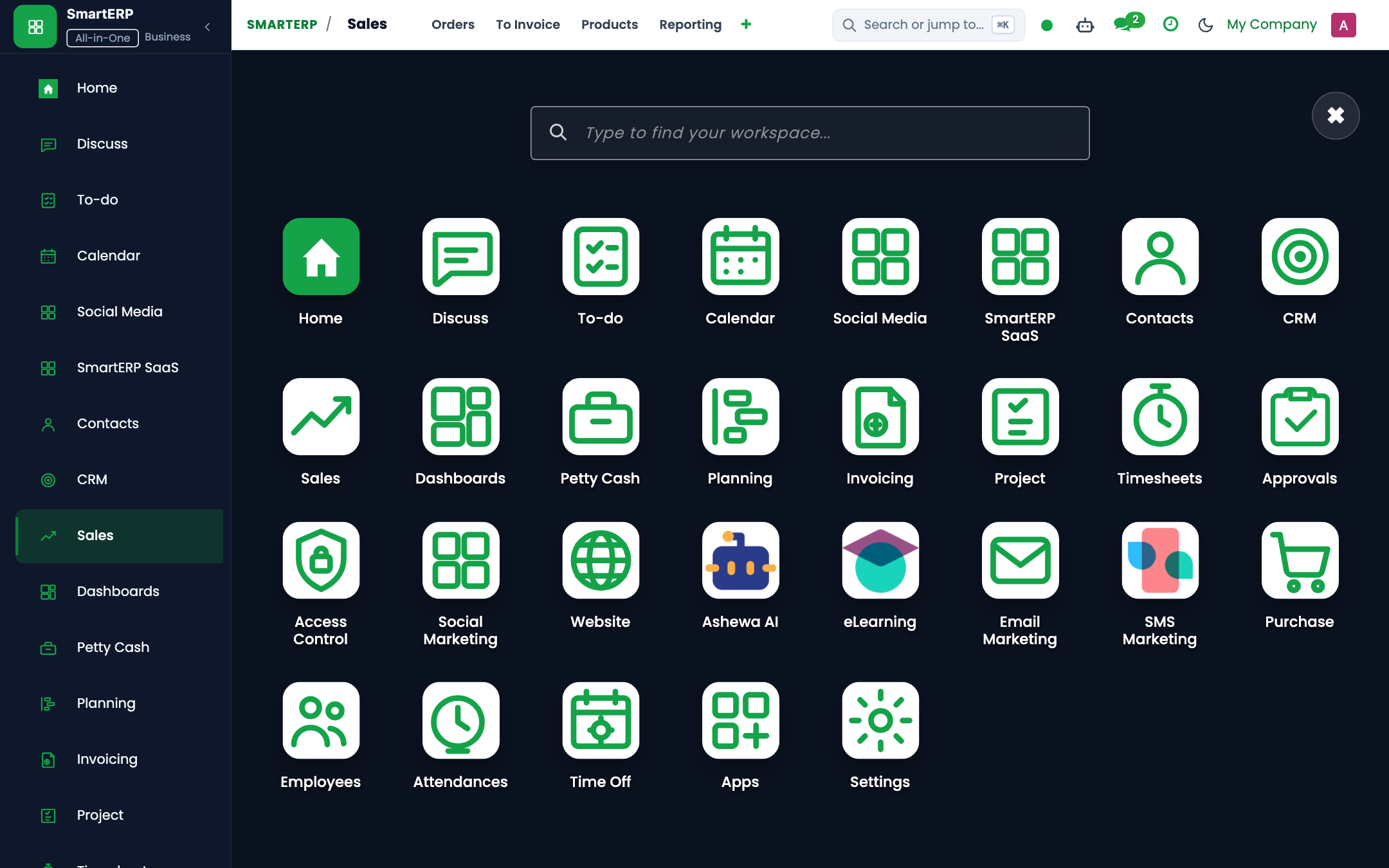
https://smarterp.et/odoo. - Open the main App Switcher (grid icon in the top-left corner).
- Select the Sales app icon.
- From the top navigation bar, open Sales → Orders → Quotations / Orders; Point of Sale → Dashboard.
{screenshot:manage-crm-pipeline-and-leads-app-switcher-navigation}
Step 2: Creating and Parameterizing Records#
- Click the New button in the top-left control panel.
- Complete the mandatory fields in the record form:
- Customer Name (Mandatory): Registered partner record with complete invoicing and delivery addresses
- Product Lines (Mandatory): Saleable items with approved commercial pricelist rates and VAT classification
- Payment Terms (Mandatory): Immediate settlement, milestone advance, or agreed commercial credit terms
- Salesperson (Mandatory): Account executive responsible for the customer commercial relationship
- Configure optional operational parameters and localized tags as required:
- Analytic Account (Optional): Revenue center or project allocation for commercial tracking
- Customer PO Reference (Optional): External purchase order number issued by the client
- Shipping Policy (Optional): Deliver all products at once or allow partial dispatches
- Click the Save icon in the control bar to commit the record.
{screenshot:manage-crm-pipeline-and-leads-record-creation-form}
Step 3: Validating and Processing Transactions#
- State Transitions: Execute operational state progression (Quotation → Sent → Confirmed Sales Order → Delivery Done → Invoiced → Paid).
- Ledger & System Impact: Generates customer tax invoice, posts accounts receivable debit and sales revenue credit, and updates inventory valuation upon delivery.
- Audit Verification: Automated recording of author ID, timestamp, and immutable revision history.
{screenshot:manage-crm-pipeline-and-leads-transaction-processing-state}
Procedure#
- Open CRM → Sales → My Pipeline.
- Opportunities appear in Kanban stages:
- New: Inbound leads from website, Telebirr portal, or trade exhibitions.
- Qualified: Budget confirmed, decision maker identified, requirements logged.
- Proposition: Formal quotation or tender response submitted.
- Negotiation: Terms, payment methods, and delivery schedules under review.
- Won: Order confirmed and contract signed.
- To advance a deal, drag the opportunity card to the next column.
- Click on a card to view deal details:
- Schedule phone calls, site visits, or follow-up meetings in Activities.
- Review AI lead score and conversion probability computed by
smarterp_crm_ai.
Automated Lead Assignment#
SmartERP routes leads automatically based on territory and product lines:
- Leads originating from Addis Ababa retail inquiries route to the Retail Commercial Team.
- Leads originating from government or enterprise tenders route to the Corporate Sourcing Team.
4. Advanced Configuration Points#
- Automated Actions & Scheduled Tasks (Crons):
CRM: Lead auto-assignment(crm.ir_cron_lead_assign): Runs hourly to allocate unassigned leads across sales teamsSales: Expire overdue quotations(sale.ir_cron_expire_quotes): Runs nightly to mark stale quotes as cancelledPOS: Close abandoned register sessions(point_of_sale.ir_cron_session_cleanup): Runs nightly to alert managers of open cashier terminals
- Custom Print Templates & Reports:
- Customer Sales Quotation / Pro-forma Invoice
- Commercial Tax Invoice (Model 85 Compliant)
- POS Cash Register Receipt with QR Validation
- Customer Credit Limit & Receivables Aging Statement
- Multi-Company Rules: Record-level security isolation under Company 1 (
Ashewa Technology Solutions S.C.), preventing cross-company ledger leakage across parent and subsidiary legal entities.
5. Comprehensive Troubleshooting Matrix#
| Error Symptom / Exception | Probable Root Cause | Corrective Action / Resolution |
|---|---|---|
Credit Limit Blocked: Customer balance exceeds ceiling | Outstanding customer debt plus current order exceeds approved credit limit. | Obtain credit committee exception approval or collect an advance cash payment. |
Validation Error: Tax definition missing on product line | Product item lacks default statutory 15% VAT mapping. | Update the product master accounting tab with standard statutory VAT rates. |
POS Session Error: Cash register mismatch upon closure | Physical cash count does not reconcile with POS recorded register balance. | Document discrepancy explanation in the closing wizard and submit for manager review. |
Payment Gateway Error: Telebirr timeout | Network timeout or invalid API bridge credentials. | Verify merchant credentials in Invoicing → Configuration → Payment Providers and retry transaction query. |
Next#
- Customer master setup: Configure customer master dossier.
መጨረሻ የተሻሻለው: 2026-10-30