Quick start for finance operations
Walk through registering a vendor bill, deducting statutory withholding tax, and issuing a Bank Payment Voucher in under 15 minutes.
1. Overview & Business Value#
This comprehensive operational guide details the architecture, business workflows, configuration parameters, and execution steps for Quick start for finance operations within SmartERP.
This tutorial is for Accountants and Finance Officers. It guides you through registering a commercial vendor bill, computing Ethiopian statutory withholding tax, routing payment approval, and generating a validated Bank Payment Voucher (BPV).
{screenshot:quick-start-overview-dashboard}
2. Prerequisites & Security Access Groups#
- Required Modules:
account, smarterp_finance, smarterp_ethiopian_payroll - Security Groups:
Show Full Accounting Features(Technical ID:account.group_account_user)Billing Administrator / Financial Controller(Technical ID:account.group_account_manager)Chief Financial Officer / Auditor(Technical ID:account.group_account_readonly)
- Master Data Dependencies: Chart of accounts, statutory tax definitions (VAT 15%, WHT 2%/30%), payment terms, and open fiscal periods for Company 1 (Ashewa Technology Solutions S.C.).
3. Step-by-Step Configuration & Execution#
Step 1: Navigating to the Module Interface#
- Log into your SmartERP instance at
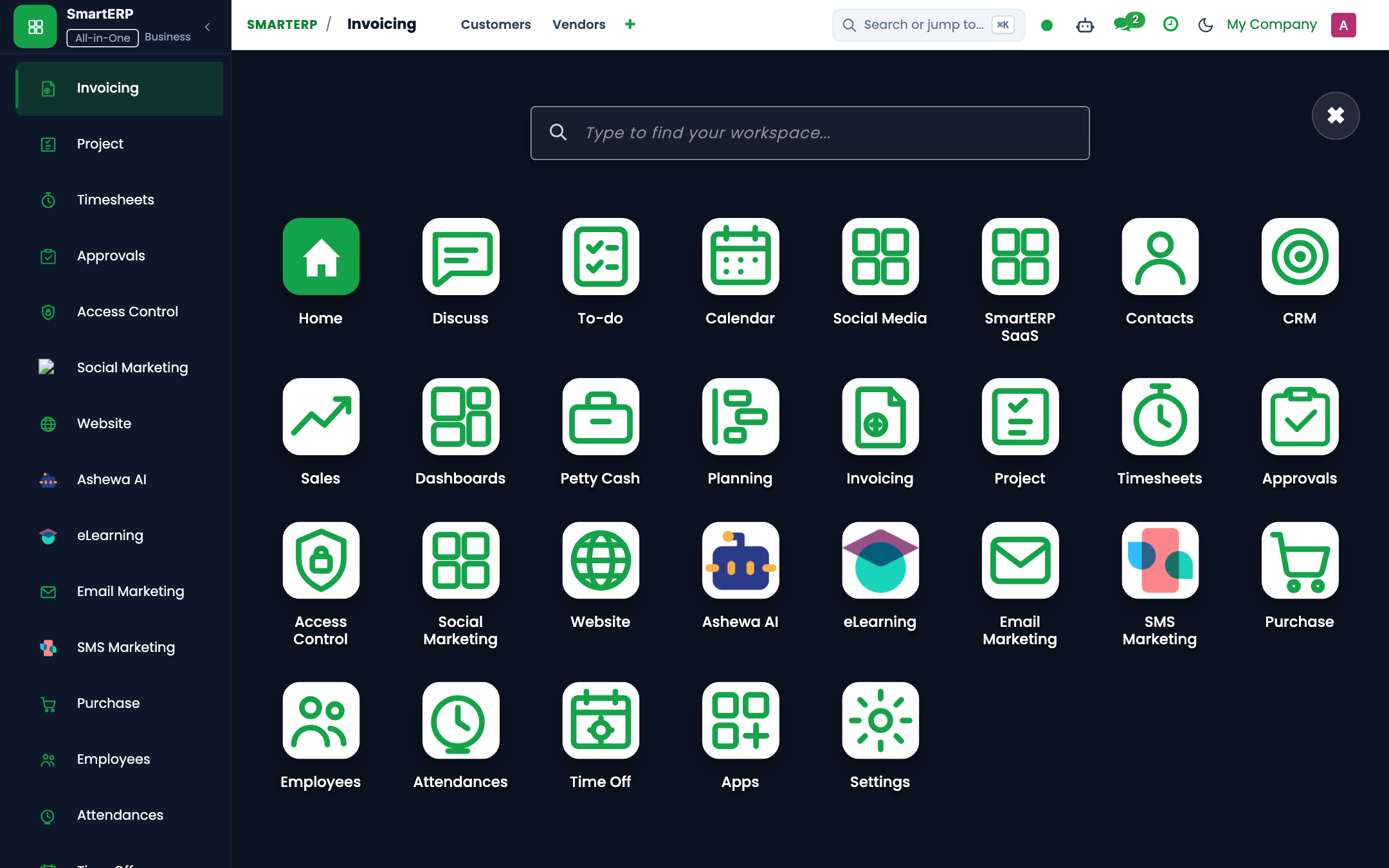
https://smarterp.et/odoo. - Open the main App Switcher (grid icon in the top-left corner).
- Select the Accounting app icon.
- From the top navigation bar, open Accounting → Customers / Vendors / Accounting / Configuration.
{screenshot:quick-start-app-switcher-navigation}
Step 2: Creating and Parameterizing Records#
- Click the New button in the top-left control panel.
- Complete the mandatory fields in the record form:
- Name / Reference (Mandatory): Unique identifier or auto-generated voucher sequence number
- Accounting Date (Mandatory): Effective posting date falling within an open fiscal period
- Journal (Mandatory): Designated financial journal (Cash, Bank, Customer Invoices, Vendor Bills, Miscellaneous)
- Partner / Entity (Mandatory): Registered customer, vendor, or employee partner record (
res.partner)
- Configure optional operational parameters and localized tags as required:
- Analytic Distribution (Optional): Cost center or project allocation percentage
- Tax Treatment (Optional): Statutory withholding tax or VAT exemption certificate
- Payment Reference (Optional): Commercial bank transaction reference or cheque number
- Click the Save icon in the control bar to commit the record.
{screenshot:quick-start-record-creation-form}
Step 3: Validating and Processing Transactions#
- State Transitions: Execute operational state progression (Draft → In Payment / Confirmed → Posted / Reconciled).
- Ledger & System Impact: Generates immutable double-entry journal items (
account.move.line) updating general ledger balances, trial balance, and statutory tax registers. - Audit Verification: Automated recording of author ID, timestamp, and immutable revision history.
{screenshot:quick-start-transaction-processing-state}
Before you start#
You need:
- An active user account with Accountant or Finance Manager permissions.
- An approved vendor record with a valid 10-digit Ethiopian TIN (
res.partner). - Configured Chart of Accounts and Bank Journal (
account.journal).
Step 1: Register the commercial vendor bill#
- Open Accounting → Vendors → Bills and press New.
- In Vendor, select
Ethio Telecomor type a demo supplier name. - In Bill Date, enter today's date (
2026-10-30). - In Invoice Lines, press Add a line:
- Product / Description:
Internet & Data Services - Account:
620100 - Telecommunications & Internet Expense - Quantity:
1 - Price:
20,000.00 - Taxes: select
VAT 15%.
- Product / Description:
- The form calculates:
- Untaxed Amount:
ETB 20,000.00 - VAT 15%:
ETB 3,000.00 - Total:
ETB 23,000.00
- Untaxed Amount:
- Press Confirm. The bill transitions to Posted.
Step 2: Register payment with Withholding Tax (WHT)#
- On the posted bill form, press Register Payment.
- In the payment dialog:
- Journal: select
Commercial Bank of Ethiopia (CBE). - Payment Method: select
Bank Transfer. - Payment Delivery Type: select
Bank Payment Voucher (BPV). - Check Apply Withholding Tax.
- WHT Type: select
Goods & Standard Services (2%).
- Journal: select
- The system automatically computes:
- Taxable Base:
ETB 20,000.00 - WHT Amount (2%):
ETB 400.00 - Net Payment Amount:
ETB 22,600.00
- Taxable Base:
- Press Create Payment.
Step 3: Verify the Bank Payment Voucher (BPV)#
- Open Accounting → Vendors → Payments and select the payment just created.
- Verify the status bar shows Posted.
- Check the BPV Pad Number: the system generated a consecutive voucher code (e.g.
BPV/2026/00142). - Press Print → Bank Payment Voucher (BPV) to download the standardized Ethiopian payment document with prepared, verified, and approved signature blocks.
- Press Print → Withholding Tax Receipt (WHV) to generate the official MOR tax certificate for ETB 400.00 to deliver to the vendor.
Step 4: Verify the General Ledger impact#
- Open Accounting → Reporting → Financial Reports → Trial Balance.
- Select today's date and press Apply.
- Confirm that:
620100 Telecommunications Expenseshows DebitETB 20,000.00.120300 Input VAT Recoverableshows DebitETB 3,000.00.110200 CBE Bank Accountshows CreditETB 22,600.00.220200 Withholding Tax Payableshows CreditETB 400.00.
- Debits equal credits exactly (
ETB 23,000.00 = ETB 23,000.00).
4. Advanced Configuration Points#
- Automated Actions & Scheduled Tasks (Crons):
Account: Automatic reconciliation(account.ir_cron_auto_reconcile): Runs nightly to match open ledger transactionsAsset: Compute depreciation lines(account_asset.ir_cron_compute_depreciation): Runs monthly on the 30th to compute fixed asset depreciation schedulesTax: Generate VAT and WHT schedules(smarterp_finance.ir_cron_tax_schedules): Runs monthly to prepare MOR tax return summaries
- Custom Print Templates & Reports:
- Official Cash Receipt Voucher (CRV)
- Bank Payment Voucher (BPV) & Cheque Payment Voucher (CPV)
- Withholding Tax Certificate (Form 3.4)
- General Ledger & Trial Balance Audit Schedules
- Multi-Company Rules: Record-level security isolation under Company 1 (
Ashewa Technology Solutions S.C.), preventing cross-company ledger leakage across parent and subsidiary legal entities.
5. Comprehensive Troubleshooting Matrix#
| Error Symptom / Exception | Probable Root Cause | Corrective Action / Resolution |
|---|---|---|
Access Rights Error: Operation not allowed on account.move | User account lacks accounting operator privileges. | Assign the user to account.group_account_user or account.group_account_manager under Settings → Users. |
Validation Error: Missing analytic distribution | Selected general ledger account mandates cost center allocation for IFRS compliance. | Populate the analytic distribution column on all debit and credit lines before posting. |
Posting Blocked: Fiscal period closed | Transaction date falls within an immutable locked accounting period. | Select a transaction date within the open fiscal year or request an authorized period reopening under Accounting Settings. |
Tax Imbalance: WHT withholding variance | Withholding deduction does not match statutory 2% goods or 30% service rate. | Verify vendor TIN registration status in partner master and recalculate statutory tax lines. |
Next#
- Issue cheque payments: Issue cheque payment voucher.
- Set up petty cash: Set up petty cash fund.
- Reconcile the bank: Reconcile bank statement lines.