Period Locking & Historical Governance
Enforcing fiscal cutoffs, preventing retroactive modifications, managing override permissions, and auditing adjustments.
Period locking is the primary financial safeguard ensuring historical labor costs, billing invoices, and payroll registers remain immutable once finalized.
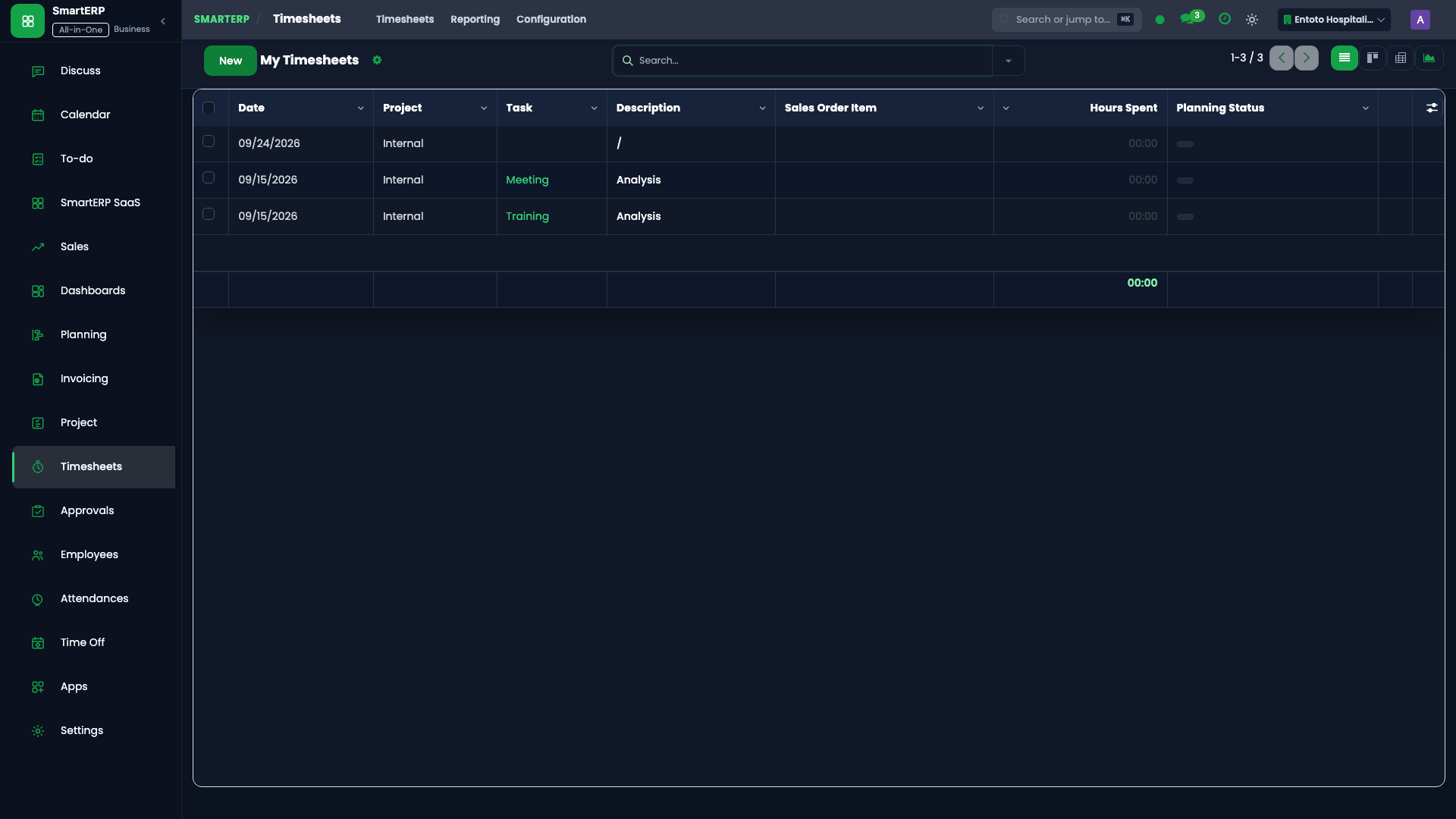
Period Lock Mechanism (smart.timesheet.period.lock)#
SmartERP 19 evaluates effective lock dates at the database ORM layer (account.analytic.line):
$$\text{Effective Lock Date} = \max(\text{Company Fiscal Period Lock Date}, \text{Active Timesheet Lock Date})$$
Any user action (create, write, unlink) dated on or before the effective lock date is intercepted:
                                [Employee Action on Timesheet]
                                               |
                                               v
                             [Line Date <= Effective Lock Date?]
                                      /                 \
                                   YES                   NO
                                   /                       \
               [Has Lock Override Group?]              [Allow Commit]
                   /                 \
                YES                   NO
                /                       \
     [Log Override Audit Entry]     [Raise AccessError: Period Locked]
                |
          [Allow Commit]
Configuring a New Period Lock#
- Navigate to Timesheets -> Configuration -> Period Locks.
- Click New:
- Company: Current company tenant.
- Lock Date: Set to the last day of the closed cycle (e.g.,
2026-09-30). - Note: Document the justification (e.g., "Fiscal Month Meskerem 2017 Payroll & Client Invoicing Closed").
- Click Save.
- The system enforces the constraint: only one active period lock may exist per company. Creating a new active lock automatically prompts archiving older entries.
Managing Lock Overrides & Audit Logs#
When legitimate audit corrections are necessary (e.g., reallocating misassigned hours to another analytic account), an authorized officer in the Timesheet Lock Override group (smart_enterprise_timesheet.group_timesheet_lock_override) executes the adjustment:
- Open the target timesheet line.
- In the wizard, input the mandatory Override Reason Note.
- Upon saving, SmartERP writes an immutable record in
smart.timesheet.period.lock.override:
| Audit Log Field | Description Stored |
|---|---|
lock_date | The active lock date at the time of modification. |
action | Action executed: create, write, or unlink. |
employee_id | The employee whose timesheet was modified. |
user_id | The authenticated officer who executed the override. |
unit_amount | Recorded duration before and after modification. |
note | Justification note entered by the override officer. |