Resolve Support Tickets Faster, Automate SLA Policies & Delight Customers
Unify customer support requests from email, website forms, phone hotlines, and live chat into a single ticketing inbox. Enforce strict SLA response times, automate team routing, manage canned response templates, and collect customer CSAT ratings.
96.4%
SLA Response Rate Compliance
-55%
Average Ticket Resolution Time
4.9/5
Customer Satisfaction (CSAT)
100%
Omnichannel Ticket Intake
The Traditional Challenge
Lost Support Emails, Missed SLAs & Angry Customers
Managing customer support via shared email inboxes and phone calls creates chaos and customer churn:
- Customer Emails Lost in the Void: Support inquiries sit unanswered in shared inboxes because nobody knows which agent owns the ticket.
- Violated Contractual SLAs: Urgent client issues exceed SLA response deadlines without alerts, causing contractual financial penalties.
- Repetitive Answers Typed Manually: Agents waste hours typing the same troubleshooting answers over and over instead of using standardized templates.
- No Executive Support Analytics: Management has no visibility into ticket volumes, agent response speeds, or recurring product defect causes.
The SmartERP Architecture
Centralized, Omnichannel & SLA-Governed Support
SmartERP Helpdesk consolidates all customer inquiries into an organized, trackable support pipeline:
- Unified Multi-Channel Intake: Emails sent to support@, web form submissions, and live chat conversations automatically become tracked tickets.
- Contractual SLA Timer Rules: Configure SLA policies based on customer tier (VIP 1-hour response) and priority, with automated escalation alarms.
- Instant Knowledge Base & Canned Responses: Empower agents with pre-approved response templates and embedded knowledge base articles for rapid resolution.
- 1-Click Escalation to Field Service or Engineering: Escalate complex hardware issues into on-site Field Service work orders or developer bug tasks with one click.
The 4-Step Customer Support Lifecycle
How customer tickets move smoothly from initial intake to verified resolution and satisfaction rating.
Multi-Channel Intake
Ticket is created from customer email, portal request, or phone call, automatically tagged with priority and SLA deadline.
Automated Routing & Assignment
Smart routing assigns the ticket to the qualified agent based on language, product domain, and current workload.
Diagnosis & Resolution
Agent troubleshoots issue using canned responses, internal team notes, and customer history, resolving the inquiry.
Closing & CSAT Survey
Ticket is resolved; the customer receives resolution email and submits a 1-click satisfaction rating (Good/Neutral/Bad).
Enterprise Helpdesk & Support Capabilities
Engineered for customer service centers, technical support hotlines, and enterprise SLA management.
Kanban & List Ticket Management
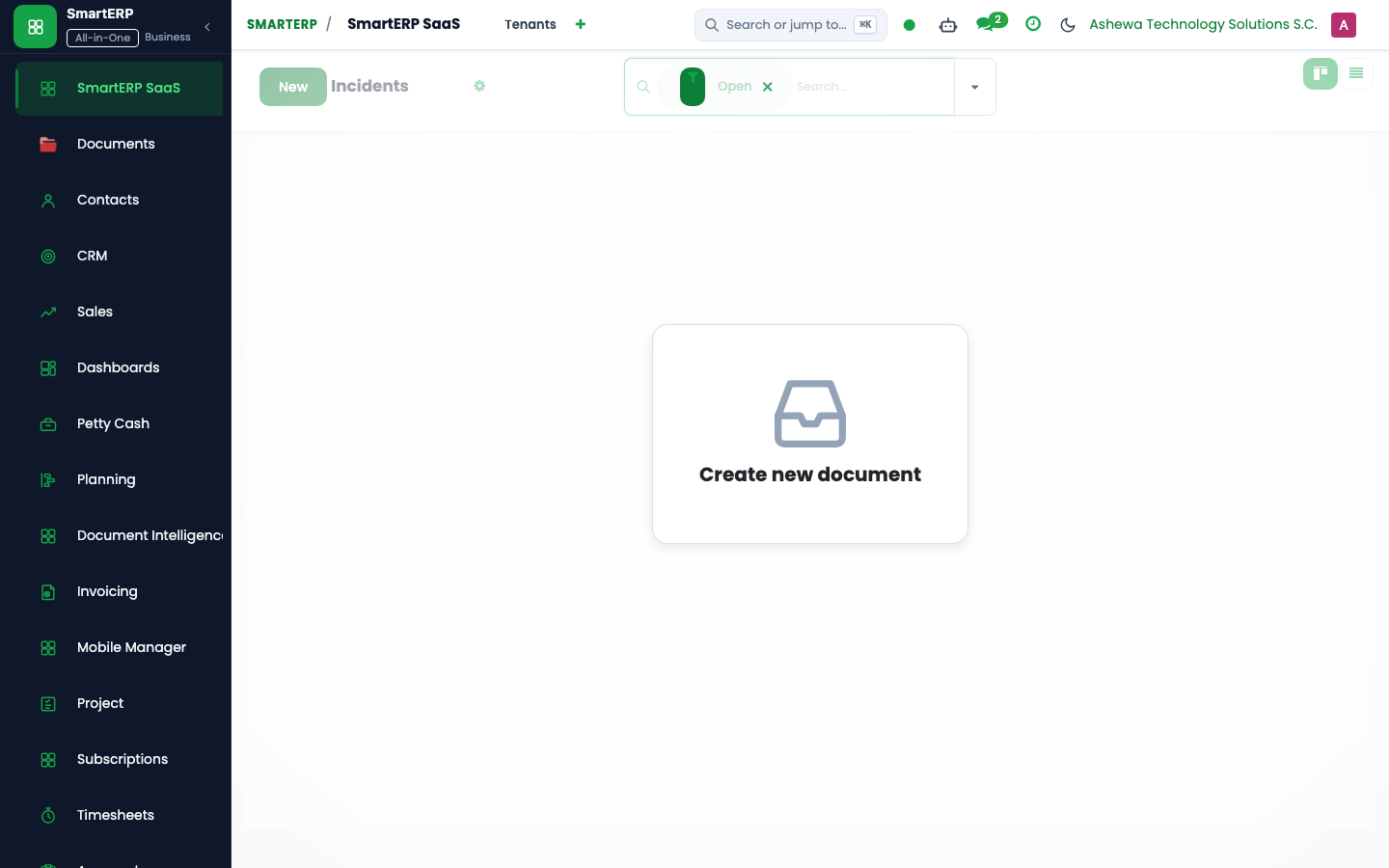
Manage tickets across visual stages (New, In Progress, Waiting for Customer, Resolved) with priority color codes.
Multi-Tier SLA Policies & Alarms
Configure exact response and resolution deadlines by customer priority. Escalation rules notify managers before breach.
Integrated Customer Knowledge Base
Build a searchable self-service help center on your website, deflecting up to 40% of common support inquiries.
Customer Satisfaction (CSAT) Surveys
Automatically collect customer feedback upon ticket closure, displaying real-time agent ratings on executive dashboards.
Canned Response Snippets
Insert standard, polished answers and troubleshooting steps with quick keyboard shortcuts for rapid ticket handling.
Cross-App Task Escalation
Convert a support ticket directly into an on-site Field Service intervention or an engineering development task with linked history.
Delivering Exceptional Service Across Ethiopian Industries
Powering support operations for telecommunications, fintech, software providers, and consumer electronics.

Telecom & Internet Service Providers
Handling high-volume network outage tickets, subscriber fiber troubleshooting, and technician dispatch.

Banking, Microfinance & Fintech
Managing digital payment dispute resolution, transaction reversals, mobile banking support, and account inquiries.
IT & Enterprise Software
Managing tiered software technical support, bug reporting, feature requests, and contractual enterprise SLAs.
Frequently Asked Questions
Common technical, operational, and integration inquiries regarding Helpdesk & Customer Support.
Transform your customer support into a competitive advantage
Schedule a helpdesk demo to see how SmartERP automates ticket routing, enforces SLAs, and boosts customer satisfaction.