Manufacturing Cockpit and OEE Dashboards
Executive overview of plant throughput, line availability, performance efficiency, and bottleneck visualization.
1. Overview & Business Value#
This comprehensive operational guide details the architecture, business workflows, configuration parameters, and execution steps for Manufacturing Cockpit and OEE Dashboards within SmartERP.
Executive overview of plant throughput, line availability, performance efficiency, and bottleneck visualization.
{screenshot:manufacturing-and-oee-dashboards-overview-dashboard}
2. Prerequisites & Security Access Groups#
- Required Modules:
mrp, quality_control, smarterp_manufacturing_costing - Security Groups:
Manufacturing User(Technical ID:mrp.group_mrp_user)Manufacturing Administrator(Technical ID:mrp.group_mrp_manager)Quality Inspector(Technical ID:quality.group_quality_user)
- Master Data Dependencies: Bills of Materials (BoM), routing operations, work centers with machine/labor hourly rates, raw material stock, and inspection checkpoints.
3. Step-by-Step Configuration & Execution#
Step 1: Navigating to the Module Interface#
- Log into your SmartERP instance at
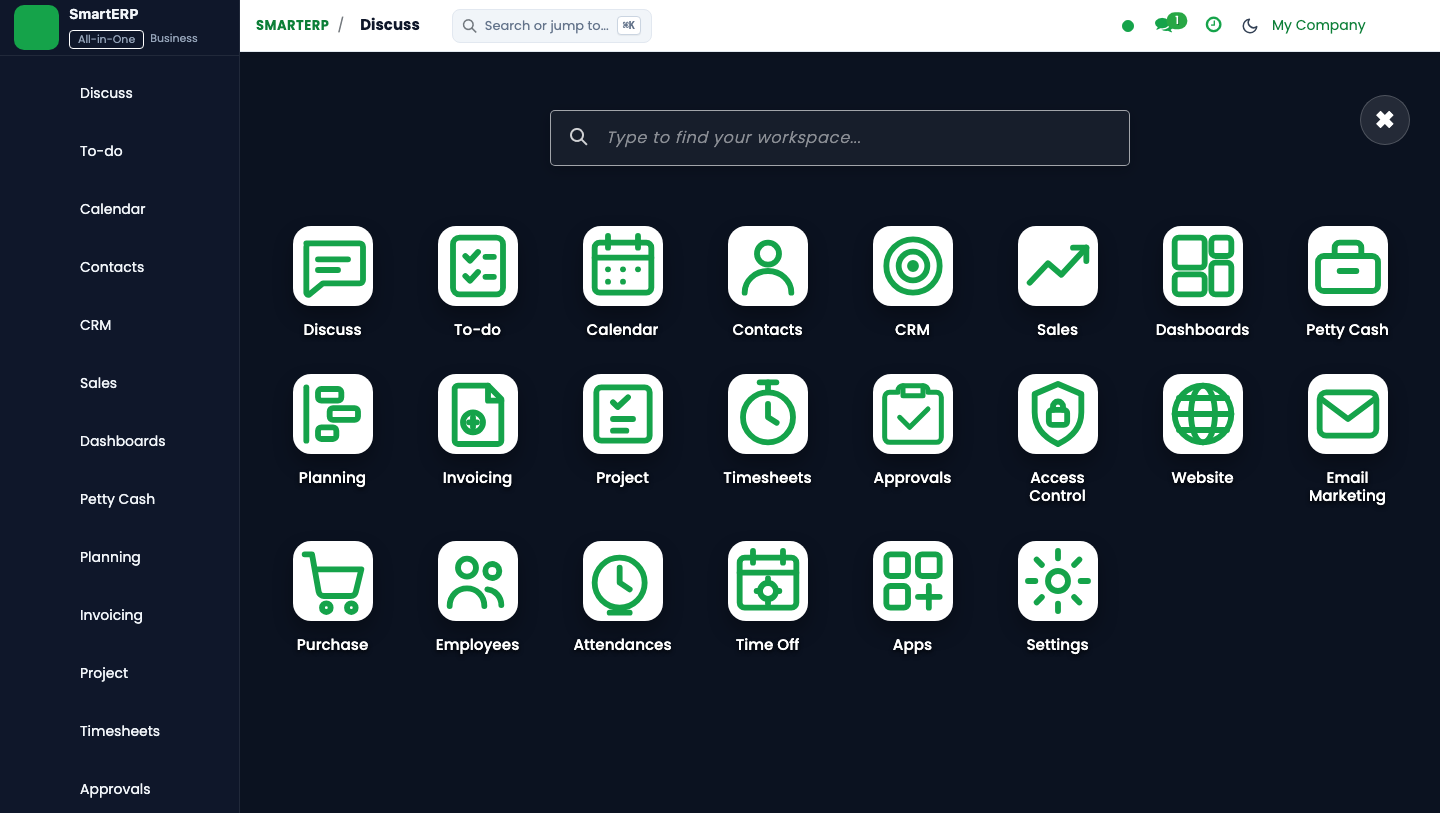
https://smarterp.et/odoo. - Open the main App Switcher (grid icon in the top-left corner).
- Select the Manufacturing app icon.
- From the top navigation bar, open Manufacturing → Operations → Manufacturing Orders / Work Orders; Quality → Quality Control.
{screenshot:manufacturing-and-oee-dashboards-app-switcher-navigation}
Step 2: Creating and Parameterizing Records#
- Click the New button in the top-left control panel.
- Complete the mandatory fields in the record form:
- Finished Product (Mandatory): Manufacturable item variant linked to an active Bill of Materials
- Quantity to Produce (Mandatory): Target production batch volume in standard unit of measure
- Bill of Materials (BoM) (Mandatory): Active engineering recipe defining component roll-ups and operation steps
- Scheduled Date (Mandatory): Target production execution date and shift allocation
- Configure optional operational parameters and localized tags as required:
- Work Center Routing (Optional): Specific shop floor machine or assembly station sequence
- Lot / Serial Number (Optional): Assigned traceability lot for finished goods batch tracking
- Analytic Cost Account (Optional): Cost absorption center for direct labor and utility overhead
- Click the Save icon in the control bar to commit the record.
{screenshot:manufacturing-and-oee-dashboards-record-creation-form}
Step 3: Validating and Processing Transactions#
- State Transitions: Execute operational state progression (Draft → Confirmed → In Production → Quality Gate Passed → Done → Cost Closed).
- Ledger & System Impact: Consumes raw materials from inventory (crediting stock valuation), absorbs labor/machine overhead, and debits finished goods inventory at actual cost.
- Audit Verification: Automated recording of author ID, timestamp, and immutable revision history.
{screenshot:manufacturing-and-oee-dashboards-transaction-processing-state}
Plant Cockpit Overview#
The SmartERP Manufacturing Cockpit provides plant managers with real-time operational intelligence across all factory lines.
Key Dashboard Widgets#
- Manufacturing Orders by State: Visual funnel showing Draft, Confirmed, In Progress, and Late orders.
- Work Center Load vs Capacity: Bar chart displaying planned work hours against available shift capacity, highlighting upcoming bottlenecks.
- OEE by Line: Gauge charts displaying Availability, Performance, and Quality ratios against enterprise targets (85%).
- Scrap Rate Trend: Daily scrap kilogram percentage against total raw material throughput.
4. Advanced Configuration Points#
- Automated Actions & Scheduled Tasks (Crons):
MRP: Recalculate BoM standard costs(mrp.ir_cron_bom_cost_roll): Runs weekly to update standard costing from latest procurement purchase pricesQuality: Trigger periodic inspection alerts(quality.ir_cron_inspection_check): Runs daily to flag mandatory quality testing queuesWorkcenter: Update OEE statistics(mrp.ir_cron_workcenter_oee): Runs hourly to compute Overall Equipment Effectiveness metrics
- Custom Print Templates & Reports:
- Production Order Traveler & Pick List
- Shop Floor Work Order Execution Slip
- Quality Inspection Certificate & Non-Conformance Report
- Manufacturing Cost Analysis & Variance Ledger
- Multi-Company Rules: Record-level security isolation under Company 1 (
Ashewa Technology Solutions S.C.), preventing cross-company ledger leakage across parent and subsidiary legal entities.
5. Comprehensive Troubleshooting Matrix#
| Error Symptom / Exception | Probable Root Cause | Corrective Action / Resolution |
|---|---|---|
BoM Missing Error: No active Bill of Materials found | Product variant lacks a verified and confirmed BoM in the system. | Create and confirm an active BoM under Manufacturing → Products → Bills of Materials. |
Component Shortage Block: Insufficient stock | Raw material components have not been transferred to the shop floor location. | Execute an internal transfer from main warehouse to production staging location. |
Quality Gate Blocked: Mandatory test failed | Work order failed critical quality tolerance threshold. | Perform required corrective rework or request authorized Quality Manager override. |
Workcenter Capacity Overload | Scheduled production duration exceeds available work center shift capacity. | Adjust scheduled start dates or distribute load across alternative work centers. |