Hire to Pay Workflow
Comprehensive employee onboarding, Hay grade compensation assignment, biometric attendance sync, Ethiopian PAYE tax, and bank payroll settlement.
The Hire to Pay cross-module workflow connects talent acquisition, personnel contracting, time tracking, and statutory payroll into an automated, auditable chain compliant with Ethiopian labor and tax laws.
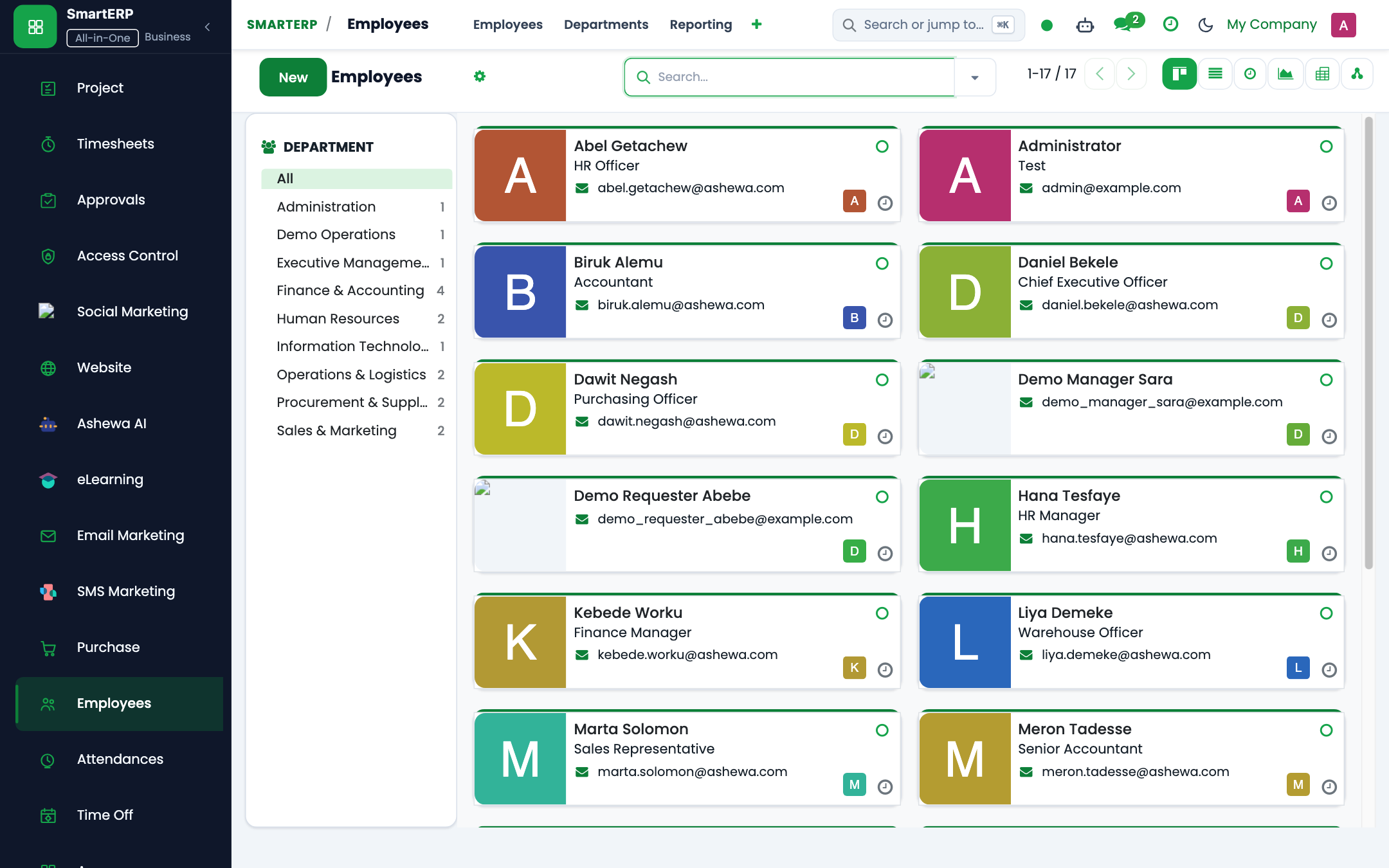
End-to-End Workflow Architecture#
+--------------------------------------------------------------------------+
|                         HIRE TO PAY WORKFLOW MAP                         |
+--------------------------------------------------------------------------+
| [Phase 1: Onboarding & Contract Establishment]                           |
|  - Create hr.employee profile (TIN, POESSA Pension No, Bank Account)    |
|  - Create hr.contract with Hay Pay Grade (G1-G16, Step A-D)              |
+--------------------------------------------------------------------------+
                                    |
                                    v
| [Phase 2: Attendance & Leave Synchronization]                            |
|  - Biometric punches sync from turnstiles to hr.attendance               |
|  - Ethiopian Calendar (smart.et.calendar) maps public holidays           |
|  - Overtime calculated (1.5x, 1.75x, 2.0x, 2.5x multipliers)            |
+--------------------------------------------------------------------------+
                                    |
                                    v
| [Phase 3: Monthly Payroll Computation]                                   |
|  - Batch execution in hr.payslip.run                                     |
|  - Proclamation 1395/2025 progressive tax slabs (0-35%) computed        |
|  - POESSA Pension split: 7% Employee / 11% Employer                     |
+--------------------------------------------------------------------------+
                                    |
                                    v
| [Phase 4: Multi-Tier Approval & Financial Posting]                       |
|  - HR Manager -> Financial Controller -> CFO signoff                    |
|  - Auto-posts General Ledger Journal Entry (Debit: Expense, Credit: Bank)|
|  - Exports CBE / Awash bulk bank transfer file                           |
+--------------------------------------------------------------------------+
Detailed Operational Steps#
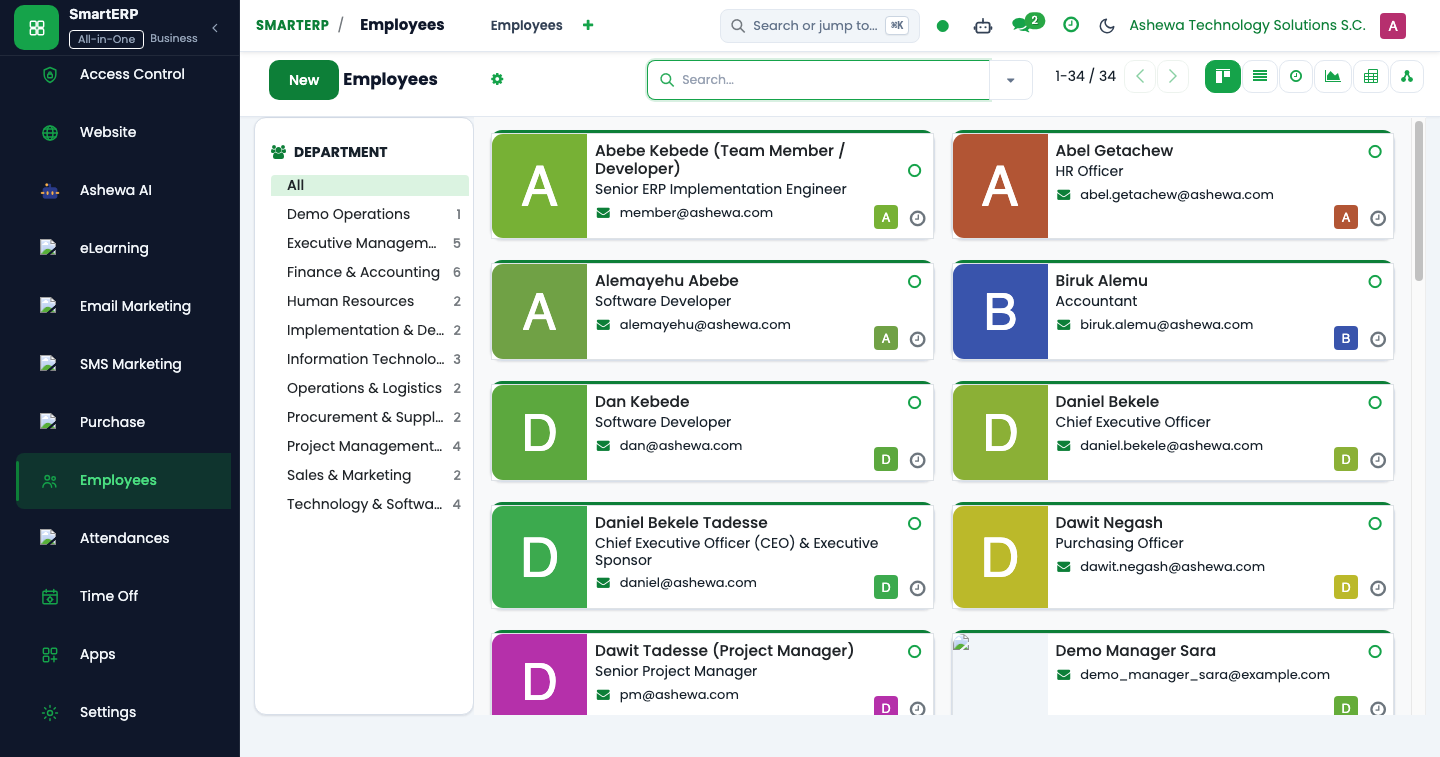
Step 1: Onboarding & Contract Creation#
- Open Employees -> Employees -> New.
- Record mandatory identification:
- Full Legal Name (Amharic & English)
- Taxpayer Identification Number (TIN)
- POESSA Social Security Pension Number
- Bank Account Details (Commercial Bank of Ethiopia or Awash Bank)
- Navigate to Contracts -> New:
- Assign the compensation grade (
hr.grade, e.g., Grade 9, Step B). - Configure non-taxable transport allowances in accordance with Ministry of Finance Directive 1/2011.
- Assign the compensation grade (
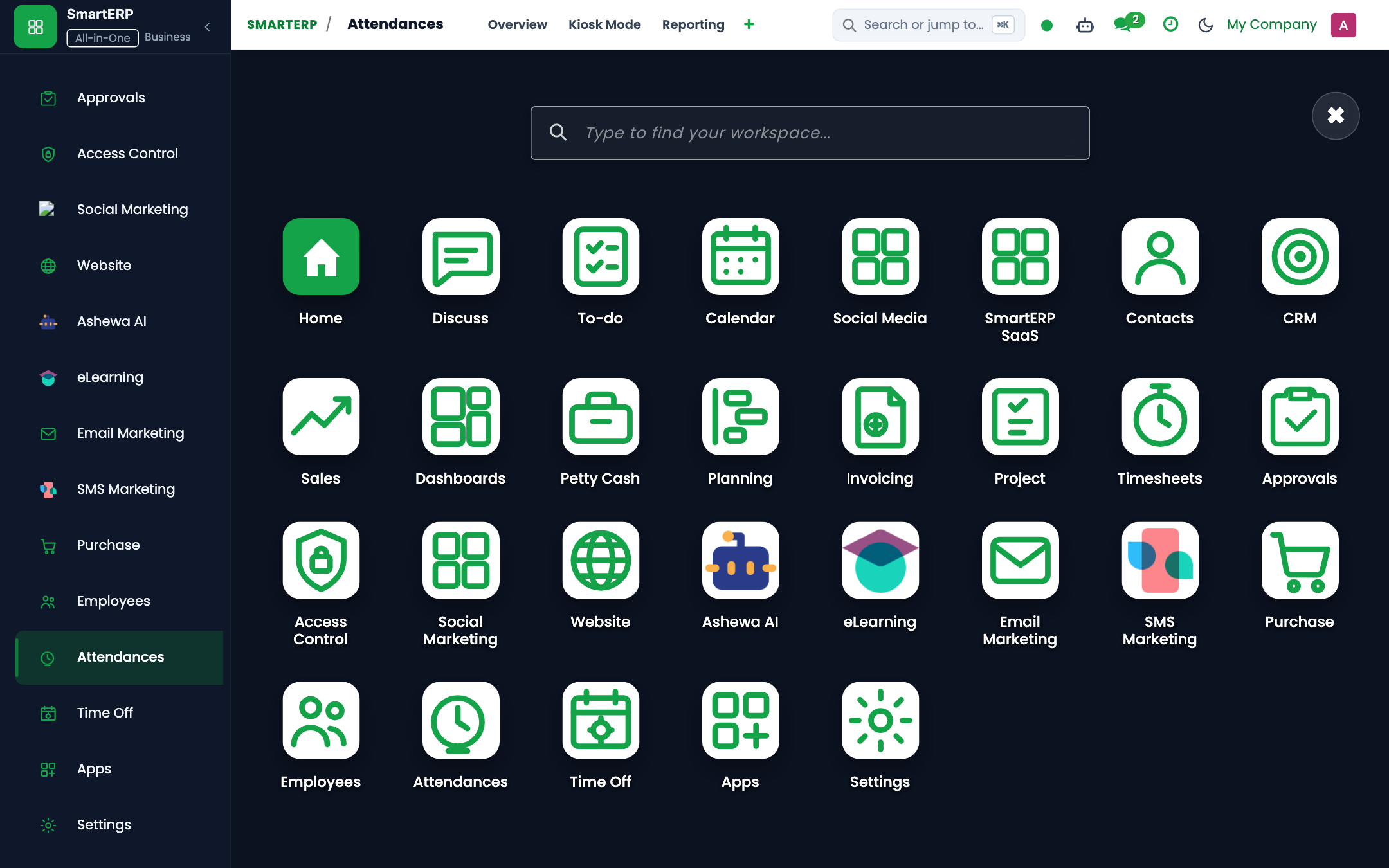
Step 2: Biometric Punch Synchronization#
- Corporate hardware turnstiles log employee badge check-ins.
- A background cron job synchronizes punch logs into
hr.attendanceevery 15 minutes. - The engine flags late arrivals, unexcused absences, and overtime hours worked during nights, weekends, or statutory holidays.
Step 3: Batch Payroll Execution#
- Navigate to Payroll -> Payslips -> Batches.
- Click Generate Batch for the current payroll cycle (e.g., Tikimt 2017).
- The payroll engine evaluates all active salary rules:
- GROSS: $\text{Basic Salary} + \text{Taxable Allowances} + \text{Overtime}$
- PENSION_EE: $\text{Basic Salary} \times 7\%$
- PENSION_ER: $\text{Basic Salary} \times 11\%$
- PAYE: Progressive tax schedule applied to $\text{Taxable Income} = \text{Gross} - \text{Exemptions}$
- NET: $\text{Gross} - (\text{PAYE} + \text{Pension EE} + \text{Voluntary Deductions})$
Step 4: General Ledger Posting & Settlement#
- Financial Controller reviews the draft payroll batch summary.
- Upon approval, click Post Journal Entries. SmartERP generates balanced debits and credits:
- Debit: Salaries & Wages Expense (611000)
- Debit: Employer Pension Expense (611200)
- Credit: Net Salaries Payable (212100)
- Credit: PAYE Withholding Tax Payable (213100)
- Credit: POESSA Pension Payable (213300)
- Finance exports the bulk bank settlement file directly to CBE Birr or electronic banking platforms.
Last updated: 2026-10-16