Lead to Revenue Workflow
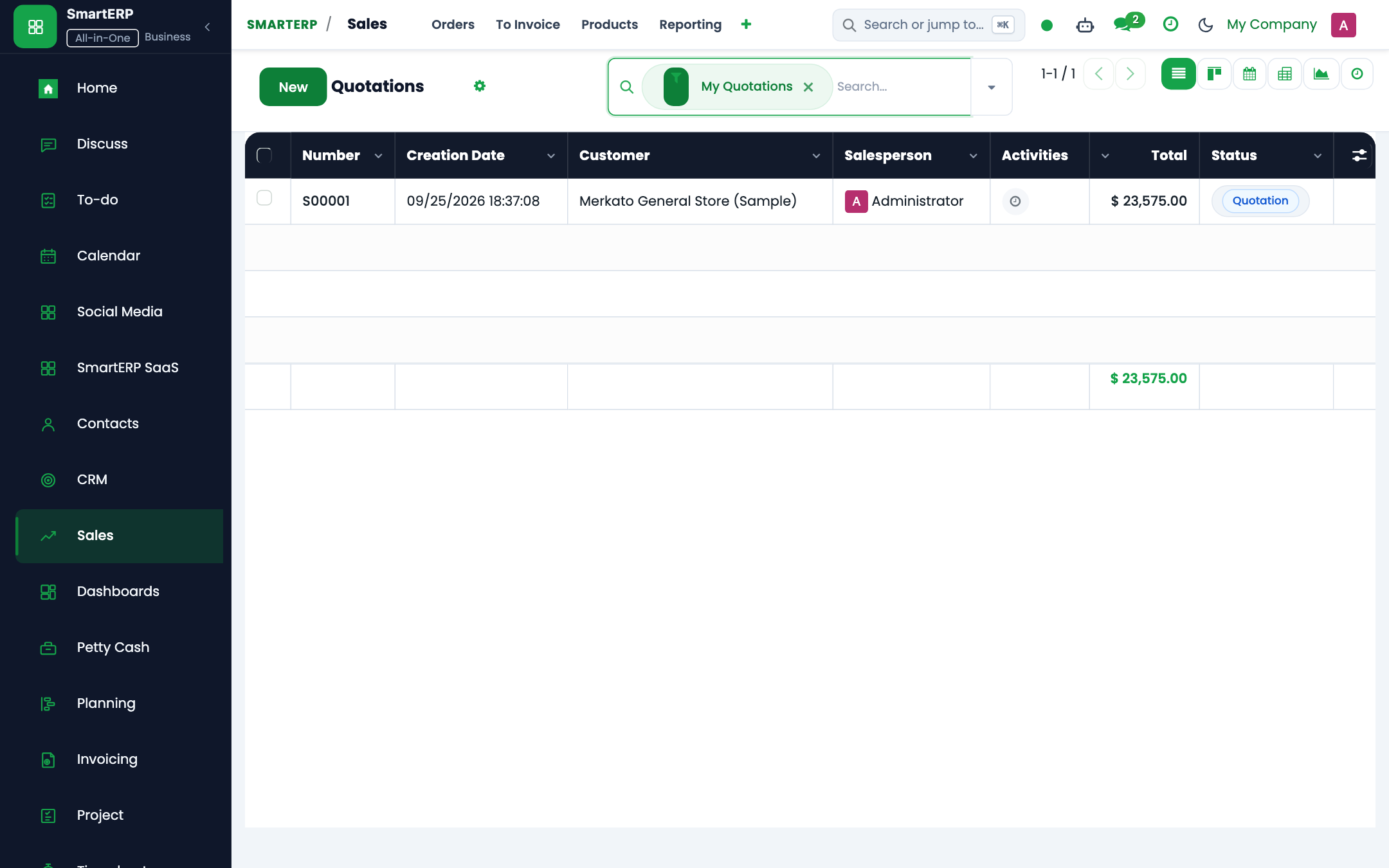
Converting prospective leads into confirmed orders, generating VAT invoices, tracking customer receipts, and reconciling bank accounts.
The Lead to Revenue (Order to Cash) cross-module workflow connects marketing initiatives, sales pipeline opportunities, master pricing catalogs, invoicing, and treasury management into a cohesive revenue cycle.
End-to-End Workflow Architecture#
+--------------------------------------------------------------------------+
|                       LEAD TO REVENUE WORKFLOW MAP                       |
+--------------------------------------------------------------------------+
| [Phase 1: Lead Qualification & Opportunity]                              |
|  - Marketing campaigns capture inbound inquiries                         |
|  - CRM Pipeline qualifies lead -> Opportunity stage                      |
+--------------------------------------------------------------------------+
                                    |
                                    v
| [Phase 2: Master Pricing & Quotation]                                    |
|  - Sales rep builds Quotation from Master Pricing catalog                |
|  - Discount approvals routed if discount exceeds 10%                     |
+--------------------------------------------------------------------------+
                                    |
                                    v
| [Phase 3: Sales Order Confirmation & Delivery Trigger]                   |
|  - Customer accepts Quotation -> Confirm Sale                            |
|  - Triggers Governed Project creation or Warehouse Delivery              |
+--------------------------------------------------------------------------+
                                    |
                                    v
| [Phase 4: Customer Invoicing & VAT Compliance]                           |
|  - Finance generates Customer Invoice (account.move)                     |
|  - Calculates 15% VAT and records customer TIN                           |
+--------------------------------------------------------------------------+
                                    |
                                    v
| [Phase 5: Cash Receipt Voucher (CRV) & Bank Reconciliation]              |
|  - Cashier issues CRV upon bank transfer receipt                         |
|  - Automated reconciliation clears Accounts Receivable against Bank      |
+--------------------------------------------------------------------------+
Detailed Operational Steps#
Step 1: Opportunity Qualification#
- Sales representatives track leads in CRM -> Pipeline.
- As prospects meet budget and authority criteria, move them from
New$\rightarrow$Qualified$\rightarrow$Proposition.
Step 2: Quotation & Pricing Enforcement#
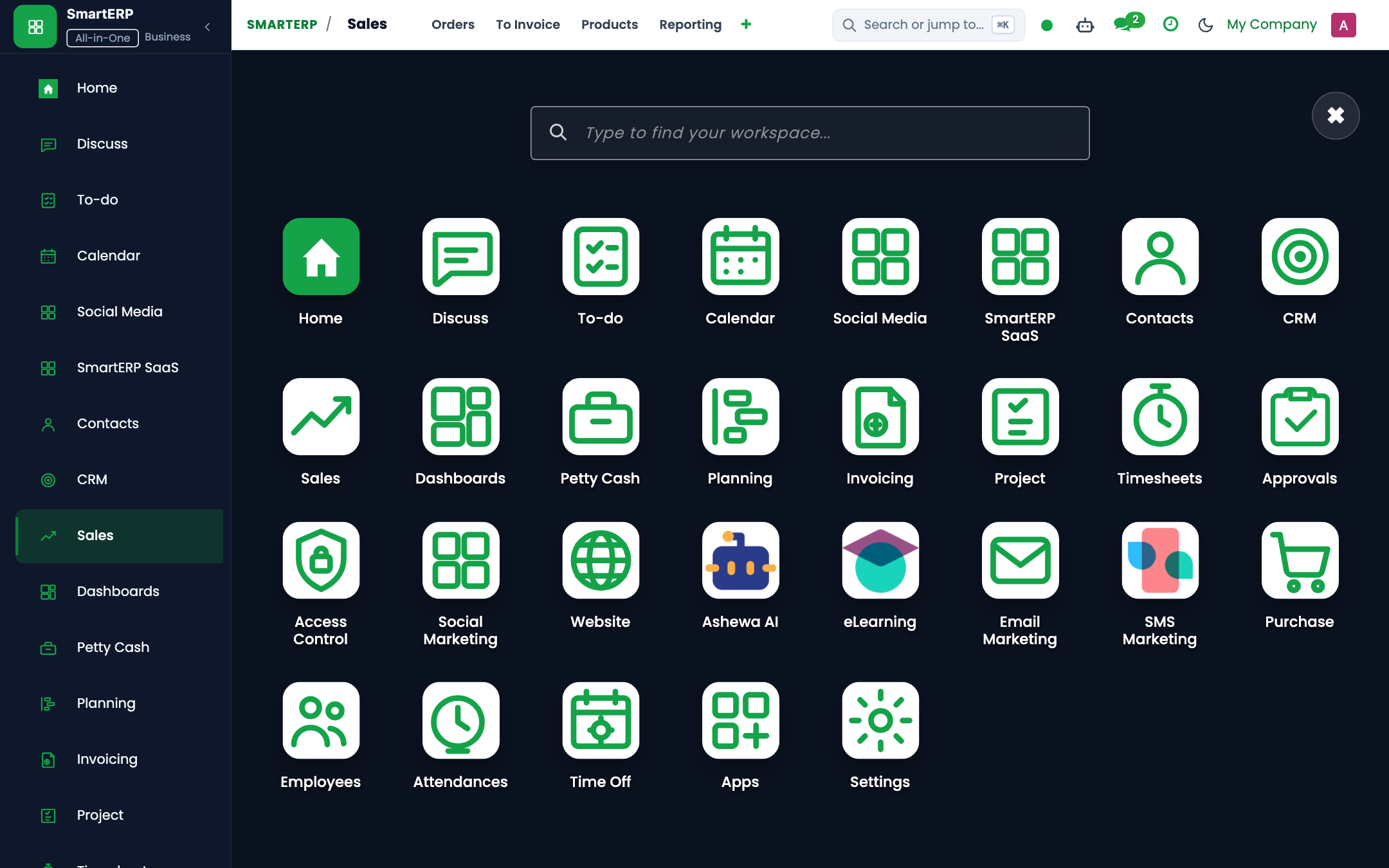
- Click New Quotation from the opportunity form.
- Select line items from the standardized Master Pricing Catalog (
product.template). - If an account manager inputs a discretionary discount exceeding authorized limits, SmartERP triggers an automated Approval Request (
smarterp.approval.request) to the Commercial Director before the quote can be sent.
Step 3: Invoicing with Ethiopian VAT Compliance#
- Upon project milestone delivery or product shipment, click Create Invoice.
- SmartERP generates a Customer Invoice (
account.movewithmove_type='out_invoice'). - The invoice automatically computes:
- Net Amount: Base billable services or goods.
- VAT (15%): Value Added Tax per Ethiopian tax proclamation.
- Customer TIN: Mandatory validation ensures commercial customers have verified TIN credentials.
Step 4: Cash Receipt Voucher (CRV) & Bank Matching#
- When the client settles via bank transfer, the treasury team navigates to Accounting -> Customers -> Payments.
- Click Register Payment to generate a Cash Receipt Voucher (CRV).
- The electronic bank statement imports automatically via
peachtree_reconciliation. - SmartERP matches the CRV reference code against the bank credit transaction, clearing the Accounts Receivable balance.
Last updated: 2026-10-16