Project Manager Guide
End-to-end delivery management, sprint execution, Definition of Ready enforcement, task allocation, and budget controls.
Project Managers (PMs) are the operational linchpins of SmartERP 19. They translate strategic customer contracts into predictable sprint releases, coordinate cross-functional engineering teams, and maintain project profitability.
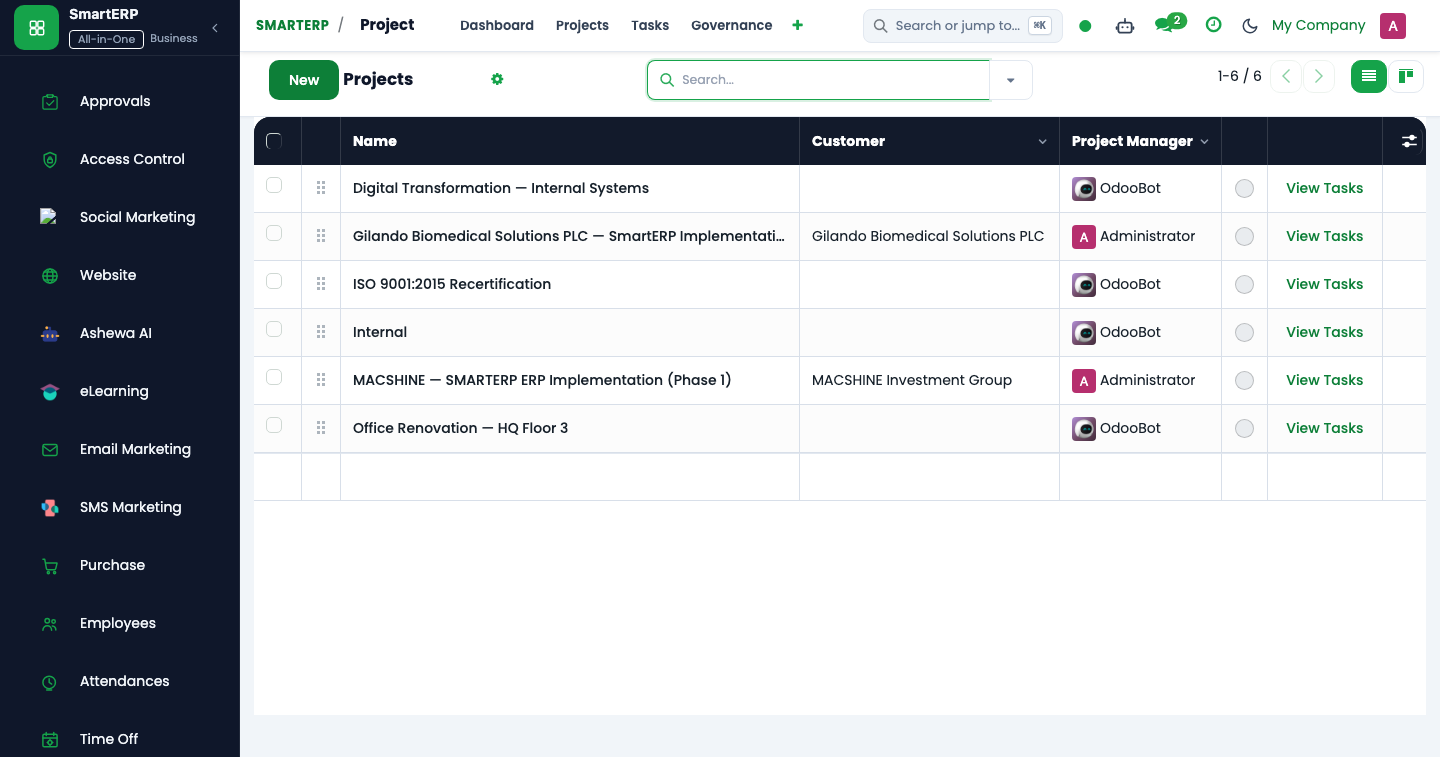
Project Management Console Architecture#
The Project Manager operates across five tightly coupled modules:
| Subsystem | Menu Path | Primary Model | Operational Purpose |
|---|---|---|---|
| Delivery Governance | Projects -> Projects -> [Project] | smarterp.project.governance | Enforces 5-Gate lifecycle, scope freeze, and RAID risk logs. |
| Agile Sprints | Projects -> Agile Sprints | smarterp.agile.sprint | Sprints, story point velocity, burndown, and Definition of Ready (DoR). |
| Resource Planning | Planning -> Schedule -> By Resource | smarterp.planning.shift | Visual matrix allocation, capacity leveling, and skill matching. |
| Estimate Approvals | Projects -> Estimate Approvals | smarterp.task.estimate | 4-step engineering estimate reviews before baseline freezing. |
| Commercial Controls | Projects -> Reporting -> Project P&L | smarterp.project.controls | Compares baseline budget vs. actual labor timesheets and vendor bills. |
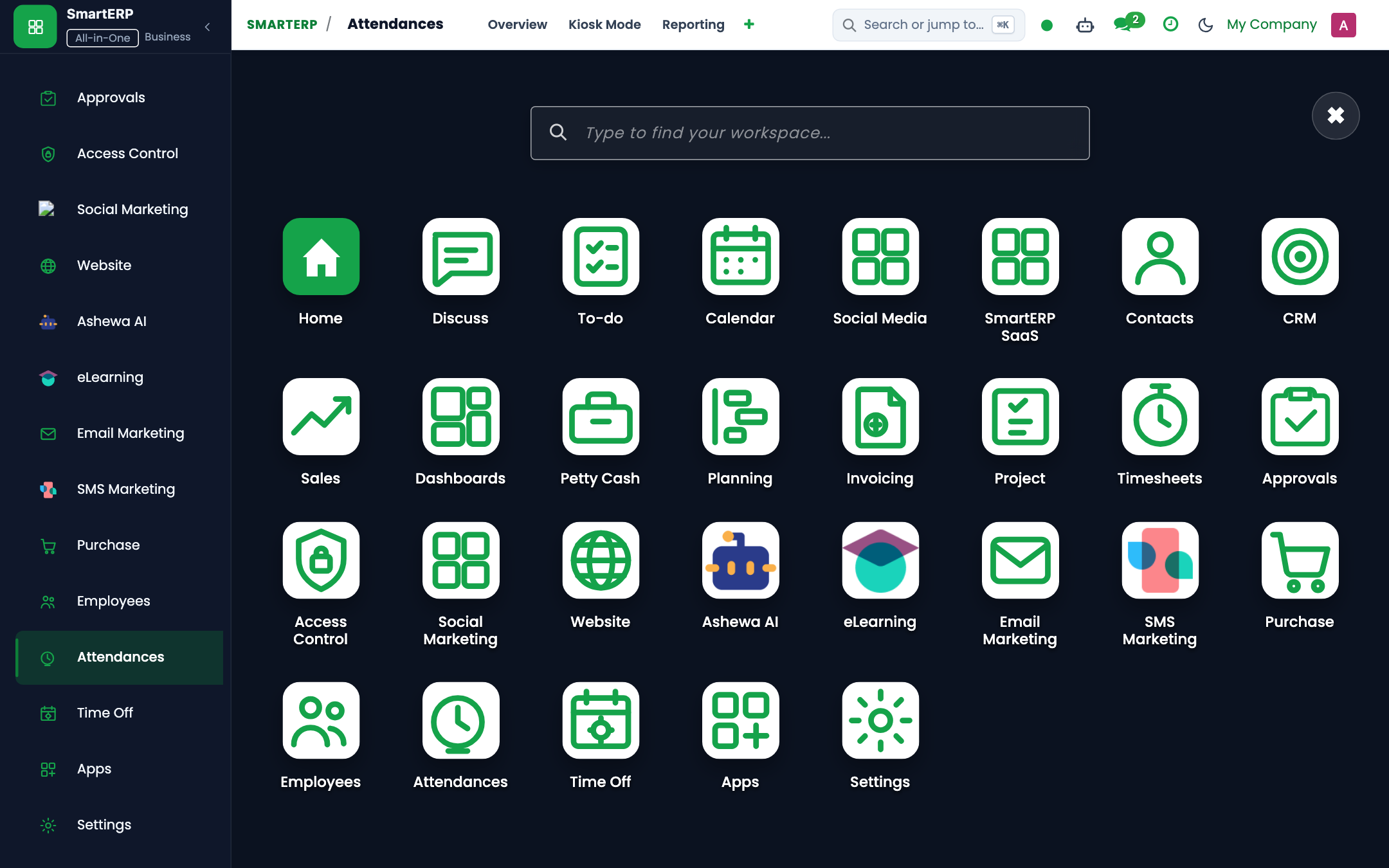
Sprint Lifecycle & Definition of Ready (DoR)#
SmartERP 19 enforces strict gatekeeping before any agile sprint can transition from Draft to Active.
+--------------------------------------------------------------------------+
|                     SPRINT ACTIVATION WORKFLOW                           |
+--------------------------------------------------------------------------+
| [1. Backlog Refinement]                                                  |
|     - Break down epic requirements into atomic user stories               |
|     - Assign acceptance criteria and test conditions                     |
+--------------------------------------------------------------------------+
                                    |
                                    v
| [2. Four-Tier Estimation Approval]                                       |
|     Developer -> Team Lead -> Tech Lead -> Project Manager               |
|     * Estimates frozen into Allocated Hours on task                       |
+--------------------------------------------------------------------------+
                                    |
                                    v
| [3. Definition of Ready (DoR) Verification]                              |
|     [x] User story points populated (Fibonacci scale: 1, 2, 3, 5, 8, 13) |
|     [x] UI/UX wireframes attached to task attachments                    |
|     [x] QA test criteria defined                                         |
|     [x] No unresolved Critical Blockers linked to sprint tasks          |
+--------------------------------------------------------------------------+
                                    |
                                    v
| [4. Sprint Active]                                                       |
|     - Team members drag tasks across Kanban stages                       |
|     - Timesheets logged against sprint backlog tasks                     |
+--------------------------------------------------------------------------+
Definition of Ready (DoR) Field Reference#
| Field Technical Name | Required State | Validation Rule | Error on Breach |
|---|---|---|---|
story_points | Mandatory | Numeric integer > 0 | ValidationError: Story points must be assigned. |
estimate_state | Mandatory | Must equal 'approved' | UserError: Unapproved estimate cannot enter sprint. |
dor_checklist_ids | Mandatory | All 5 checklist items checked | ValidationError: Complete DoR before sprint activation. |
blocker_ids | Conditional | No active blocker with severity 'critical' | UserError: Resolve critical blockers before launch. |
Resource Allocation & Capacity Leveling#
Project Managers schedule resources directly from Planning -> Schedule -> By Resource.
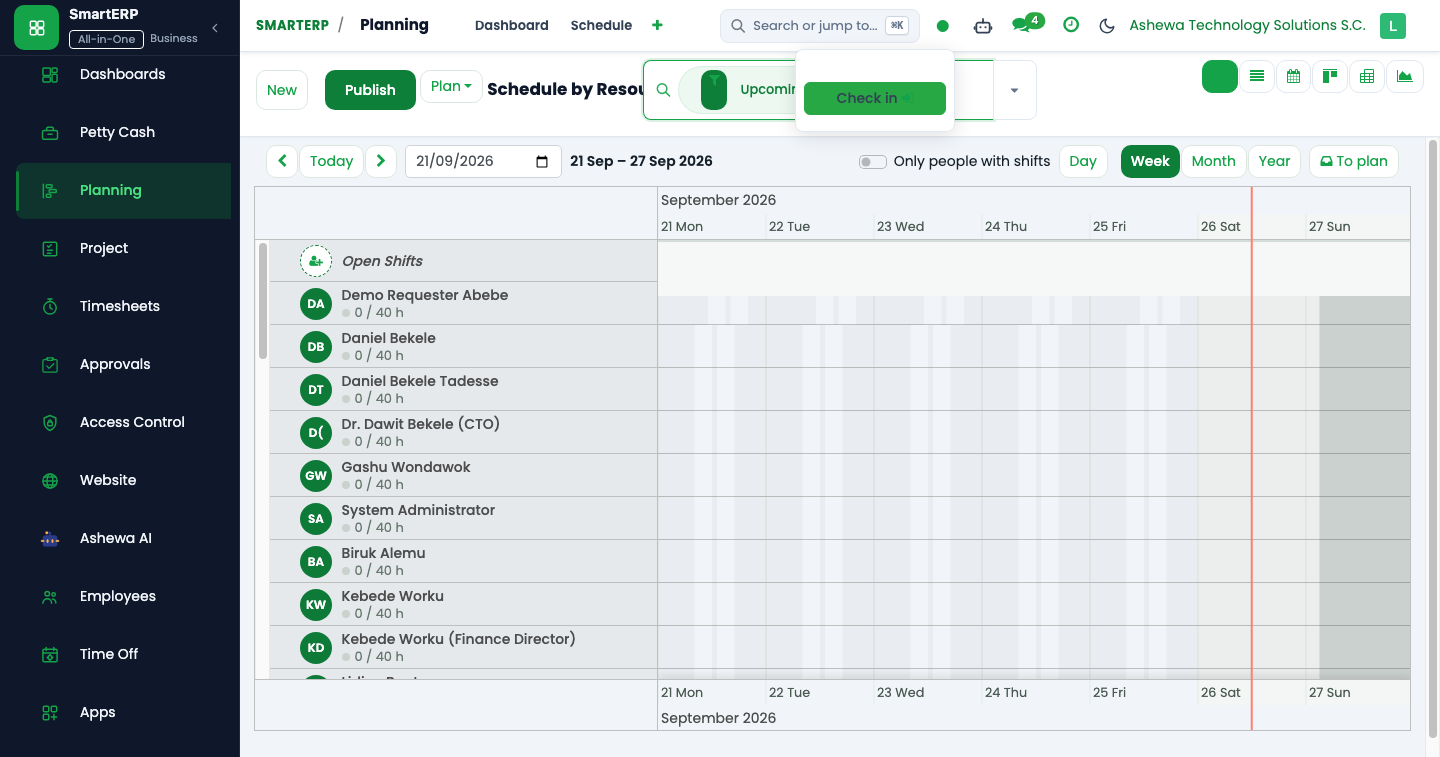
- Open the Schedule by Resource timeline.
- In the right-hand To Plan side drawer, locate backlog tasks assigned to the current project milestone.
- Drag the task card onto the developer's timeline row.
- SmartERP automatically computes shift duration based on the employee's working calendar:
- Deducts official Ethiopian public holidays (Bahire Hasab computus).
- Warns if the resource has approved leave or clashes with an existing shift.
- Click Publish to notify the employee via email and push notification.
Blocker Escalation & SLA Ladder#
When an engineer encounters an impediment, they flag the task with a Blocker tag. SmartERP 19 enforces automated SLA monitoring:
| Blocker Severity | Initial SLA Response | Resolution SLA | Auto-Escalation Target |
|---|---|---|---|
| Low | 24 Hours | 72 Hours | Scrum Master |
| Medium | 8 Hours | 24 Hours | Project Manager |
| High | 4 Hours | 12 Hours | Technical Lead & PM |
| Critical | 1 Hour | 4 Hours | CTO & Department Head |
A background cron job (ir.cron_smarterp_blocker_escalation) executes every 4 hours, scanning for unresolved blockers and firing urgent email alerts to the escalation matrix.
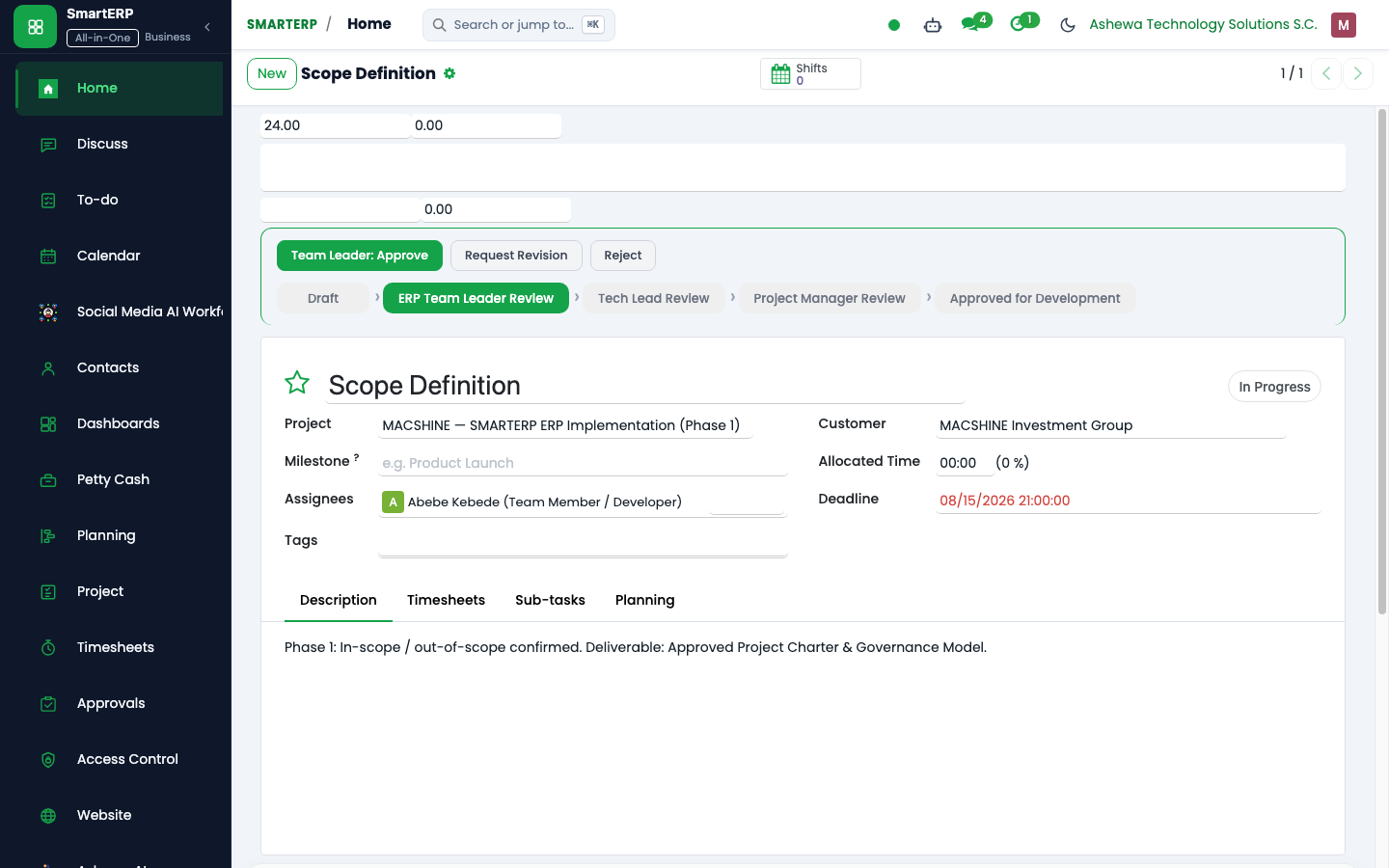
Commercial Margin & Cost Variance Defense#
Project Managers track financial health in real time via the Project Controls tab:
$$\text{Labor Cost} = \sum (\text{Timesheet Hours} \times \text{Employee Hourly Cost})$$
$$\text{Cost Variance (CV)} = \text{Earned Value (EV)} - \text{Actual Cost (AC)}$$
$$\text{Schedule Variance (SV)} = \text{Earned Value (EV)} - \text{Planned Value (PV)}$$
If Cost Variance drops below $-10\%$, the project manager must submit a formal Change Request (CR) through Delivery Governance to re-baseline the budget.