System Administrator Guide
Platform configuration, Multi-DB management, RBAC access control, scheduled background actions, and system health monitoring.
System Administrators maintain the technical reliability, security posture, performance, and multi-tenant environment of SmartERP 19.
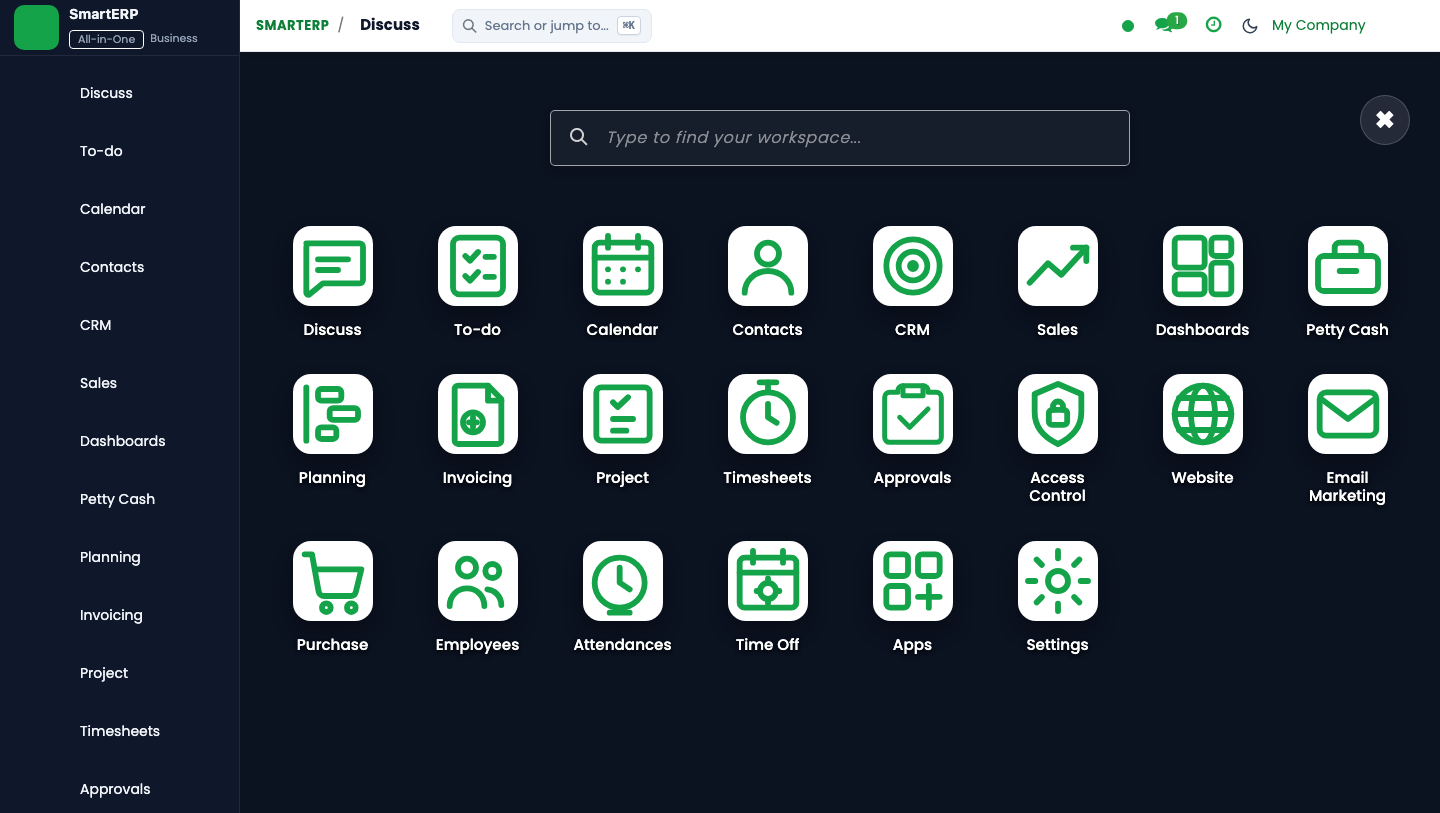
System Administration Topology#
SmartERP 19 runs as an enterprise application on Ubuntu Linux with PostgreSQL and Nginx reverse proxying:
| Architecture Layer | Component | Ports / Interface | Operational Purpose |
|---|---|---|---|
| Reverse Proxy | Nginx with TLS 1.3 | 80, 443 (smarterp.et) | SSL termination, HTTP/2, gzip compression, rate limiting. |
| Application Server | Odoo 19 Community Core | 8295 (dev), 8291 (candidate) | Python gevent worker pool, XML-RPC services, REST APIs. |
| Database Server | PostgreSQL 16 Enterprise | 5432 (m19_pg) | ACID transactions, automated WAL archiving, pg_dump backups. |
| Scheduled Tasks | ir.cron Engine | Internal Worker Thread | SLA escalations, currency exchange sync, payroll auto-actions. |
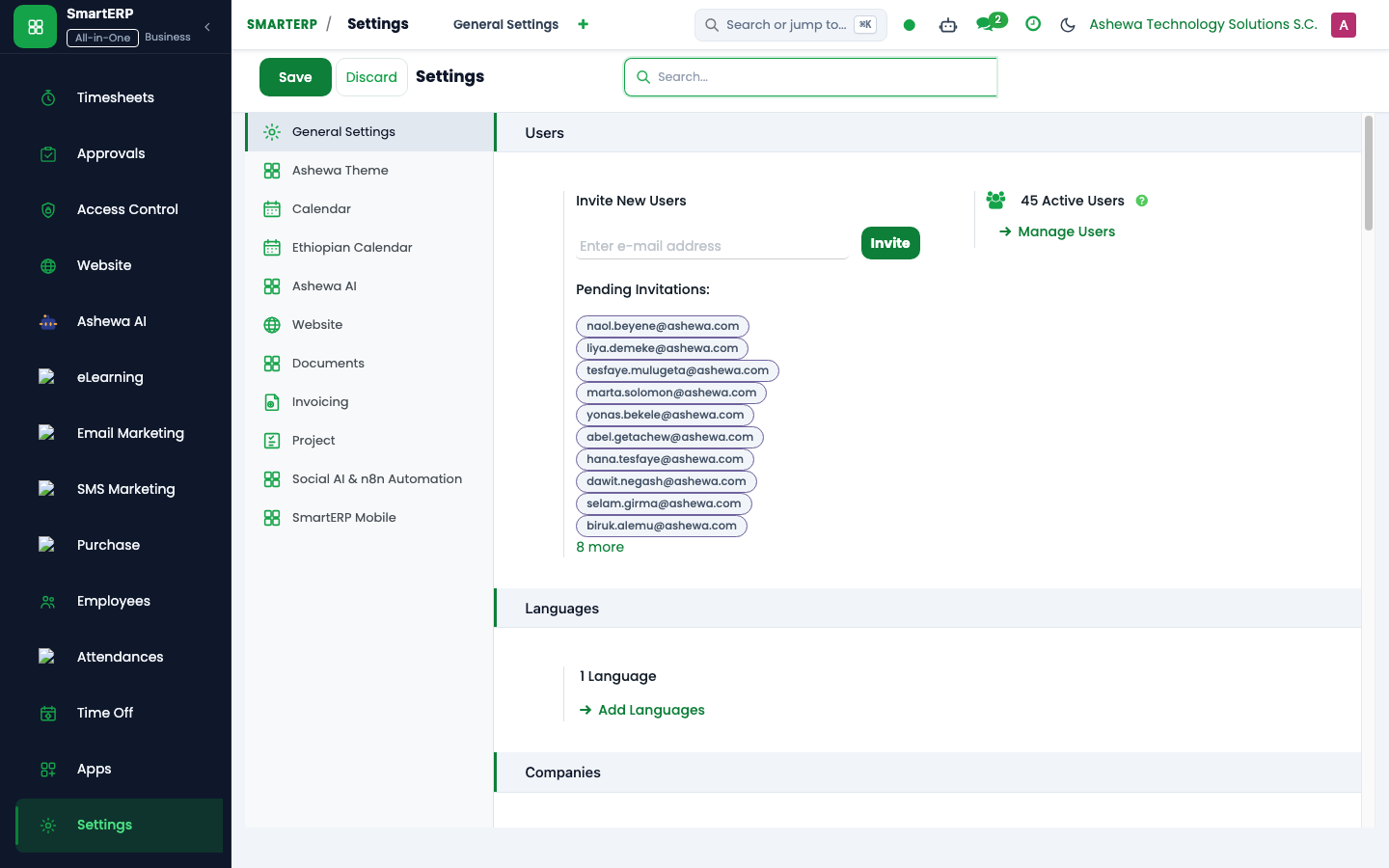
Multi-Database Management & Disaster Recovery#
SmartERP 19 features multi-database segregation for staging, development, and production tenants:
Automated Backup Script SOP#
Platform administrators execute daily automated database backups using the following standard procedure:
#!/usr/bin/env bash
# /opt/smarterp/scripts/backup_production.sh
set -euo pipefail

BACKUP_DIR="/var/backups/smarterp"
TIMESTAMP=$(date +"%Y%m%d_%H%M%S")
DB_NAME="dev"
BACKUP_FILE="${BACKUP_DIR}/${DB_NAME}_${TIMESTAMP}.zip"

mkdir -p "${BACKUP_DIR}"

# Execute authenticated backup via curl to Odoo database manager
curl -s -X POST \
  -F "master_pwd=${SUPER_ADMIN_PASSWORD}" \
  -F "name=${DB_NAME}" \
  -F "backup_format=zip" \
  -o "${BACKUP_FILE}" \
  http://127.0.0.1:8295/web/database/backup

# Retain last 14 daily archives; prune older snapshots
find "${BACKUP_DIR}" -name "*.zip" -mtime +14 -delete
Scheduled Actions (ir.cron) Health Monitoring#
SmartERP 19 relies on automated cron jobs to maintain SLA compliance and transaction consistency. Administrators monitor these via Settings -> Technical -> Automation -> Scheduled Actions:
| Cron Technical Name | Interval | Target Module | What It Does |
|---|---|---|---|
ir_cron_blocker_escalation | Every 4 Hours | smarterp_project_agile | Scans for unresolved task blockers; fires escalation emails to CTO. |
ir_cron_timesheet_period_lock | Monthly (Day 1) | smart_enterprise_timesheet | Locks previous month timesheets to freeze payroll and billing data. |
ir_cron_sync_attendance | Every 15 Mins | hr.attendance | Pulls biometric punch logs from networked turnstile gateways. |
ir_cron_wht_declaration_check | Monthly (Day 25) | wht_at_payment | Audits unposted vendor bills for missing MoR withholding tax lines. |
Role-Based Access Control (RBAC) Governance#
SmartERP 19 enforces strict role segregation. When provisioning new users in Settings -> Users & Companies -> Users:
- Assign the user strictly to their business role profile (
smarterp.rbac.role). - Never grant
Administration / Settingsto non-IT personnel. - Enforce Two-Factor Authentication (2FA) for all accounts with financial posting or approval authority.
- Verify that no single user holds both
Accounting / AccountantandPurchase / Managerto prevent procurement-to-payment collusion.