SmartERP Construction Management
Work Effortlessly on Your Key Operation with SmartERP for Construction Management.
SmartERP Construction Management streamlines construction projects with tools for project management, resource allocation, cost control, document management, financial management, equipment management, subcontractor management, and safety management. This improves efficiency, enhances collaboration, and drives profitability.
Project Planning & Controlling Management
Inventory Management
Procurement Management
Financial Management
Challenges Faced by Construction Businesses
Cost Control IssueImproper Project SchedulingUnderutilized ResourceUnavailability of Field Reporting FeatureCentralized Communication
Why choose SmartERP Construction?
Complete Coverage of Industrial Support
Meets all industry needs.Flexible Deployment
Adaptable to various business requirements.Great Value for the Company
Low implementation cost and easily scalable.Customizable
Tailored to specific business needs.Project Planning & Controlling Management
Assists with budgeting, estimating, planning, and executing construction projects while tracking progress and costs.
Resource Requirement and Costing
Accurately estimates and manages project resources and costs.Rate Analysis
Analyzes labor and material rates to optimize project budgets.Cost & Quantity Variance
Analyzes labor and material rates to optimize project budgets.Task Update and Completion Tracking
Monitors progress and completion of tasks for materials and labor.Project Planning & Scheduling
Organizes project timelines and schedules for efficient execution.Team Collaboration
Enhances communication and coordination among project team members.Inventory Management
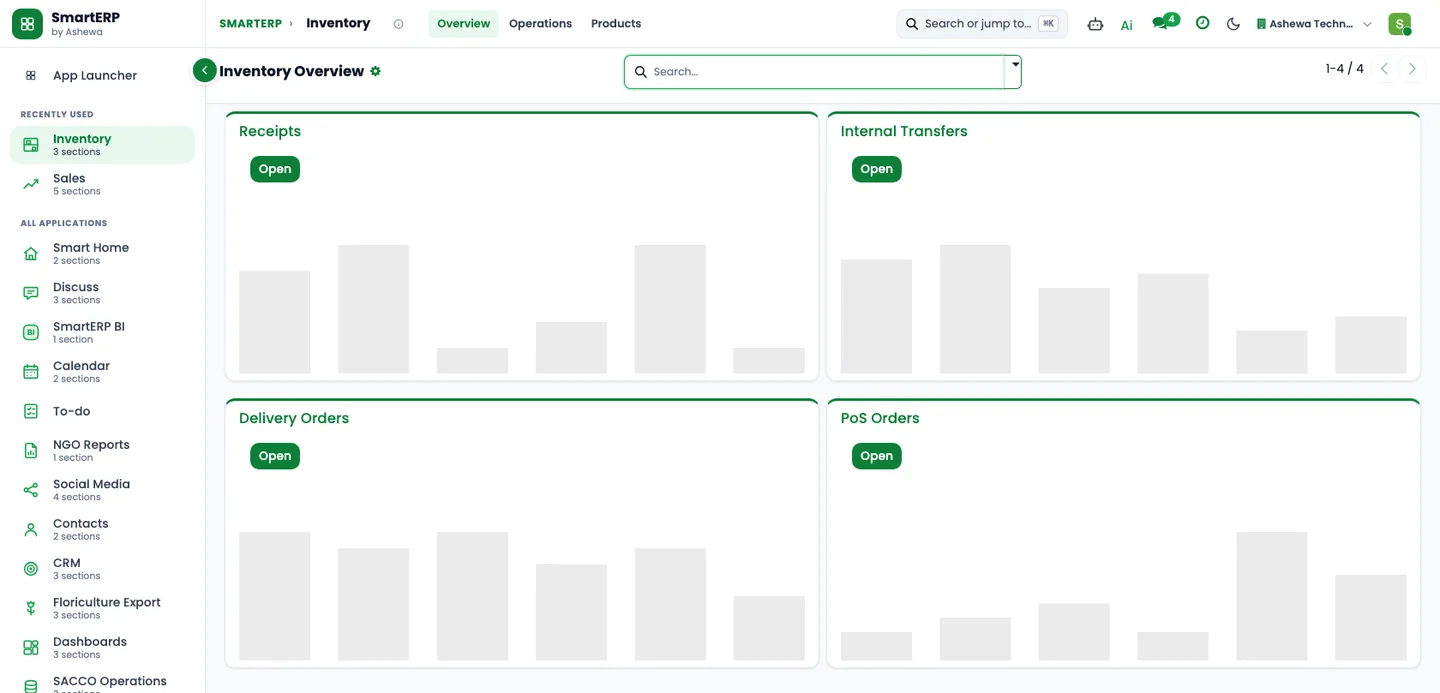
Manages and tracks inventory items from raw materials to final goods, ensuring optimal stock levels.Inventory Tracking
Manages inventory from raw materials to final goods.Automation and Smart Routing
Optimizes warehouse operations through advanced automation.Double-Entry Inventory
Improves warehouse organization and accuracy with a double-entry system.Dynamic Reporting
Provides real-time, actionable insights through dynamic reports.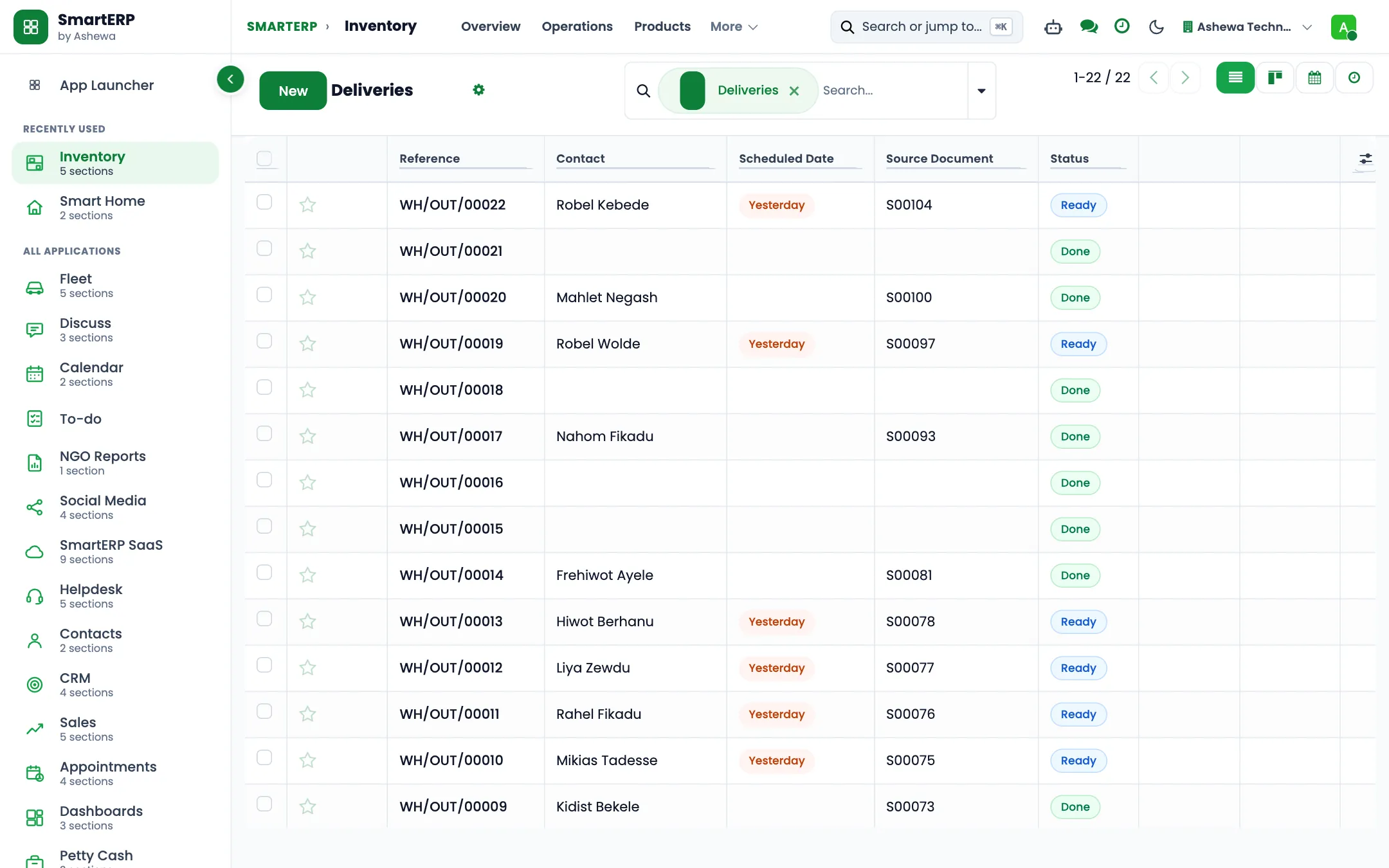
Procurement Management
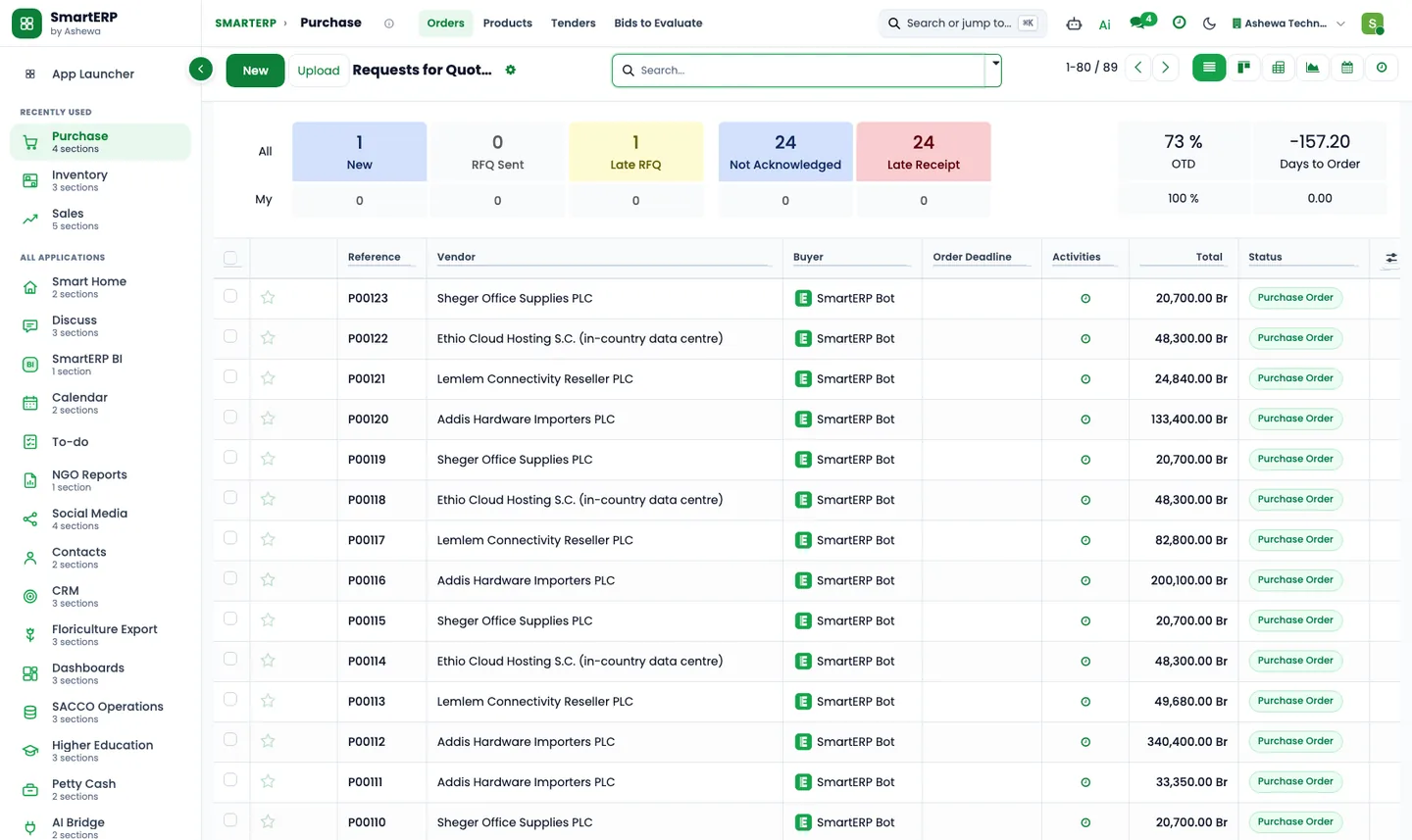
Streamlines the purchasing process, including vendor management, order creation, and cost tracking.
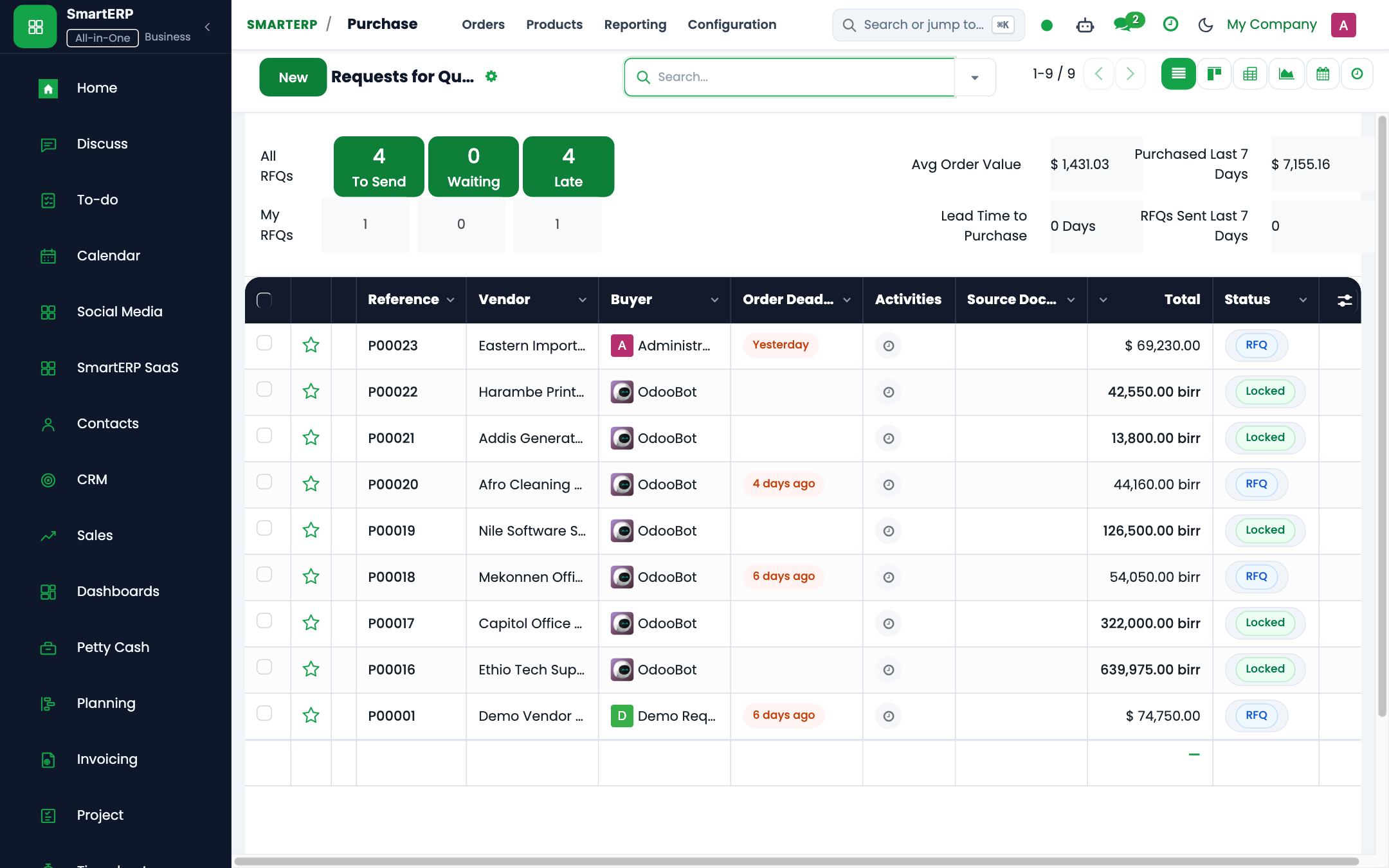
Workflow Management System
Streamlines procurement processes with efficient workflow management.Quotation Management
Simplifies the process of managing and comparing vendor quotations.Purchase Order Creation
Facilitates the creation and tracking of purchase orders.Tax Handling
Manages taxes and compliance efficiently.Vendor Bill Processing
Processes and analyzes vendor bills for better cost management.Financial Management
Provides a comprehensive view of financial budgeting, invoicing, and tax compliance for construction projects.Manage Bills and Expenses
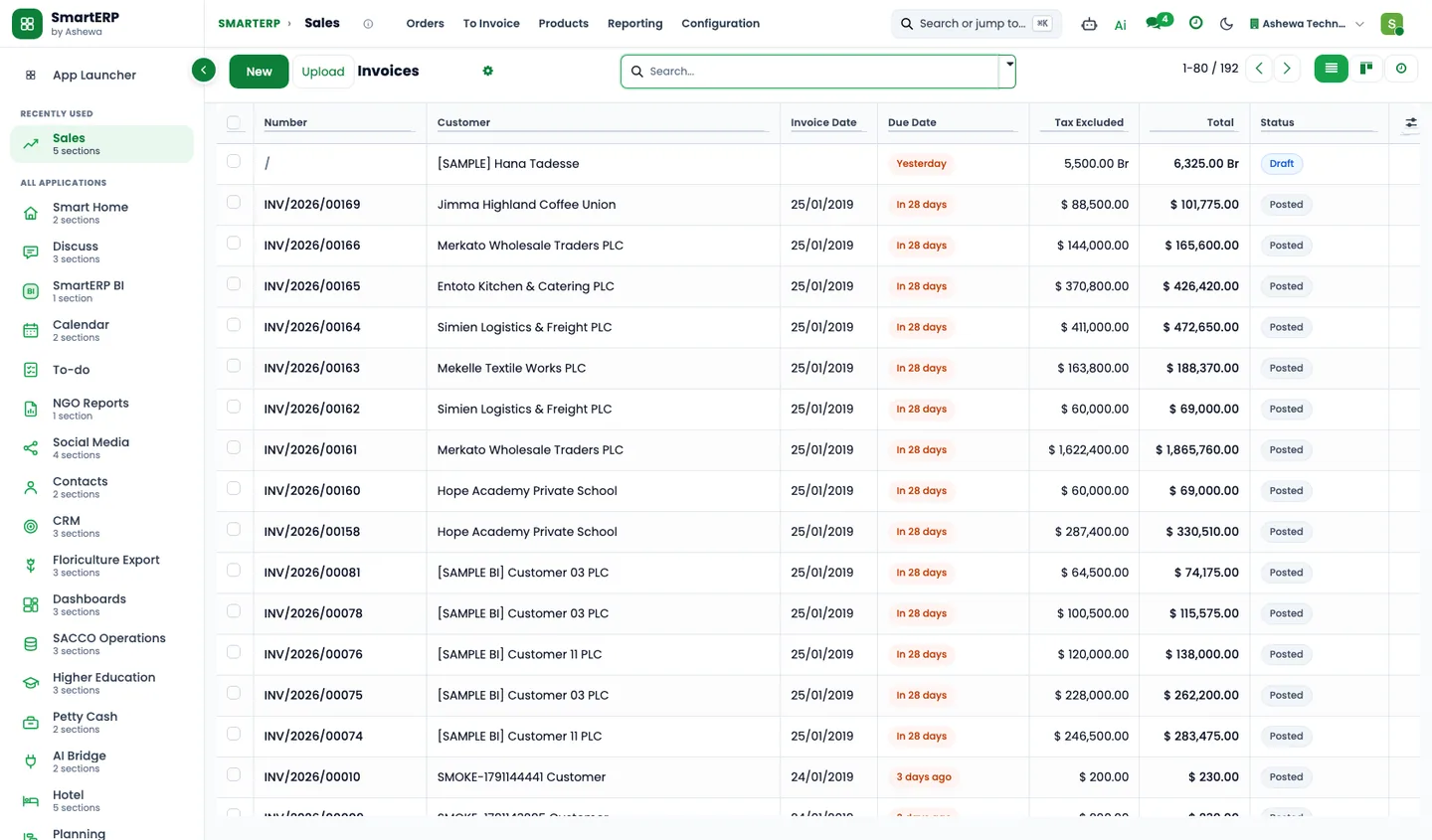
Tracks and manages all financial transactions and expenses.Invoicing
Automates and simplifies the invoicing process.Bank Reconciliation
Ensures accurate financial records through easy bank reconciliation.Track Finances
Provides a comprehensive overview of financial health and budgets.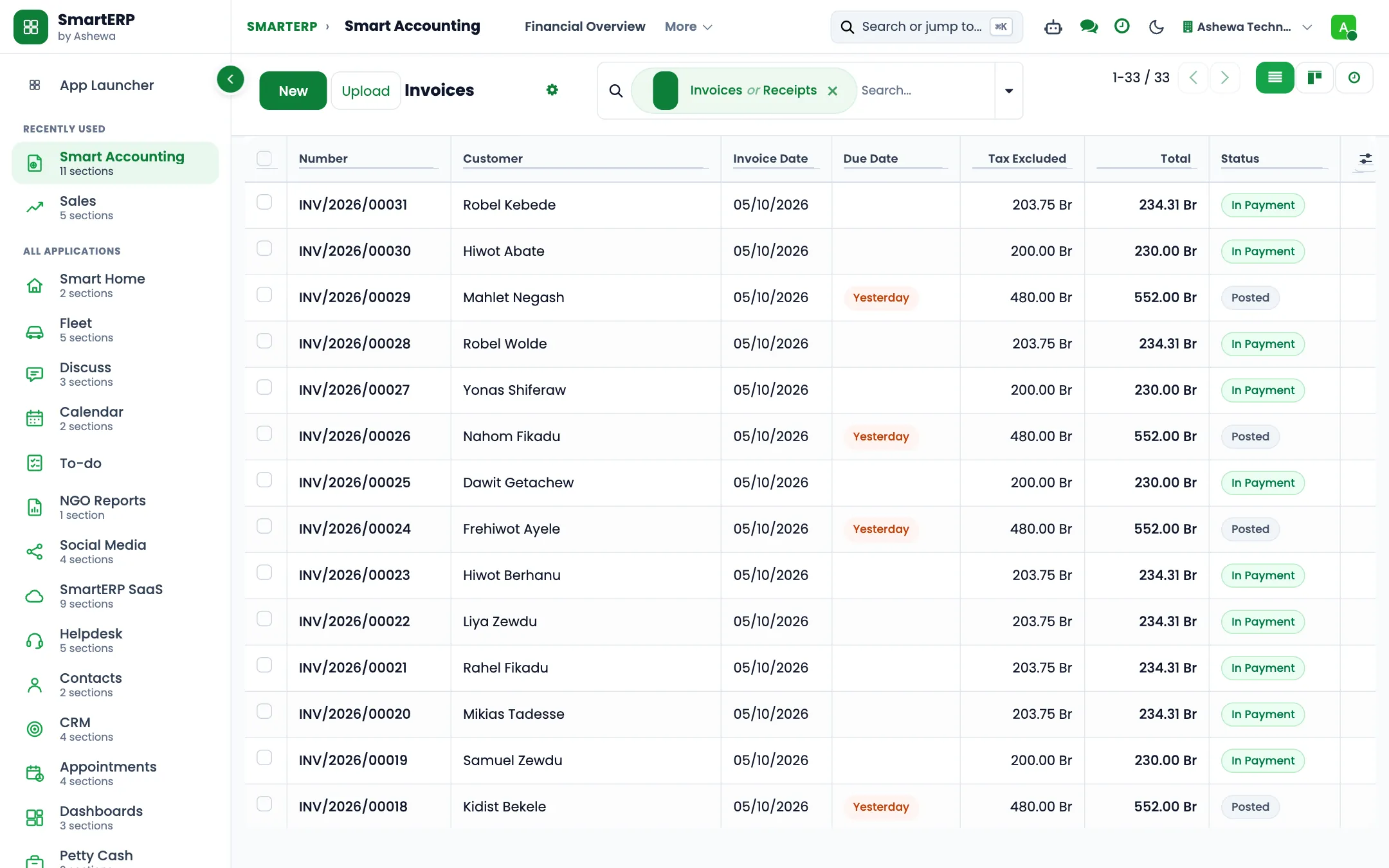
Cost Management
Track and analyze production costs, including material, labor, and overhead costs, to ensure profitability. Allocate costs to specific products or production orders for accurate cost accounting. Compare standard costs with actual production costs to identify variances and improve cost controlReporting and Analytics
Generate detailed reports on production performance, including efficiency, yield, and downtime. Analyze production costs with customizable reports to identify cost-saving opportunities. Create custom dashboards to monitor key performance indicators (KPIs) and manufacturing metrics in real time.The industry
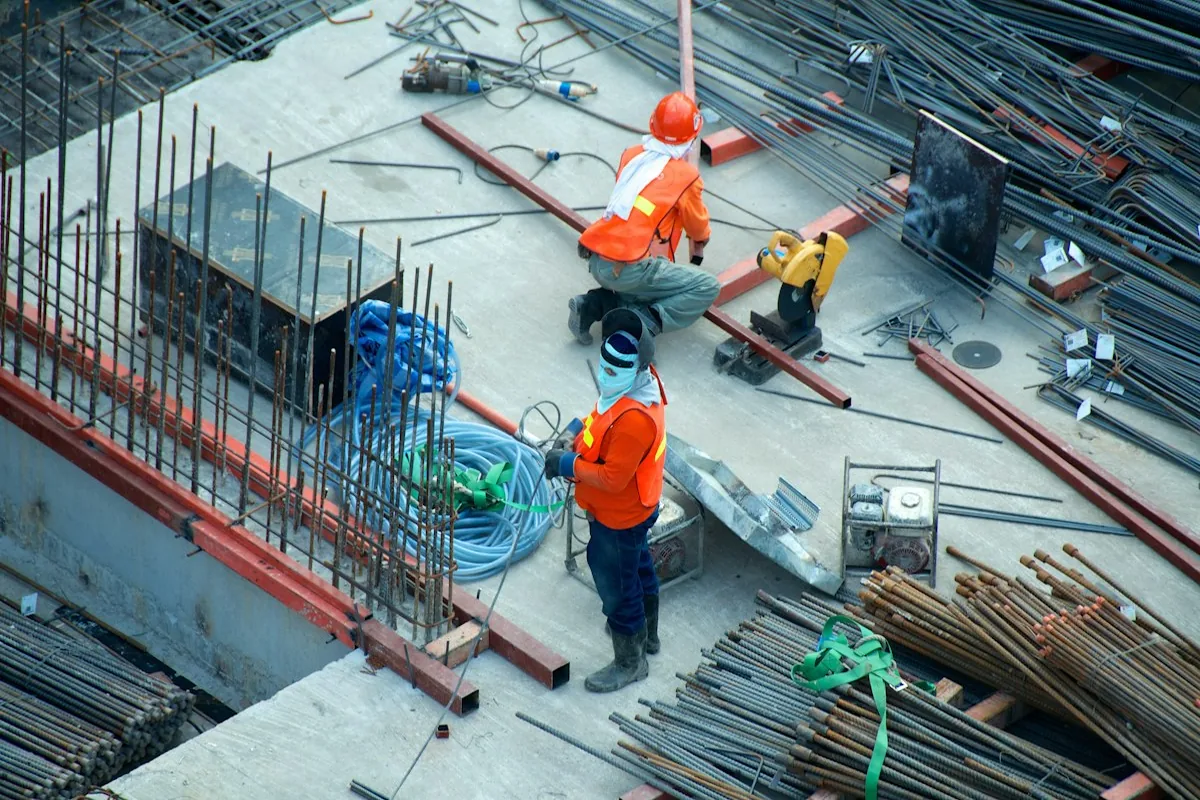
A construction project is won or lost between the estimate and the actual cost
- Cost against estimate is known only after the damage is done.
- Purchase requests travel by chat and wait for approval.
- Site staff time and machinery use are recorded late.
- Projects are planned in separate files.
SmartERP customers in this sector: OBM Construction S.C., IJA Developers S.C. All customers
How the work flows
From the first step to the management dashboard
The estimate, the purchases, the site time and the bills sit on the project, so cost against plan is visible while there is still time to act.
In the product
A real SmartERP screen for this work
Captured from a running SmartERP system. Every company, person and figure shown is invented sample data.
Beyond a generic ERP
What goes further for this industry
Project controls
Quantified risk, category budgets with forecast and a forward resource outlook.
Project estimation approval
A staged approval before work starts.
Resource planning
Plan crews and shifts on the visual planner.
Fleet
Vehicles, contracts and service.
Industry configuration packs (hotel, construction, restaurant)
Coming soon
Ready-made starting configurations. Not offered yet.
Management visibility
What management sees
A project dashboard across progress, budget and approvals, and finance behind it.
What changes
The outcome, without invented numbers
- Cost against estimate is visible during the project.
- Purchase requests have an owner and a status.
- Site time reaches the project without retyping.
Not included: Bills of quantities and subcontractor management are not standard modules; they are scoped as customization.
Built for you
Who this solution is for
Building contractors and developers with several sites that run each site as a project, buy materials against it and invoice clients, and keep engineering tools for drawings and quantities.
Typical size: 11 to 50 people, 51 to 100 people.
How it works
Your work, step by step in SmartERP
The routine of this industry, followed from the first step to the money in the bank.
From an accepted quotation to a site with stages
- The company quotes the client and, on acceptance, duplicates the site project template.
- The site project carries the eight stages from setting out to snagging and its starter tasks.
- Progress is invoiced to the client from the sales order and the open balance is followed up.
From a site request to materials received and paid
- The site raises a request and the office asks suppliers for quotations from the materials catalogue.
- The purchase order is received into the site store and checked against the supplier's bill.
- Finance pays the vendor bill against the order.
In the product
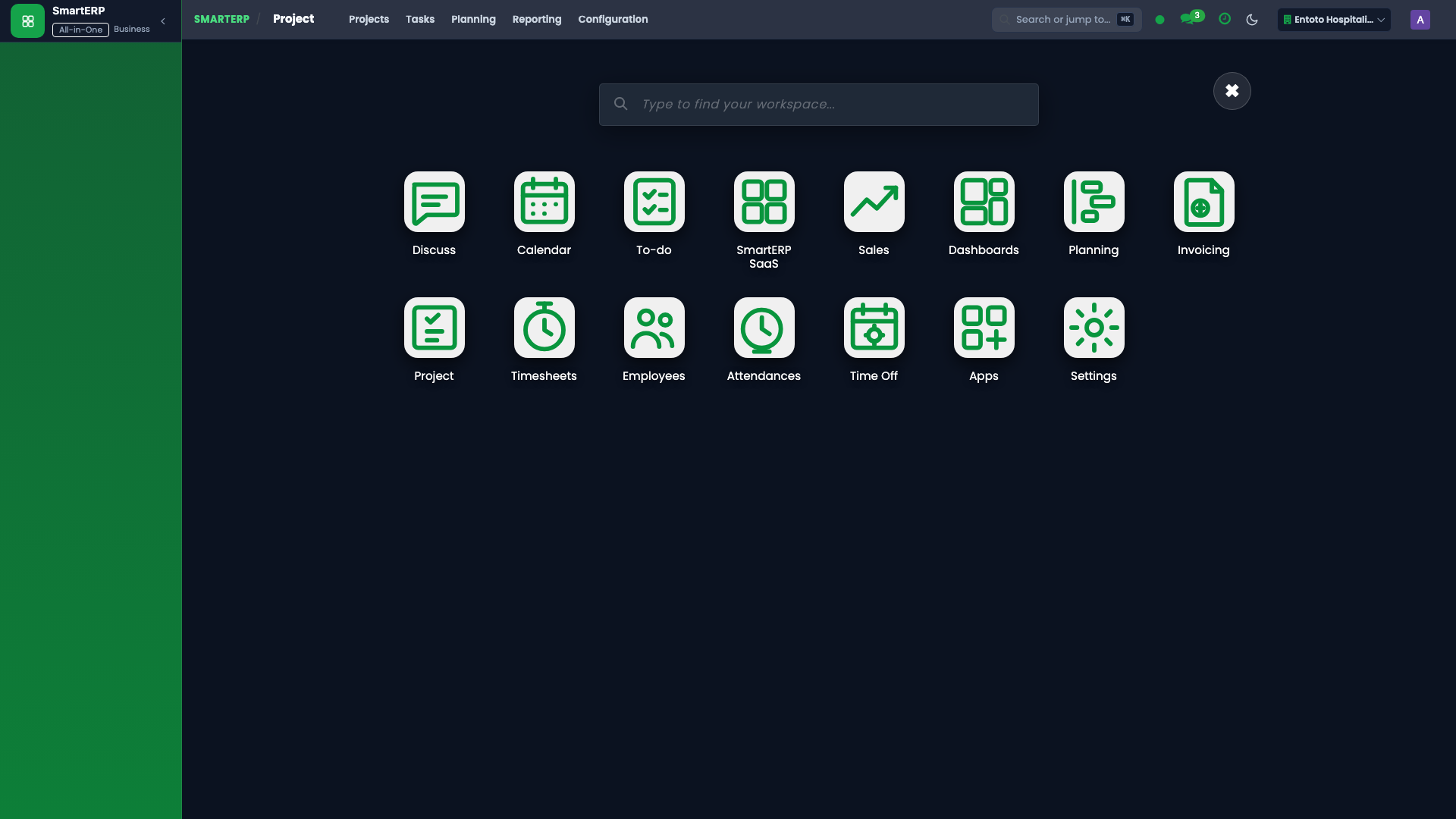
The core applications it runs on
Real SmartERP screens with sample data: every company, person and figure shown is invented.
Who uses it
Each person sees their own work
- Project Manager
- Quantity Surveyor
- Procurement
- Finance
- Site Manager
- Subcontractor Coordinator
Access follows the role: people see and change only what their job needs.
What you can follow
Figures management asks for
- Tasks by stage and project (Project Manager)
- Purchases by supplier (Procurement)
- Invoiced and paid by month (Finance)
- Interim certificate value and retention held (Quantity Surveyor) On request
Documents
Printed and shared from the system
- Purchase order
- Customer invoice
What you get
What is included, and what comes next
Included from day one
- Site stages and a site project template
- Task tags
- Site follow-up activity types
- Materials catalogue
- Quintal and bag units
- Service templates
- Site settings
Available on request
- Bill of quantities
- Interim payment certificates
- Retention
- Variation orders
- Subcontractor claims
- Daily site report
Delivered through implementation for your business.
What this solution does not do
quantity take-off from drawings. For these, SmartERP works next to other specialised software or a manual process; ask us how.
SmartERP for construction
Applications, pricing and next steps
Applications
Start with these applications
The starting set of the Construction industry edition (required and recommended applications).
Often added for construction
Guidance for the discovery call, not part of the edition’s starting set.
Pricing
Industry edition: Construction
An industry edition bundles the applications this industry typically uses, priced per company per year. Pricing by application and user per year is the alternative.
Services for your rollout
Quick Service Request