Payment and receipt vouchers
Step-by-step operational standard for Bank Payment Vouchers (BPV), Cash Receipt Vouchers (CRV), Cheque Payment Vouchers (CPV), Withholding Vouchers (WHV), and Petty Cash Slips (PCPS).
SmartERP standardizes all commercial payments, receipts, and cash disbursements through formal statutory voucher layouts designed to meet Ethiopian regulatory compliance and internal audit standards.
Statutory Voucher Governance Framework#
In Ethiopian corporate practice, oral authorization or unstructured bank transfers create serious audit deficiencies. SmartERP enforces a strict physical and digital voucher trail:
| Voucher Type | Technical Module | Trigger Event | Mandatory Signatories | Statutory Distribution |
|---|---|---|---|---|
| Cheque Payment Voucher (CPV) | cpv_voucher | Vendor bill settlement via commercial bank cheque. | Prepared by Accountant, Authorized by Finance Head, Approved by Managing Director, Signed by Payee. | Original: Vendor, 1st Copy: Accounts, 2nd Copy: Pad. |
| Bank Payment Voucher (BPV) | cpv_voucher | Wire transfers, CPO issuance, letter of credit (LC), or direct bank debit. | Prepared by Accountant, Checked by Internal Auditor, Approved by General Manager, Received by Signatory. | Original: Finance File, Copy: Bank Dispatch. |
| Cash Receipt Voucher (CRV) | cpv_voucher | Cash collection, counter sales, advance refunds, or currency deposits. | Received by Cashier, Deposited by Treasury Officer, Confirmed by Payer. | Original (White): Payer, 1st Copy (Blue): Accounts, 2nd Copy (Red): Store, 3rd Copy (Green): Pad. |
| Withholding Voucher (WHV) | wht_at_payment | Statutory 2% or 30% tax deduction at payment confirmation. | Prepared by Tax Officer, Authorized by Chief Accountant. | Original: Vendor (for MOR credit), Copy: Tax Audit File. |
| Petty Cash Payment Slip (PCPS) | custom_petty_cash | Cash disbursement below operational imprest threshold. | Prepared by Custodian, Checked by Supervisor, Approved by Manager, Received by Recipient. | Original: Custodian Pad, Attached: Vendor Fiscal Receipt. |
Cheque Payment Voucher (CPV) Operations#
The Cheque Payment Voucher module (cpv_voucher) manages the end-to-end cheque disbursement lifecycle with pad-number sequence tracking and maker-checker authorization.
+----------------------------------------------------------------------------------------------------+
|                                CHEQUE PAYMENT VOUCHER (CPV) WORKFLOW                               |
+----------------------------------------------------------------------------------------------------+
|                                                                                                    |
|  [Vendor Bill (Posted)]                                                                            |
|           |                                                                                        |
|           v                                                                                        |
|  [Select 'Cheque Payment Voucher'] ---> Auto-Assigns CPV Pad No. (ashewa.cpv.sequence)             |
|           |                                                                                        |
|           v                                                                                        |
|  [Step 1: Action CPV Prepare] --------> Sets cpv_state = 'prepared', prepared_by = Current User    |
|           |                                                                                        |
|           v                                                                                        |
|  [Step 2: Action CPV Authorize] ------> Sets cpv_state = 'authorized', authorized_by = Supervisor |
|           |                                                                                        |
|           v                                                                                        |
|  [Step 3: Action CPV Approve] --------> Sets cpv_state = 'approved', approved_by = Executive       |
|           |                                                                                        |
|           v                                                                                        |
|  [Register Payment / Post] -----------> Verifies cpv_state == 'approved' before committing GL     |
|           |                                                                                        |
|           v                                                                                        |
|  [Print Official CPV Report] ---------> Dual Language (Amharic/English) Form with Amount in Words   |
+----------------------------------------------------------------------------------------------------+
Step-by-Step Procedure: Registering a CPV#
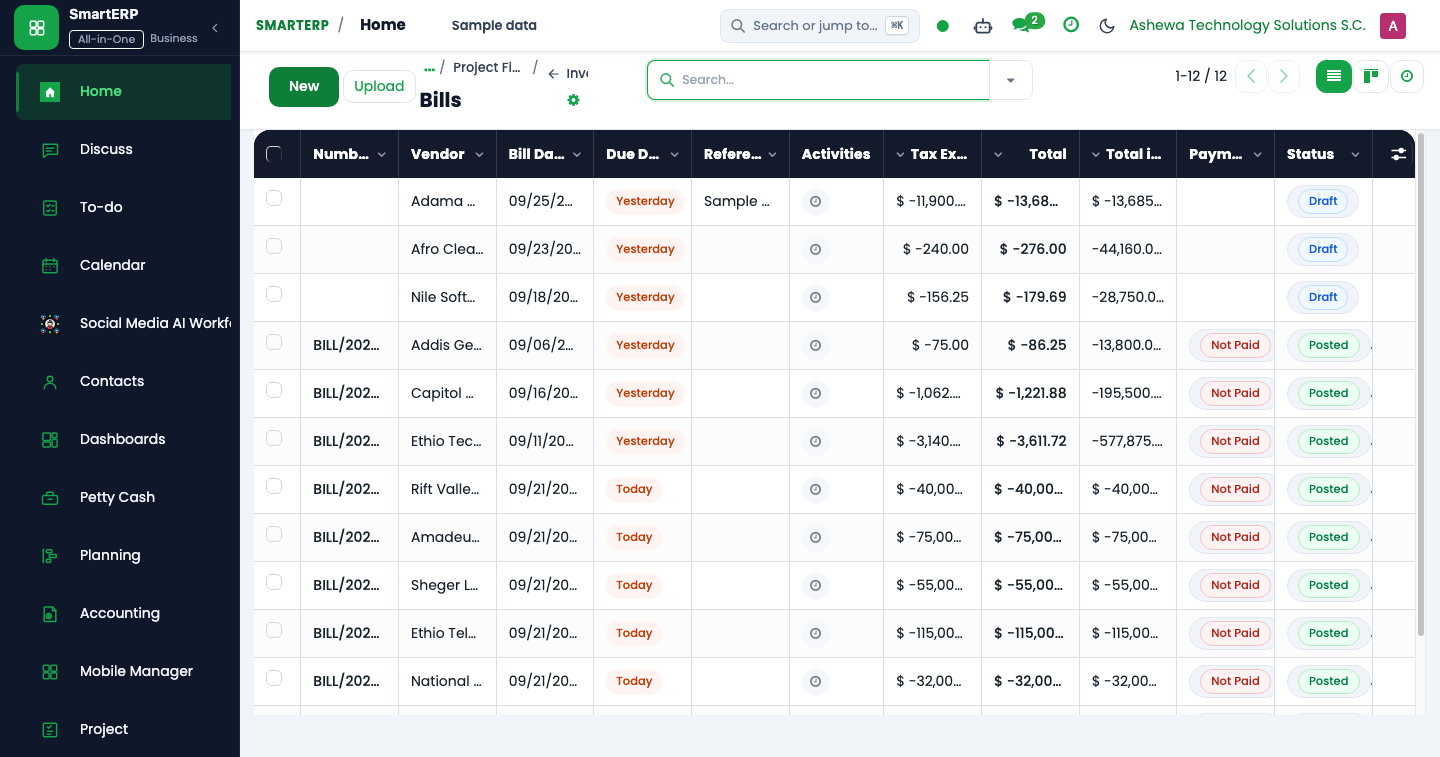
- Navigate to Accounting → Vendors → Bills and open the approved vendor bill.
- In the Payment Delivery Type field, select
Cheque Payment Voucher (CPV). - The system automatically reserves the next sequential pad number (
cpv_sequence_number). - Fill in the cheque parameters:
- Payee Name (የተከፋይ ስም): Legal entity or individual name on the cheque leaf.
- Cheque Reference (የተከፈለበት የቼክ ቁ.): Physical cheque leaf serial number.
- Purpose of Payment (የተከፈለበት ምክንያት): Detailed business rationale.
- CPV Payment Journal: Select the specific commercial bank cheque account.
- The system automatically converts the total currency into statutory words (
cpv_amount_in_words), e.g., "Forty-Five Thousand Two Hundred Birr and 50/100 Only". - Click Prepare CPV (
action_cpv_prepare), followed by Authorize (action_cpv_authorize) and Approve (action_cpv_approve). - Click Register Payment. The payment wizard automatically carries forward the bill's CPV pad number and cheque reference without consuming redundant sequence numbers.
CPV Field Technical Specification#
| Field Name | Technical Identifier | Type & Requirement | Business Logic / Validation Rule |
|---|---|---|---|
| Payment Delivery Type | payment_delivery_type | Selection (Required) | Options: cpv, bank, crv, bpv, other. Must be cpv for cheque vouchers. |
| CPV Pad Number | cpv_sequence_number | Char (Readonly, Stored) | Generated automatically from sequence ashewa.cpv.sequence. Immutable once assigned. |
| Payee Name | cpv_payee_name / payee_name | Char (Required) | Payee name printed on cheque and voucher. Defaults from partner_id.name. |
| Cheque Reference | cpv_cheque_reference | Char (Required) | Physical cheque serial number printed on bank leaf. |
| Purpose of Payment | cpv_purpose | Text (Required) | Description of goods/services settled. Carried into GL item label. |
| Amount in Words | cpv_amount_in_words | Char (Computed, Stored) | Auto-rendered via currency_id.amount_to_text(amount). |
| CPV Workflow Status | cpv_state | Selection (Tracked) | States: draft → prepared → authorized → approved. Posting is blocked if not approved. |
| Signatories | prepared_by, authorized_by, approved_by | Many2one res.users | Timestamped user references enforcing maker-checker segregation. |
Cheque Payment Voucher ASCII Print Layout#
+----------------------------------------------------------------------------------------------------+
| አሸዋ ቴክኖሎጂ ሶሉሽንስ አ.ማ                                             ቀን / Date: 2026-10-15          |
| ASHEWA TECHNOLOGY SOLUTION S.C.                                   No: CPV-2026-00421               |
| Tel: +251 11 667 8900 / Addis Ababa, Ethiopia                                                      |
+----------------------------------------------------------------------------------------------------+
|                               የቼክ መክፈያ ሰነድ / CHEQUE PAYMENT VOUCHER                              |
+----------------------------------------------------------------------------------------------------+
| Paid To / የተከፋይ ስም: MacShine Commercial Trading PLC                                              |
|                                                                                                    |
| The Sum of Birr: One Hundred Twenty-Five Thousand Four Hundred Fifty Birr and 00/100 Only          |
| Amount in Figures: [ ETB 125,450.00 ]                                                              |
|                                                                                                    |
| Purpose of Payment / የተከፈለበት ምክንያት: Settlement of Enterprise Hardware Procurement - Bill #094   |
|                                                                                                    |
| Cheque No / የቼክ ቁጥር: CHQ-88349120             Bank Name & A/C: Dashen Bank - Corporate 0129482   |
+----------------------------------------------------------------------------------------------------+
|                         ACCOUNTING DISTRIBUTION / የሂሳብ መደብ                                       |
+---------------------------------------+--------------------+-------------------+-------------------+
| Account Code & Title                  | Debit (ETB)        | Credit (ETB)      | Project / Dept    |
+---------------------------------------+--------------------+-------------------+-------------------+
| 211000 Accounts Payable - Trade       |         125,450.00 |              0.00 | Operations        |
| 111200 Dashen Bank Operational A/C    |               0.00 |        125,450.00 | Treasury          |
+---------------------------------------+--------------------+-------------------+-------------------+
| TOTALS:                               |         125,450.00 |        125,450.00 |                   |
+---------------------------------------+--------------------+-------------------+-------------------+
|                                                                                                    |
|  ______________________       ______________________       ______________________                  |
|       Prepared By                   Checked By                   Approved By                       |
|   (Senior Accountant)          (Finance Controller)           (Managing Director)                  |
|                                                                                                    |
|  Received By / የተቀባይ ስም: ____________________________    Signature: __________________________    |
|  Distribution: Original: Payee  |  1st Copy: Accounts  |  2nd Copy: Pad                            |
+----------------------------------------------------------------------------------------------------+
Bank Payment Voucher (BPV) Operations#
Bank Payment Vouchers (payment_delivery_type = 'bpv') document electronic fund transfers, RTGS transfers, and National Bank of Ethiopia certified payment orders (CPO).
Step-by-Step Procedure: Registering a BPV#
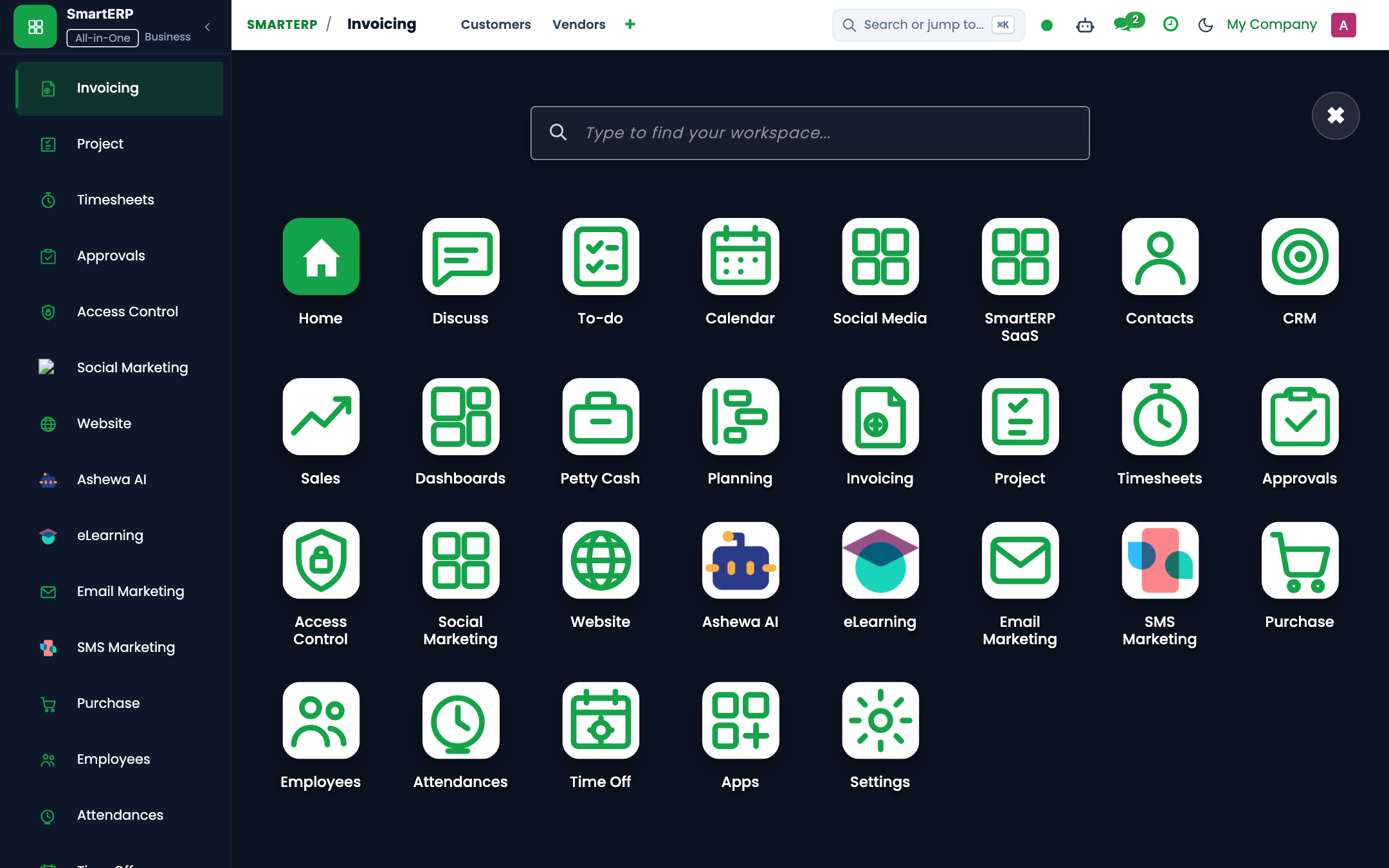
- Navigate to Accounting → Vendors → Payments and click New.
- Set Payment Delivery Type to
Bank Payment Voucher (BPV). - Select Journal as the originating commercial bank account.
- Complete the recipient's bank information:
- Payee Name: Beneficiary entity.
- Bank A/C No: Recipient's 13-digit or 16-digit account number.
- Bank Reference: Bank transfer reference or RTGS sequence number.
- Enter the gross payment amount.
- Click Confirm. SmartERP generates the double-entry movement:
- Debit: Accounts Payable (
211000) - Credit: Commercial Bank Account (
111200)
- Debit: Accounts Payable (
- Click Print → Bank Payment Voucher (BPV) to generate the audit certificate.
Bank Payment Voucher ASCII Print Layout#
+----------------------------------------------------------------------------------------------------+
| ASHEWA TECHNOLOGY SOLUTION S.C.                                   Date: 2026-10-15                 |
| ADDIS ABABA, ETHIOPIA                                             S/NO: BPV-2026-00892             |
+----------------------------------------------------------------------------------------------------+
|                                    BANK PAYMENT VOUCHER (BPV)                                      |
+----------------------------------------------------------------------------------------------------+
| Paid To: Commercial Bank of Ethiopia - Tax Authority (MOR)                                         |
|                                                                                                    |
| Amount in Words: Ninety-Two Thousand Birr Only                                                     |
| Birr: [ ETB 92,000.00 ]                                                                            |
|                                                                                                    |
| Purpose of Payment: Remittance of Monthly Value Added Tax (VAT) - Month of Meskerem 2016            |
|                                                                                                    |
| Bank Transfer Ref: RTGS-CBE-991203482          Bank A/C No: 1000012345678                          |
+----------------------------------------------------------------------------------------------------+
|                                                                                                    |
|  ______________________   ______________________   ______________________   ______________________ |
|       Prepared By               Checked By               Approved By              Received By      |
|     (GL Accountant)        (Internal Auditor)        (Chief Financial Off.)    (Tax Auth. Stamp)   |
|                                                                                                    |
| Pad Footer: Original White - Accounts  |  1st Copy Blue - Audit  |  2nd Copy - Treasury            |
+----------------------------------------------------------------------------------------------------+
Cash Receipt Voucher (CRV) Operations#
The Cash Receipt Voucher (payment_delivery_type = 'crv') is generated whenever physical cash or direct mobile wallet funds enter the organization.
Step-by-Step Procedure: Issuing a CRV#
- Navigate to Accounting → Customers → Payments and click New.
- Select Payment Type as
Receive (Inbound). - Set Payment Delivery Type to
Cash Receipt Voucher (CRV). - Select the destination Journal (e.g.
Head Office Cash SafeorCommercial Cash Register). - Specify:
- Received From (
payee_name): Customer or employee returning an advance. - Purpose of Payment: Invoice settlement, bid document sale, or refund.
- Amount: Exact cash counted.
- Received From (
- Validate the payment to post:
- Debit: Cash on Hand (
111100) - Credit: Accounts Receivable (
112100) or Miscellaneous Revenue (411000)
- Debit: Cash on Hand (
- Print the standardized 4-part CRV form.
Cash Receipt Voucher ASCII Print Layout#
+----------------------------------------------------------------------------------------------------+
| ASHEWA TECHNOLOGY SOLUTION S.C.                                   Date: 2026-10-15                 |
| ADDIS ABABA, ETHIOPIA                                             S/NO: CRV-2026-01584             |
+----------------------------------------------------------------------------------------------------+
|                                     CASH RECEIPT VOUCHER (CRV)                                     |
+----------------------------------------------------------------------------------------------------+
| Received From: Anbesa International Transport Enterprise                                           |
|                                                                                                    |
| The Sum of Birr: Thirty-Four Thousand Five Hundred Birr Only                                       |
| Birr: [ ETB 34,500.00 ]                                                                            |
|                                                                                                    |
| Purpose: Over-the-counter settlement for Enterprise Solution Software Licenses                     |
| Cheque / Ref No: CASH-DEP-883                                                                      |
+----------------------------------------------------------------------------------------------------+
|                                                                                                    |
|  ___________________________________             ___________________________________               |
|             Received By                                       Signature                            |
|          (Head Office Cashier)                               (Customer Rep)                        |
|                                                                                                    |
| Distribution: Original White: Payer | 1st Blue: Accounts | 2nd Red: Store | 3rd Green: Pad         |
+----------------------------------------------------------------------------------------------------+
Cross-Department Operational Workflows#
- Procurement 3-Way Match Validation: Before an AP specialist initiates a CPV or BPV, SmartERP verifies that the vendor bill matches the Purchase Order quantity and price, and that the Goods Receipt Note (GRN) has been confirmed in the warehouse. If a price variance exceeds 2%, bill posting is blocked.
- Sales Cash Desk Reconciliation: Cashiers balancing counter sales must ensure the sum of daily CRVs matches the physical currency count in the cash drawer before transferring funds to the treasury safe.
- HR Payroll Settlement: Following payroll approval in
smarterp_payroll_et, net salaries are disbursed via a batch BPV debiting Accrued Payroll (221100) and crediting the corporate disbursement bank account (111200).