Withholding tax and VAT compliance
Ethiopian Ministry of Revenues (MOR) tax compliance, automated 2% goods and 30% services withholding at payment, VAT/TOT processing, and official ERCA Excel declaration generation.
SmartERP provides automated compliance with the Ethiopian tax regime governed by the Ministry of Revenues (MOR), including Value Added Tax (Proclamation No. 285/2002), Withholding Tax on Payments (Income Tax Proclamation No. 286/2002 & Regulation No. 78/2002), and the Federal Income Tax Proclamation No. 979/2016.
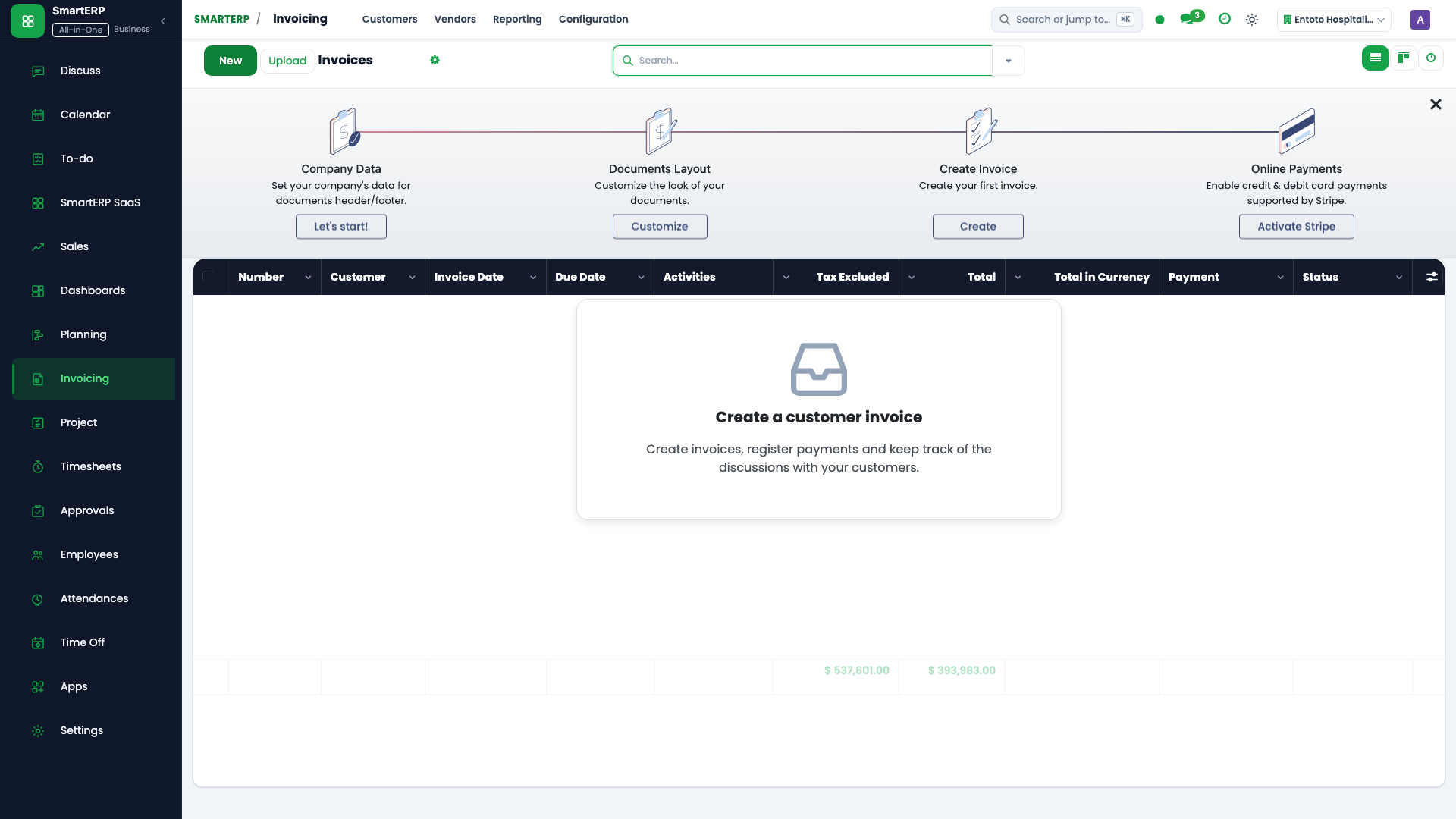
Ethiopian Statutory Tax Regulatory Framework#
All organizations operating in Ethiopia are designated as Withholding Agents by law and must withhold taxes at source upon payment:
| Statutory Tax Head | Applicable Rate | Legal Threshold | Trigger Event & Accounting Impact |
|---|---|---|---|
| Withholding on Goods | 2% | Transaction $\ge$ ETB 10,000.00 | Deducted at payment settlement for supply of goods from licensed suppliers. |
| Withholding on Services | 30% | Transaction $\ge$ ETB 3,000.00 | Deducted at payment settlement for services rendered by suppliers lacking a valid TIN or business license. |
| Value Added Tax (VAT) | 15% | Annual turnover $\ge$ ETB 1,000,000 | Applied to all taxable standard-rated commercial supplies of goods and services. |
| Turnover Tax (TOT - Goods) | 2% | Non-VAT registered suppliers | Direct cost of supply; non-recoverable input tax. |
| Turnover Tax (TOT - Services) | 10% | Non-VAT registered contractors | Direct cost of service; non-recoverable input tax. |
Dynamic Withholding Tax at Payment (wht_at_payment)#
A critical architectural distinction in SmartERP: Withholding tax is NOT calculated on the invoice or bill lines. Under Ethiopian law, tax liability crystallizes when physical cash or bank settlement is transferred.
The wht_at_payment module hooks into Odoo's native write-off mechanism during payment registration, creating the required tax liability or asset lines dynamically.
+----------------------------------------------------------------------------------------------------+
|                         WITHHOLDING TAX AT PAYMENT DOUBLE-ENTRY BALANCING                          |
+----------------------------------------------------------------------------------------------------+
|                                                                                                    |
|   OUTBOUND PAYMENT (Settling a Vendor Bill):                                                        |
|   Gross Invoice Balance: ETB 115,000.00  (Untaxed Base: ETB 100,000.00 + 15% VAT: ETB 15,000.00)     |
|   Applicable Tax: 2% Withholding on Goods                                                          |
|                                                                                                    |
|       Dr Accounts Payable (211000) ............................ ETB 115,000.00 (Clears full bill)  |
|           Cr Commercial Bank (111200) ......................... ETB 113,000.00 (Net cash wire)     |
|           Cr WHT Payable to MOR (213200) ...................... ETB   2,000.00 (2% on Base)        |
|                                                                                                    |
|   INBOUND PAYMENT (Collecting from Customer):                                                      |
|   Gross Customer Invoice: ETB 115,000.00 (Customer withholds 2% on our behalf)                     |
|                                                                                                    |
|       Dr Commercial Bank (111200) ............................. ETB 113,000.00 (Net deposit)      |
|       Dr WHT Receivable from MOR (113200) ..................... ETB   2,000.00 (Tax Credit Asset)  |
|           Cr Accounts Receivable (112100) ..................... ETB 115,000.00 (Clears receivable) |
+----------------------------------------------------------------------------------------------------+
Mathematical Formulation#
The taxable base is derived directly from the document's effective VAT rate (vat_rate = amount_tax / amount_untaxed), avoiding hardcoded rate assumptions:
$$ ext{Taxable Base} = \fracracrac{ ext{Payment Amount}}{1 + ext{Effective VAT Rate}}$$
$$ ext{WHT Amount} = ext{Taxable Base} imes \left(\fracracrac{ ext{WHT Rate}}{100} ight)$$
$$ ext{Net Cash Transferred to Bank} = ext{Payment Amount} - ext{WHT Amount}$$
Multi-Payment Rounding True-Up Logic#
When a vendor bill is settled across multiple partial installments, fractional rounding errors can create discrepancies with statutory MOR declarations. On the final installment (amount == amount_residual), SmartERP applies exact true-up balancing:
$$ ext{Final WHT} = ( ext{Total Untaxed Bill Base} imes ext{WHT Rate}) - ext{Total WHT Already Retained}$$
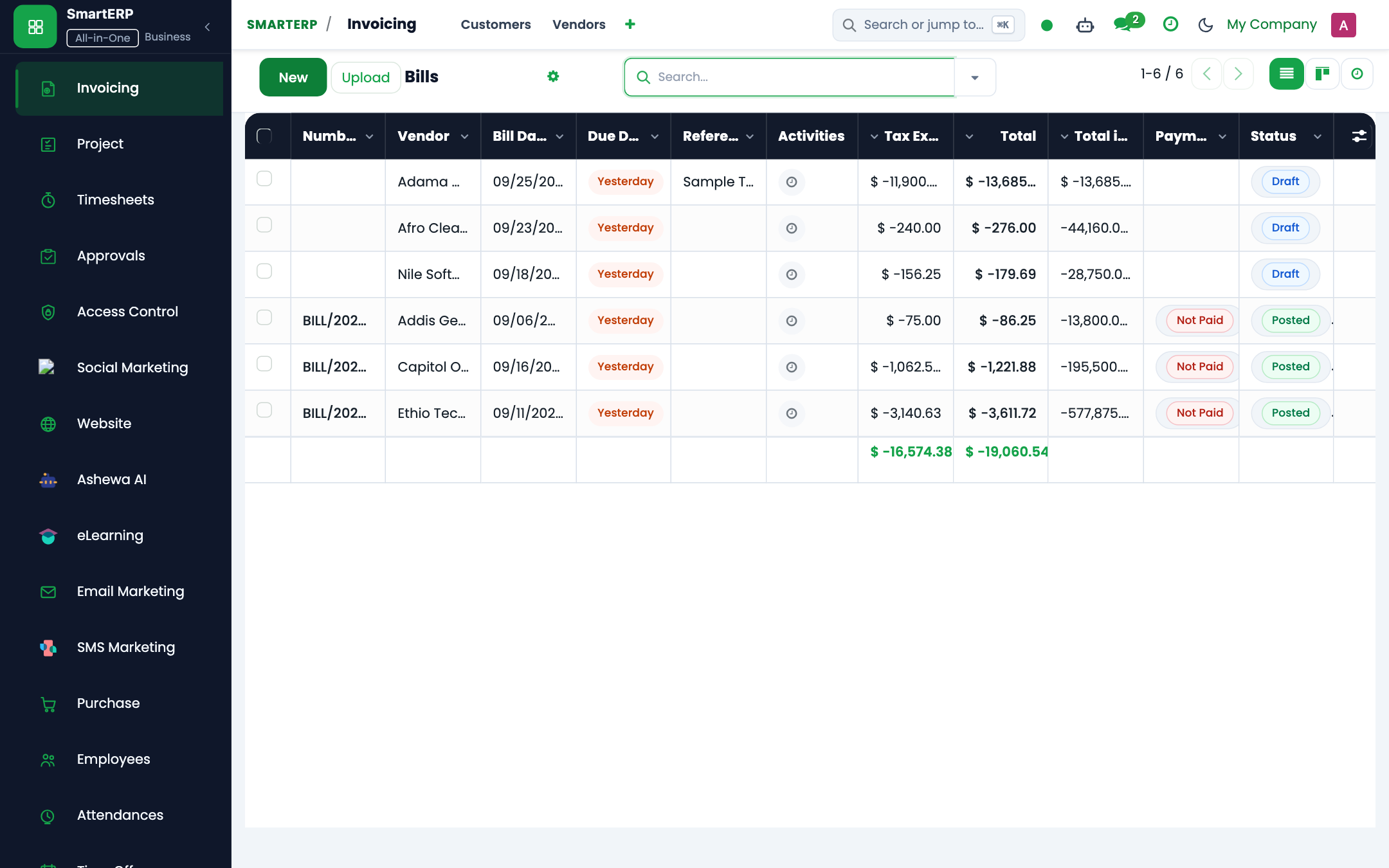
Configuring Withholding Taxes and Partners#
1. Tax Record Setup (account.tax)#
Navigate to Accounting → Configuration → Taxes:
- Check Withholding Tax (Calculated at Payment) (
is_wht_at_payment = True). - Set WHT Rate (%):
2.0for goods or30.0for non-compliant services. - WHT Payable Account: Liability account
213200 Withholding Tax Payable(used for outbound vendor payments). - WHT Receivable Account: Asset account
113200 Withholding Tax Receivable(used for inbound customer deductions).
2. Partner Tax Profile (res.partner)#
Navigate to Accounting → Vendors (or Customers):
- Tax Identification Number (TIN): Mandatory 10-digit Ethiopian TIN (
vat). - Subject to WHT: Check to automatically default withholding when bills are received.
- Default WHT Tax: Select the standard 2% or 30% rate.
- Ethiopian Address Details: Specify Region (
wht_region), Zone/Sub-City (wht_zone), Woreda (wht_woreda), Kebele (wht_kebele), and House Number (wht_house_no) for statutory reporting.
Withholding Tax Certificate (WHV) Print Layout#
Upon confirming payment registration, click Print → Withholding Tax Receipt:
+----------------------------------------------------------------------------------------------------+
|                               FEDERAL DEMOCRATIC REPUBLIC OF ETHIOPIA                              |
|                                       MINISTRY OF REVENUE                                          |
|                                WITHHOLDING TAX RECEIPT / ደረሰኝ                                     |
+----------------------------------------------------------------------------------------------------+
| Withholding Agent (Company): Ashewa Technology Solution S.C.         TIN: 0049281729               |
| Tax Center: Large Taxpayers Office (LTO), Addis Ababa               Date: 2026-10-15               |
| Receipt Serial Number: WHV-2026-00912                               Ref Bill: BILL/2026/094        |
+----------------------------------------------------------------------------------------------------+
| SUPPLIER / WITHHOLDEE DETAILS:                                                                     |
| Name: Commercial Trading PLC                                         TIN: 0019283746               |
| Region: Addis Ababa       Zone: Bole Sub-City       Woreda: 03       Kebele: 05   House No: 182      |
+----------------------------------------------------------------------------------------------------+
| DESCRIPTION OF TRANSACTION                                 | TAXABLE AMOUNT (ETB) | WHT DEDUCTED  |
+------------------------------------------------------------+----------------------+---------------+
| Supply of Enterprise Networking Hardware & Cabling         |           100,000.00 |      2,000.00 |
| Withholding Rate Applied: 2% (Supply of Goods)             |                      |               |
+------------------------------------------------------------+----------------------+---------------+
| TOTAL TAX WITHHELD IN WORDS:                                                                       |
| Two Thousand Birr Only                                     | TOTAL: [ ETB 2,000.00 ]              |
+----------------------------------------------------------------------------------------------------+
|                                                                                                    |
|  _________________________________________             _________________________________________   |
|         Authorized Tax Officer Seal                                Taxpayer Signature              |
|                                                                                                    |
| Note: This certificate must be presented to the Ministry of Revenues to claim credit against       |
| your annual business income tax liability (Income Tax Proclamation No. 286/2002).                  |
+----------------------------------------------------------------------------------------------------+
Monthly MOR / ERCA Declaration Export Wizard#
By the 30th of each following Gregorian month, Withholding Agents must file the official Excel declaration schedule with the Ministry of Revenues.
The wht.declaration.export.wizard generates an exact pixel-accurate replica of the official ERCA Form:
- Navigate to Accounting → Reporting → Ethiopian Tax → WHT Declaration Export.
- Select:
- Withholding Agent (Company): Corporate entity filing the return.
- Period From & Period To: Gregorian date window (e.g.
2026-09-01to2026-09-30). - WHT Tax: Leave empty to aggregate all 2% and 30% payments into a single schedule.
- Click Generate Official Declaration (XLSX).
Exported Excel Schedule Structure#
- Section 1 - Taxpayer Information: Company legal name, TIN, Tax Center, Sub-City, Woreda, Kebele, and contact details.
- Section 2 - Declaration Details (Schedule Table):
- Column A: Serial Number (
S/N) - Column B: Withholdee TIN (
vat) - Column C: Supplier Legal Name (
partner_id.name) - Column D–H: Region, Zone, Woreda, Kebele, House Number
- Column I: Withholding Type (
2% Goods/30% Services) - Column J: Taxable Amount (
wht_taxable_base) - Column K: Tax Withheld (
wht_amount) - Column L–M: Receipt Number and Payment Date
- Column A: Serial Number (
- Section 3 - Calculation of Tax Due: Total Withholdees Count, Total Taxable Base, and Total Tax Due.
- Section 4 - Taxpayer Certification: Legal declaration text and signature block for the Chief Financial Officer.