Modernized interface
Automation embedded
Master production schedule
Complete management and visibility
Dedicated infrastructure
Challenges Faced by Manufacturing Businesses
Operational
InefficiencyInventory Management ProblemsData
InaccuracyScalability
Challenges
Why Choose Us for Your Manufacturing Business?
Adaptable Solutions for Diverse Manufacturing Sectors
Built on Odoo 17: a proven foundation without proprietary lock-in and paperwork.
MRP + MES + PLM + Quality + Shop Floor + Maintenance All you need in one single platform; fast and easy to use.
Dedicate a Manufacturing Management Module
The manufacturing module will serve as the command-and-control center for all production processes in your facility.
Create work orders
Define work centers
Product and raw material routing
Plan your manufacturing operations
Draft bill of materials and assign to products and product categories
Product Life Cycle (PLM) Management
The dedicated product lifecycle management will provide you with complete control over the planning and production aspects.- Engineering Change Orders
- Engineering change order types
- Manage bill of materials
- Engineering change order approval
Complete Maintenance Management
The dedicated maintenance module helps you run the maintenance operations on the production equipment as well as the devices that are being used in the company operations. In addition to this, you can schedule and manage preventive maintenance activities for machinery and equipment to minimize downtime and ensure optimal performance.

Well-defined maintenance dashboard
Create dedicated maintenance teams
Generate maintenance requests using the calendar view
Define equipment in distinctive work centers
Generate reports on maintenance requests
Plan on and schedule preventive maintenance activities
Quality Control
A well-defined quality control management module will provide you with a complete operational hand on the quality management operations. You can use the module to define and perform quality checks at various stages of the production process, including incoming materials, in-process, and finished products, and manage non-conformances by recording deviations, analyzing root causes, and implementing corrective actions.- Well-defined quality overview
- Create custom quality control teams
- Define quality control points
- Assign quality checks
- Auto-generate quality alerts

Well-Defined Inventory Management
Manage your raw materials and then manage the product movement for the manufacturing process. Moreover, manage the storage of the finished products in the definite location of the warehouses. Utilize real-time inventory tracking with barcodes and serial numbers for accurate stock management.
Manage multiple warehouses
Assign minimum and maximum product stocks
Barcode scanning for effective operations
Stock forecasting
Define expiry dates on products
Assign lot and serial numbers on products
Scrapping and well-defined product movement
Dedicated inventory adjustment tool
Sell Out Your Product Easily
The SmartERP supports various modes of sales retail, eCommerce, and wholesale sale of your manufactured products- Default quotation templates available
- Send out quotations via email
- Create sales orders and send them out to customers
- Draft payment methodologies
- Integrated shipping connector
Cost Management
Track and analyze production costs, including material, labor, and overhead costs, to ensure profitability. Allocate costs to specific products or production orders for accurate cost accounting. Compare standard costs with actual production costs to identify variances and improve cost controlReporting and Analytics
Generate detailed reports on production performance, including efficiency, yield, and downtime. Analyze production costs with customizable reports to identify cost-saving opportunities. Create custom dashboards to monitor key performance indicators (KPIs) and manufacturing metrics in real time.The industry
A factory is a promise to make the right thing, on time, from what is on hand
- Bills of materials live in heads or spreadsheets.
- Production is planned on paper and shortages are found on the floor.
- Quality failures are traced late.
- Maintenance is reactive.
SmartERP customers in this sector: ETAB Soap Factory, Hawassa Agri Manufacturing PLC (MIDROC Investment Group), Quarit Agro Industry PLC, Coligo Concrete Manufacturing PLC, Merry Chemicals Manufacturing, MWA Plastic Industry PLC, BULTEX. All customers
How the work flows
From the first step to the management dashboard
Orders, bills of materials, stock and production orders share records, so a shortage shows up before the line stops.
In the product
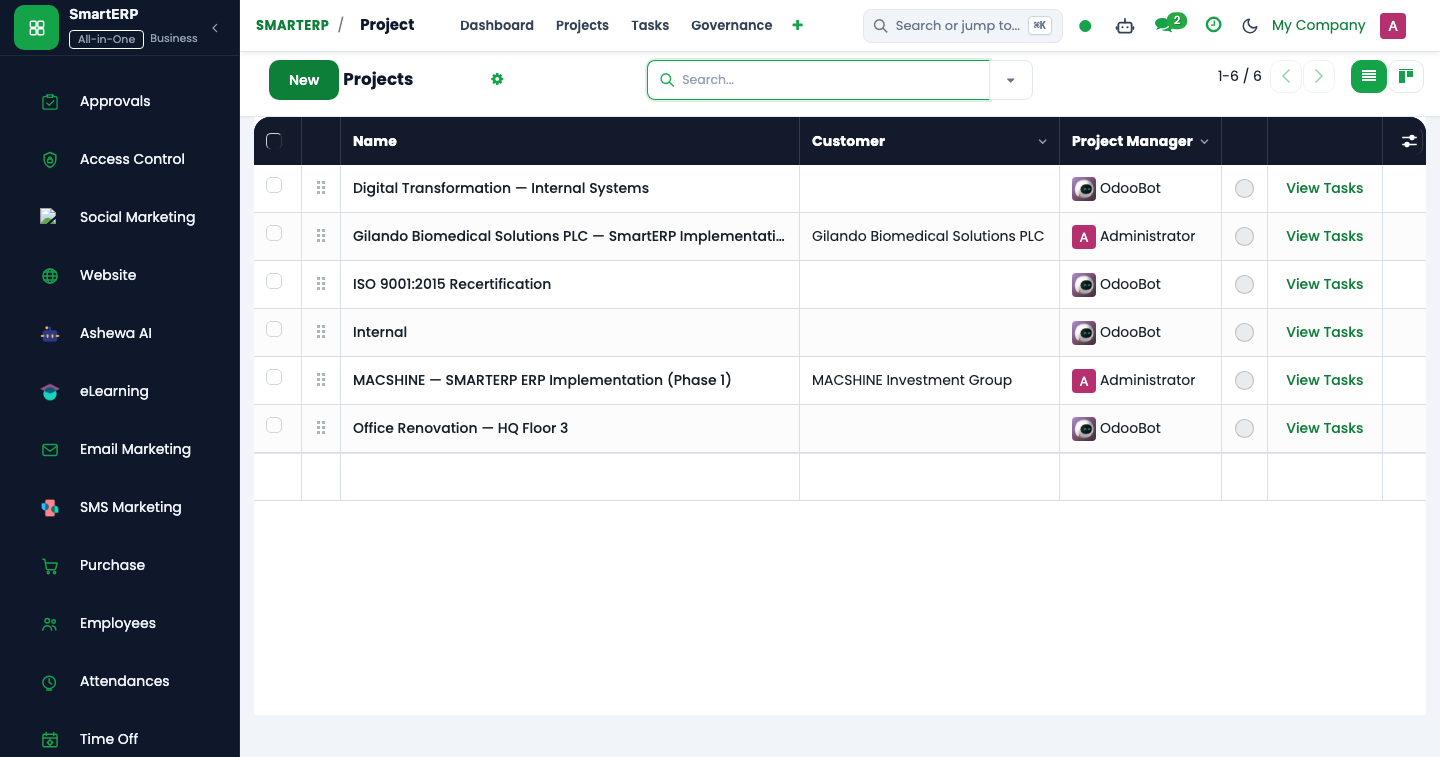
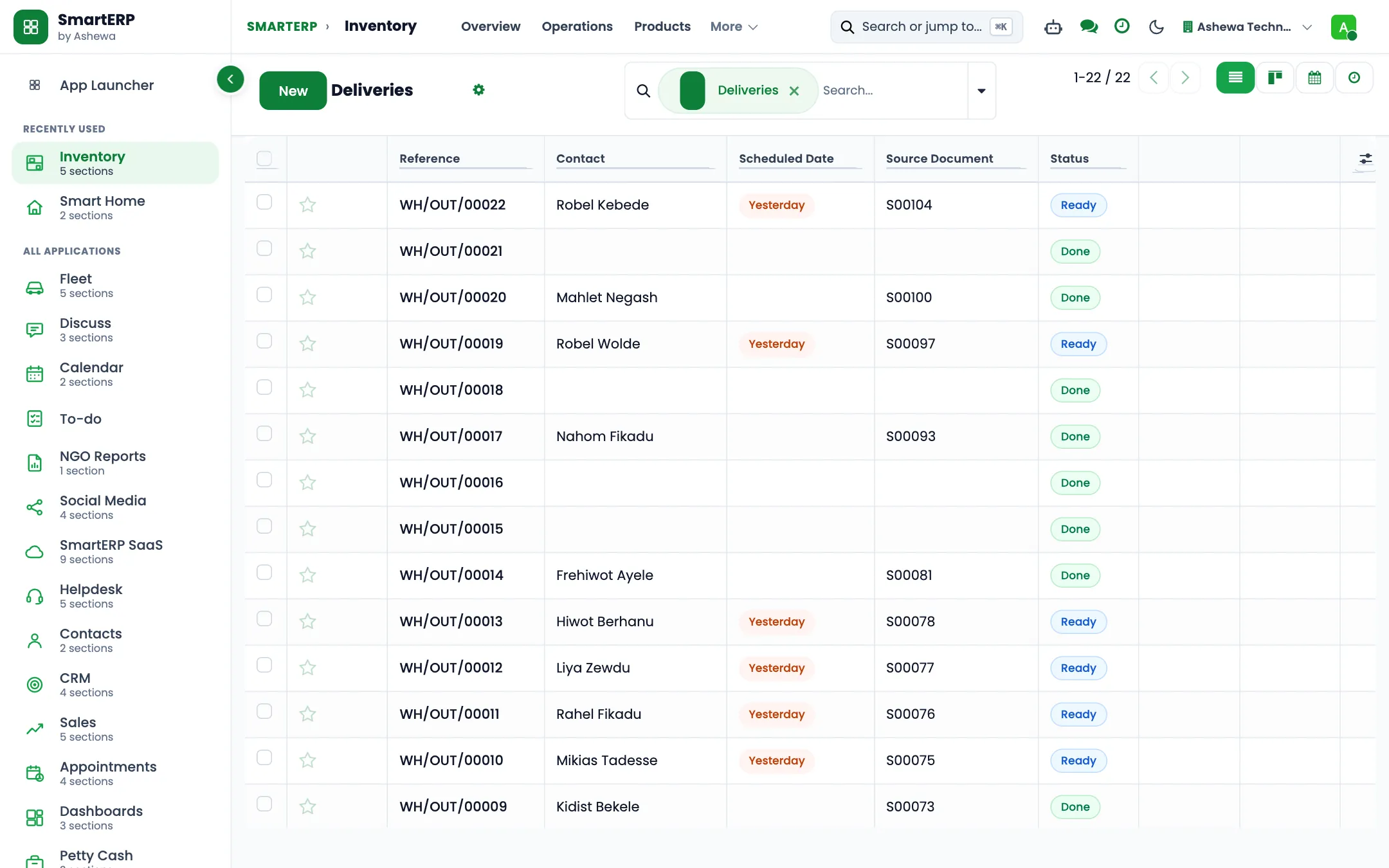
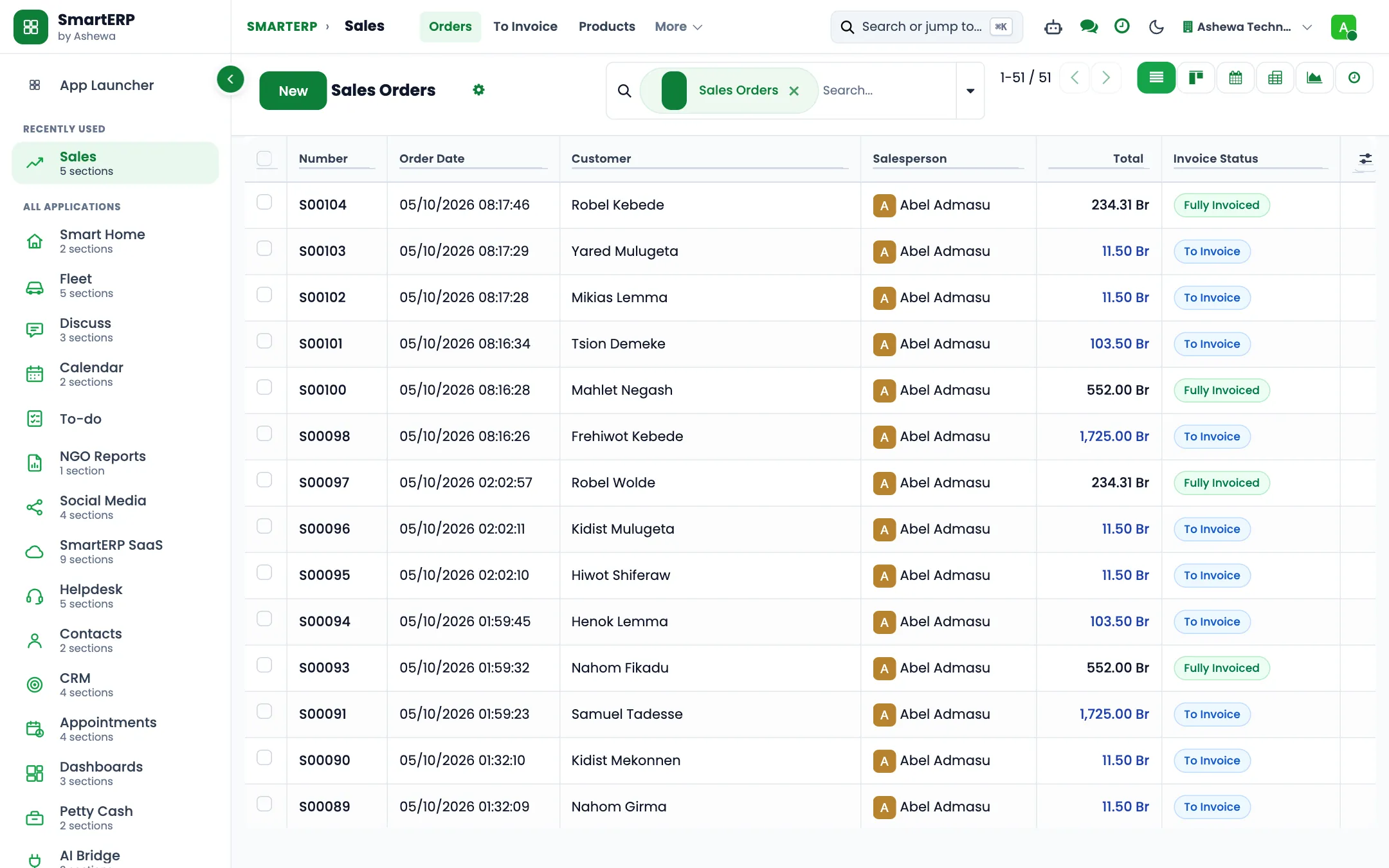
A real SmartERP screen for this work
Captured from a running SmartERP system. Every company, person and figure shown is invented sample data.
Beyond a generic ERP
What goes further for this industry
Quality
Quality checks along production, delivered through implementation.
Manufacturing stages and pre-manufacturing
Stages with steps per stage, built for client projects.
Resource planning
Plan people and shifts on the visual planner.
Maintenance
Equipment and maintenance requests.
Management visibility
What management sees
Production, stock and sales on one dashboard, with the open production orders and what blocks them.
What changes
The outcome, without invented numbers
- Bills of materials are recorded once and used everywhere.
- Shortages appear at planning time, not at the machine.
- Finished goods flow to delivery and invoice without re-entry.
Not included: Shop-floor terminals, IoT and barcode scanning are not offered today.
Built for you
Who this solution is for
Owner-managed factories and workshops that make goods to order or to stock, such as food and beverage processors, plastic product makers, metal fabricators, garment makers and building-product plants, with a production office, a raw material store and regular suppliers.
Typical size: 11 to 50 people, 51 to 100 people.
How it works
Your work, step by step in SmartERP
The routine of this industry, followed from the first step to the money in the bank.
From a made-to-order request to a finished batch
SalesManufacturingInventoryAccounting
- The salesperson confirms the quantity and specification with the buyer as one sales order that the production office can read.
- The production office picks the bill of materials for the product so the material need is known before anything starts.
- A manufacturing order releases the batch; components are consumed from stock as they are drawn, not only as planned.
- The finished goods are received into stock, the delivery leaves the store and the buyer is invoiced.
From a low raw material to a paid supplier
- A reorder rule flags a raw material or packaging item that falls under its minimum before the line runs dry.
- The materials buyer asks the usual suppliers to price the same quantity and places one order with the chosen supplier.
- The storekeeper receives the goods into the raw material store when the truck is unloaded and counted, with a lot number where the material is tracked by lot.
- Finance pays the supplier against what actually arrived, by bank transfer or cash.
From a finished batch to a recorded yield
- Rejects are recorded as scrap on the manufacturing order instead of being thrown away uncounted.
- Offcuts or regrind that can be used again are recorded as by-products and return to stock as their own items.
- The production manager compares planned and consumed quantities and the finished count with what the bill of materials promised.
- The weekly scrap review and the monthly bill-of-materials review turn the differences into corrected recipes.
From a repeat or OEM buyer's enquiry to a quotation
- The salesperson logs the buyer's enquiry as an opportunity and a scheduled call holds the next step.
- The stage moves as the specification is agreed and a sample or trial batch is made.
- The quotation is created from the opportunity, priced from the buyer's price list and today's material prices.
Plant team records
- Each machine operator, foreman, storekeeper, buyer and maintenance technician has one employee record.
- The record names the department (production, stores, maintenance, sales, purchasing or finance) and the job position.
- The plant manager reads the team by department; wages are not calculated by the pack.
In the product
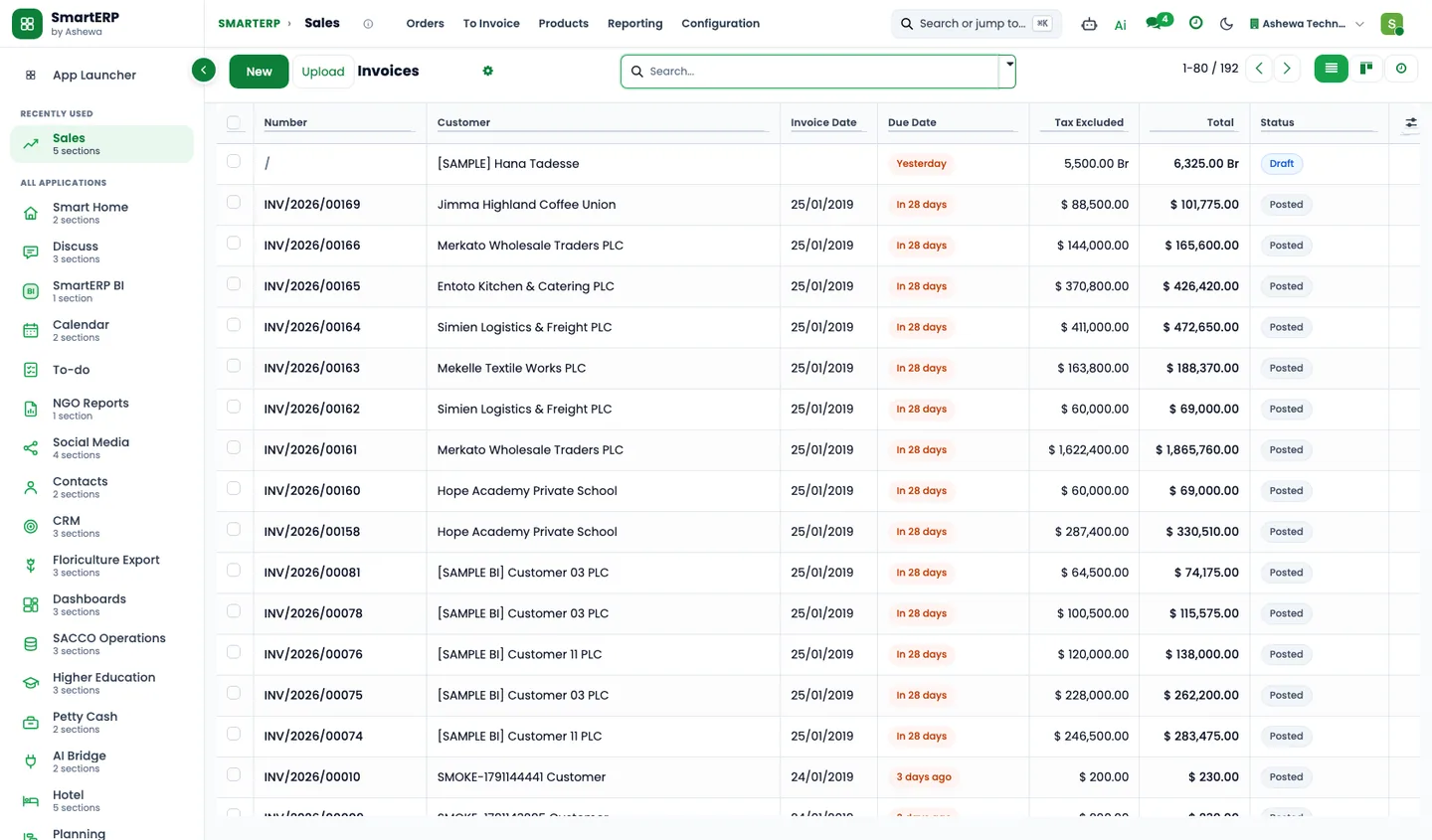
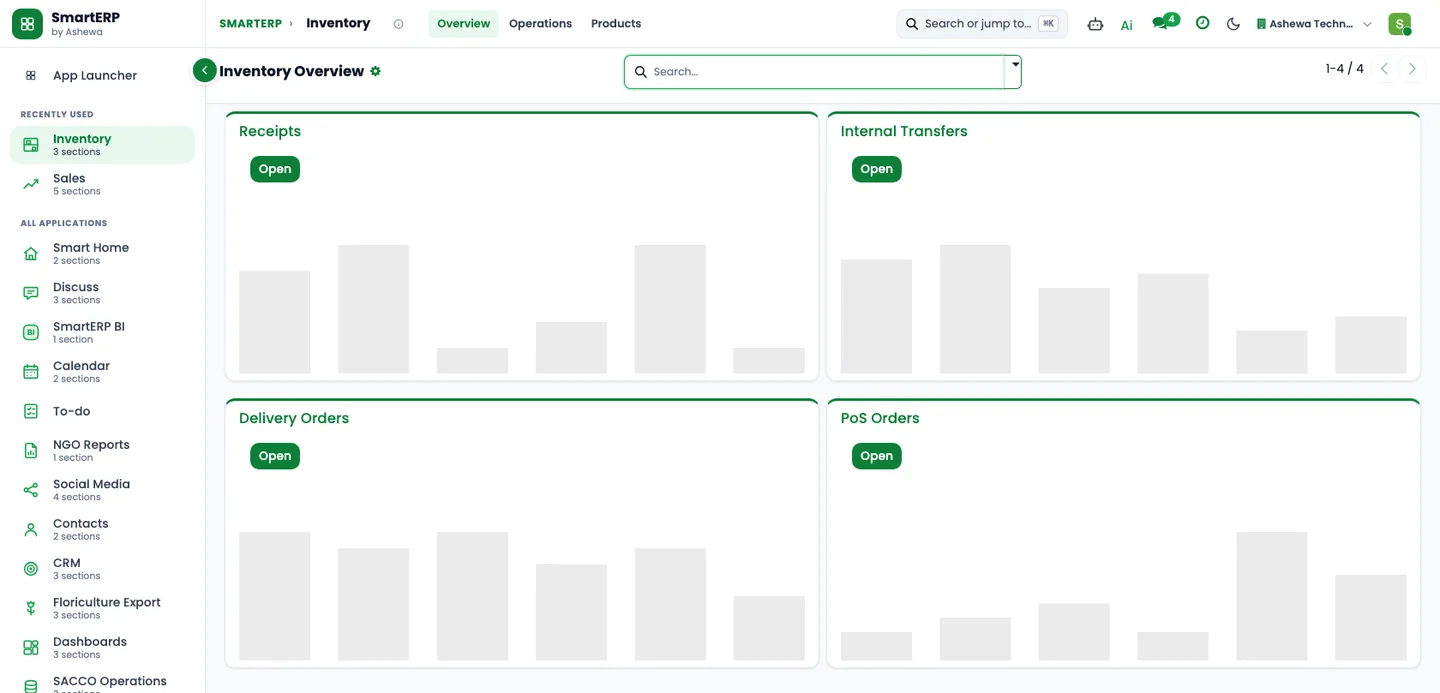
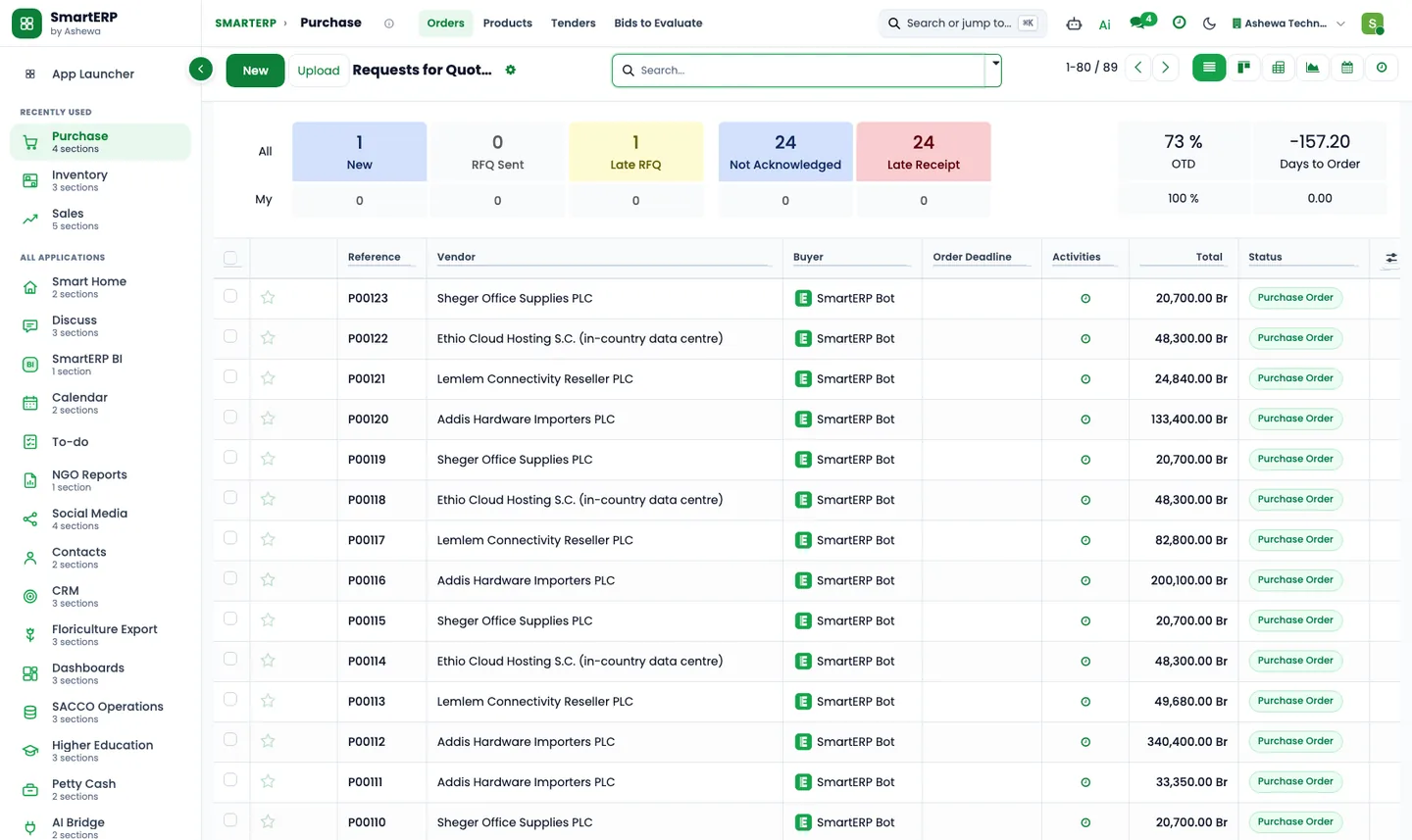
The core applications it runs on
Real SmartERP screens with sample data: every company, person and figure shown is invented.
Who uses it
Each person sees their own work
- Owner or general manager
- Production manager
- Machine operator
- Materials buyer
- Raw material storekeeper
- Sales officer
- Finance officer
Access follows the role: people see and change only what their job needs.
What you can follow
Figures management asks for
- Sales by product (Sales officer)
- Open buyer enquiries by stage (Sales officer)
- Purchases by supplier (Materials buyer)
- Raw material stock by product and location (Raw material storekeeper)
- Inventory value by product (Finance officer)
- Invoices not yet paid (Finance officer)
- Raw materials below their minimum (Raw material storekeeper)
- Planned against consumed materials per batch (Production manager)
- Scrap by product (Production manager)
- Yield of a batch against its bill of materials (Production manager) On request
- Machine hours used against hours available (Production manager) Coming soon
Documents
Printed and shared from the system
- Quotation and order
- Customer invoice
- Credit note
- Delivery slip
- Purchase order and request for quotation
What you get
What is included, and what comes next
Included from day one
- Categories for raw materials, packaging, spares, finished goods and rejects, and a starter list of materials
- Tags for OEM buyers, distributors and suppliers
- Follow-up activities for material counts, scrap and bill-of-materials reviews
- Pipeline stages for repeat and OEM buyer enquiries
- Production, stores, maintenance, sales, purchasing and finance departments and job positions
- Lost reasons and lead sources, so reports show why deals are lost and where they come from
- Equipment categories, so machines are registered and maintained by type
- Approval workflows by job position, applied where SmartERP Approvals is installed, with no amount limits
- Switches for storage locations, lot numbers, units of measure, work orders, by-products and price lists
Available on request
- Ready-made bills of materials and work centres
Delivered through implementation for your business.
What this solution does not do
finite-capacity machine scheduling; sensor and shop-floor data capture; inspection and test records against a specification; master production schedule and demand planning; subcontracting production to outside workshops; salary calculation for factory staff; mobile-wallet payments to and from the plant. For these, SmartERP works next to other specialised software or a manual process; ask us how.
SmartERP for manufacturing
Applications, pricing and next steps
Applications
Start with these applications
The starting set of the Manufacturing industry edition (required and recommended applications).
Often added for manufacturing
Guidance for the discovery call, not part of the edition’s starting set.
Pricing
Industry edition: Manufacturing
An industry edition bundles the applications this industry typically uses, priced per company per year. Pricing by application and user per year is the alternative.
Related sectors
Services for your rollout
Quick Service Request