Quantity quotes, yard stock and contractor accounts for a materials supplier
A supplier sells the same cement, rebar, blocks and roofing to homeowners at the counter and to contractors on account, and stock, price and credit drift apart. SmartERP keeps yard stock, price lists and each customer's account on one set of records. It does not plan truck routes.
Start with Inventory, Sales and Purchase, then Accounting for contractor balances. Add a till for counter buyers, delivery pricing for drop-offs at site, and CRM for the builders and developers who come back.
Typical businesses: Cement and rebar dealers · Block and tile suppliers · Roofing suppliers · Hardware shops · Builders' merchants
Problems this industry runs into
Yard stock is counted by eye
Cement, rebar and blocks are piled in the yard and sold from the pile, so a large order is promised without knowing whether enough is on hand or already spoken for.
Contractor prices are agreed at the counter and forgotten
A repeat builder gets a special rate from whoever served them last, so the next salesperson quotes differently and the margin on large orders is unclear.
Contractor balances are chased from a notebook
Sales on account are written in a ledger book, so unpaid invoices surface late and it is unclear which builder still owes for which load.
Deliveries to site leave no clear record
Trucks leave with a handwritten note, and the customer later disputes quantities because the order, the load and the invoice do not agree.
Applications in the Construction edition
These applications are the ones the industry edition's blueprint includes. Each opens its own page.
Often added for this industry
What each application does for hardware Store
Accounting
Each contractor has one account. Invoices show what was supplied, aged receivables show which builder still owes and for how long, and bank statements are matched to payments.
Project
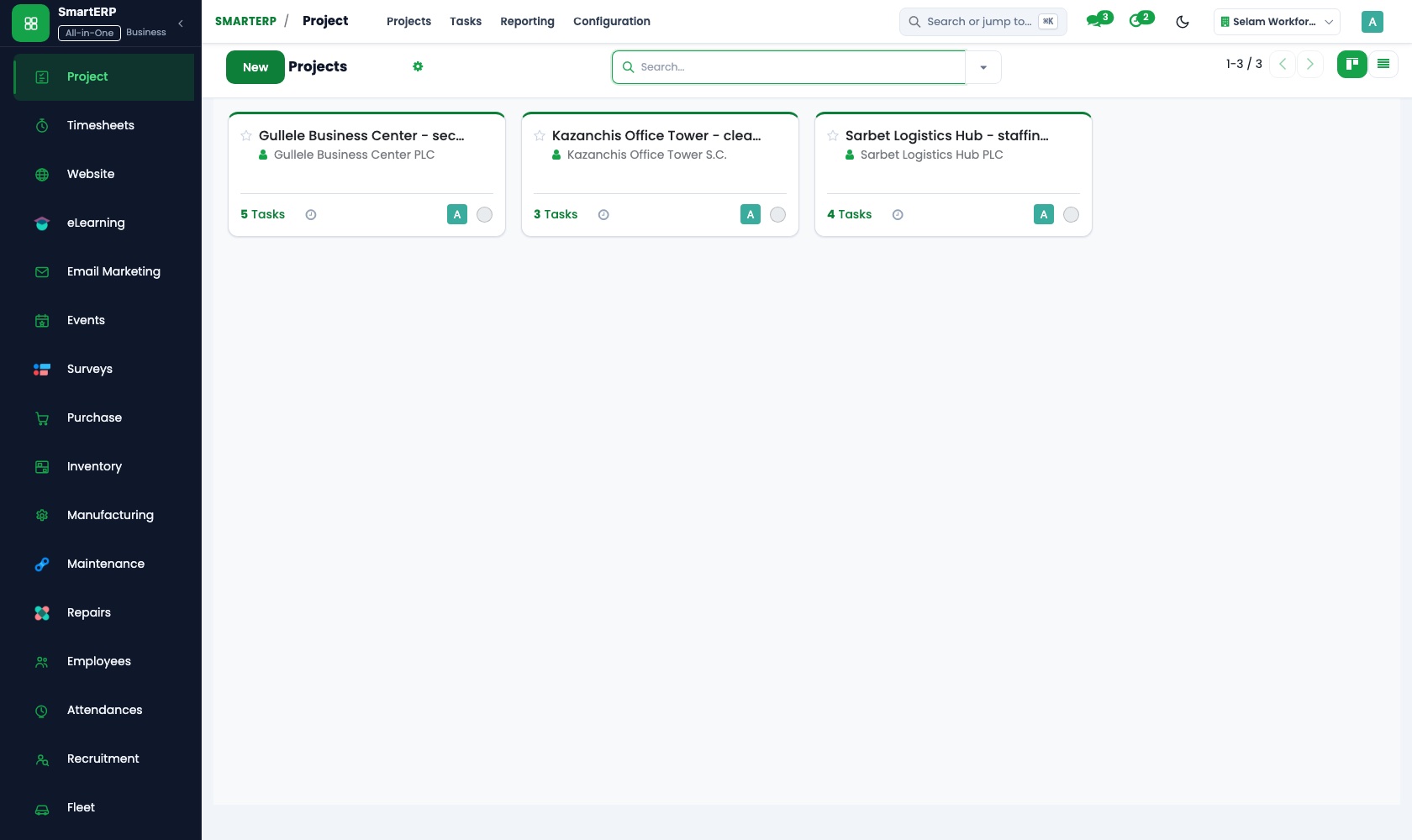
A large supply for one site can run as a project, with tasks for each delivery phase. Sub-tasks and dependencies set the order, and customer visibility lets the contractor follow it.
Sales
Price lists hold the contractor rate and the counter rate, so every salesperson quotes alike. Delivery and invoicing status shows which orders left the yard and which are open.
Purchase
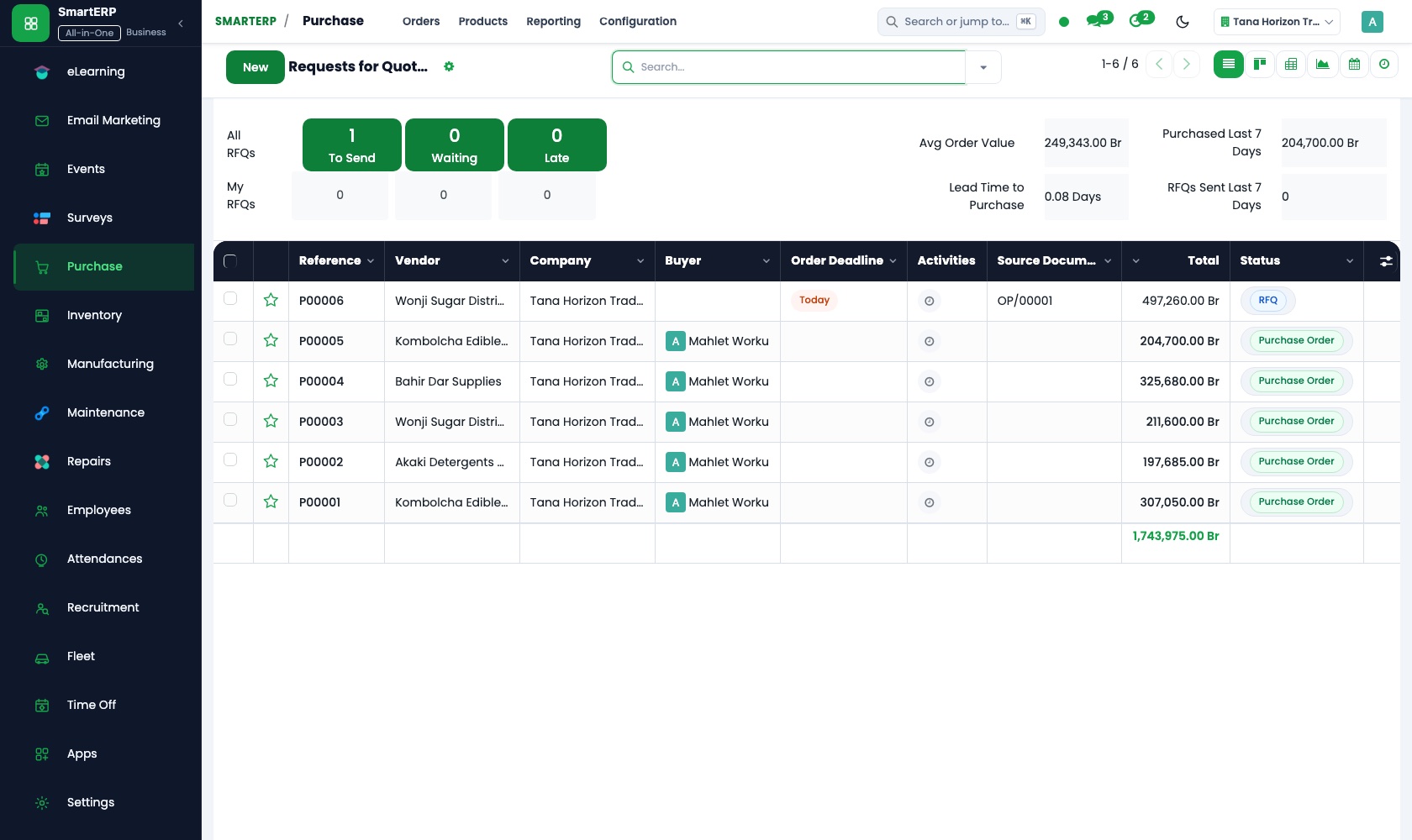
Top-ups of cement, sand and tiles are ordered from the factory or importer. Reordering turns low-stock rules into purchase needs, so the buyer orders before the pile is gone.
Inventory
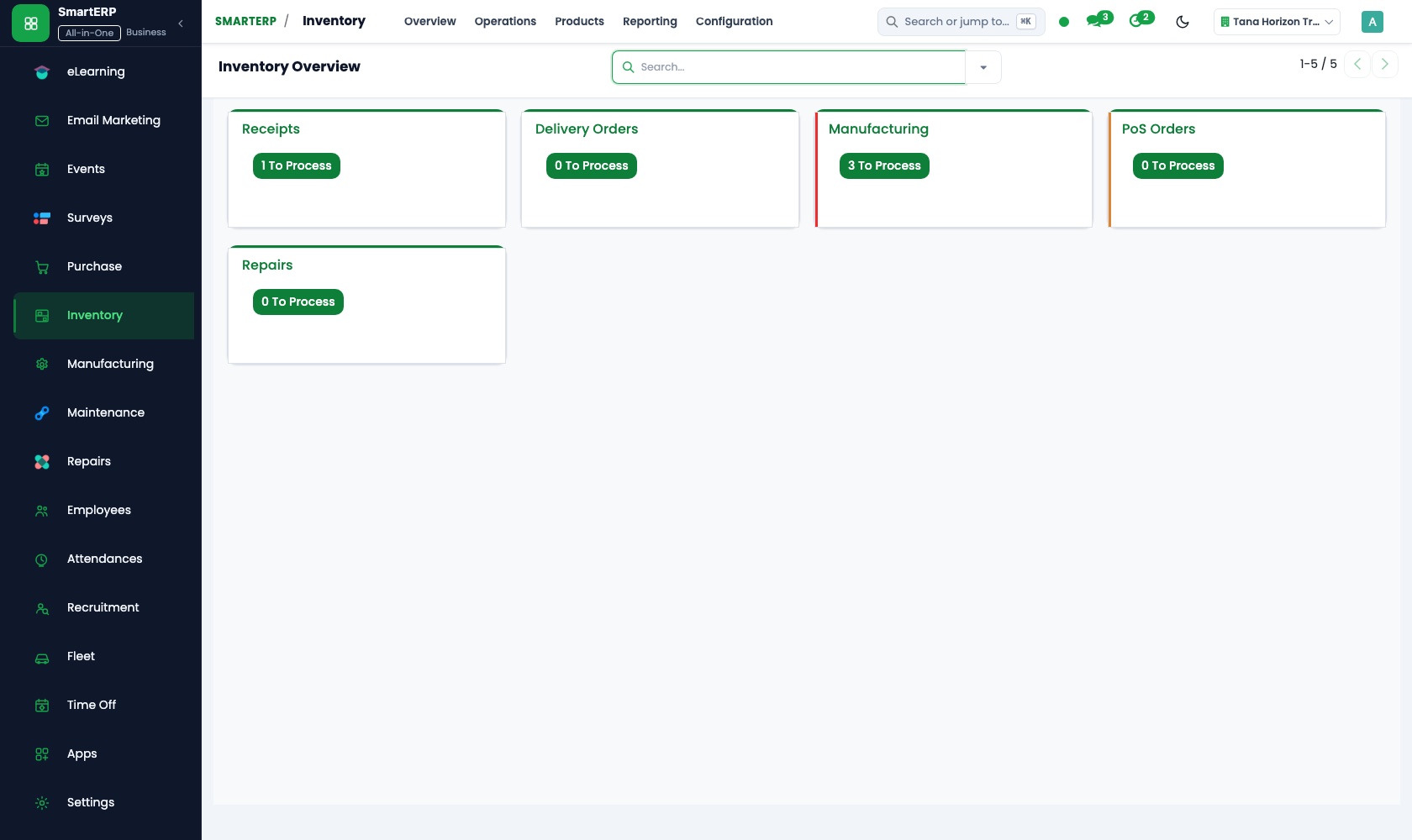
Yard stock is counted by product and location, and each delivery out reduces it. Stock reports let a salesperson check the pile before promising a large order.
How the work runs on SmartERP
From a contractor's quantity request to a delivered order
A builder asks for materials by quantity, gets the agreed rate, and the order is delivered to site and invoiced to their account.
- Sales: Price lists and discounts Apply the agreed contractor rate on blocks, rebar and roofing sheets, so every salesperson quotes the same price.
- Sales: Quotations and sales orders Quote the full quantity the builder needs and confirm it once the site address is given.
- Shipping and Delivery: Delivery orders Prepare the load for the site, so the yard knows what leaves and for whom.
- Sales: Delivery and invoicing status See which orders were delivered in full, which in part, and which are still open.
- Accounting: Customer invoices and credit notes Invoice the contractor's account and issue a credit note for anything returned from site.
From a shrinking pile to a restocked yard
A minimum level flags what is running low, the supplier is ordered and paid, and the yard count is corrected after a physical check.
- Inventory: Reorder rules Set a floor for the fast sellers, such as cement, sand and tiles, so the buyer is warned in time.
- Purchase: Purchase orders Order the top-up from the factory or importer and keep the confirmation with the order.
- Inventory: Receipts and deliveries Book in the trucks that reach the yard against the order they were sent for.
- Inventory: Stock valuation and adjustments Correct the count after a physical check and record damaged or missing bags and pieces.
- Accounting: Vendor bills and payments Pay the supplier's bill by transfer or cash and keep the supplier account current.
Your first month
- First week. We list what the yard sells and the units for each item, load contractors and suppliers as records, and agree each contractor's rate.
- Second week. Contractor and counter price lists are entered, the accountant sets up the chart of accounts and banks, and the yard is counted and loaded by product.
- Third week. Salespeople quote a real contractor order and follow it to loading and invoice. The buyer raises a cement top-up, and the storekeeper books in the truck.
- After go-live. We compare the yard count with the books, review open contractor balances, and change reorder floors and price lists where gaps showed.
What to have ready
- Your product list with units, prices and the rate each contractor gets
- Contractors on account, with the balance each owes today
- A count of the yard by product, taken in the week you go live
- Factories, importers and suppliers you buy from, with lead times
- Site addresses of repeat contractors, for delivery orders
- Bank account details and opening balances from your accountant
The applications on screen
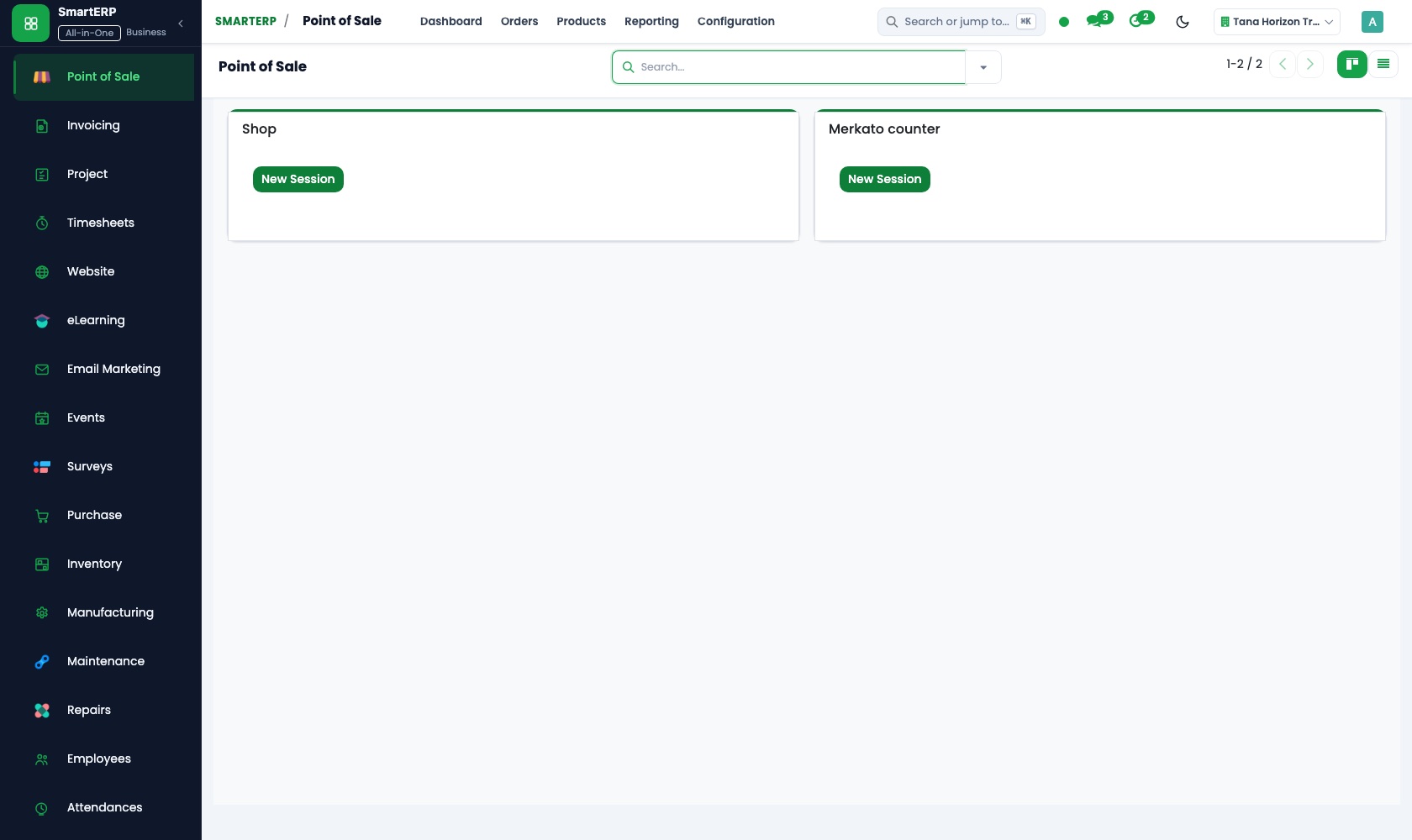
Real SmartERP screens with sample data.


Who uses it
- Business owner or general managerSee the whole business and keep every department working on the same records.
- Finance and accountingInvoices, bills, bank and reports from one ledger.
- Sales and customer serviceLeads, quotations, orders and follow-up.
- Purchasing and storesBuy, receive and control stock.
Company sizes
- Up to 10 people
- 11 to 50 people
- 51 to 100 people
What SmartERP does not cover for this industry
SmartERP does not include truck route planning, live delivery tracking, weighbridge readings or credit scoring of contractors. Deliveries are recorded against the order, not followed on a map, and credit terms are decided by your own people.
Questions about SmartERP for hardware Store
Can SmartERP plan truck routes or follow a delivery on a map?
No. SmartERP does not plan routes, follow trucks live or read weighbridge tickets. Each delivery is recorded against its order, and delivery and invoicing status shows what is still open.
Can SmartERP decide how much credit a contractor gets?
No. SmartERP does not score contractors; your own people set credit terms. It shows each account's invoices, payments and aged receivables to support that decision.
How do we keep contractor prices the same across salespeople?
Keep the agreed rate on a price list and apply it on the quotation. Every salesperson then quotes the same price, and any discount shows on the document.
Can the counter till and the yard share one stock?
Yes, with Point of Sale added. It shares the product catalogue with Sales, every counter sale reduces stock in the shop location, and takings post to Accounting.
Can delivery to site be charged on the order?
With Shipping and Delivery added, a delivery method with a fixed price, or one by weight or destination, is added as a line on the quotation.
See it before you decide
A contractor order from agreed rate to invoice on account
The walkthrough quotes a builder's blocks and rebar at the agreed contractor rate, prepares the site delivery, and posts the invoice to the contractor's account, on sample data for a fictional supplier.
There is no self-service sandbox. The demo is a guided walkthrough on sample data, or you can start a trial workspace.
Pricing
SmartERP has an industry edition for this sector (Construction). The applications listed above are its applications, and the editions, their staff bands and the current prices are on the pricing page. This page shows no price.
See plans and pricingA website for your business
SmartERP can also set up a starter website for this kind of business, offered as part of a website project: Home, Materials, Catalogue, Quantity Guide, Site Delivery, Contractor Accounts, Get a Quote, Contact. How the website tools work.
Start with what your business needs first
Tell us your industry and we carry it through the guided set-up, or talk to us first.
Start SmartERP Book a demo