Enquiries, viewings and owner accounts for a property agency
An agency deals in people as much as property: who wants what, which owner has a unit, and who was promised a callback. SmartERP keeps buyers and owners in a pipeline, publishes pages with enquiry forms that land in it, and bills the fees. It has no searchable listing database and does not split agent commissions.
Begin with CRM and the Website. Add Accounting for fees, Employees for agents and their teams, and Project for repairs or handover work on properties under management. Calendar can hold the viewing diary.
Typical businesses: Property agencies · Brokerage offices · Property management firms · Land and plot brokers · Letting agents
Problems this industry runs into
Enquiries arrive by call, message and walk-in, then disappear
A buyer asks about a plot, a renter about an apartment, and the answer depends on who picked up. No shared list shows who was called back.
Two agents chase the same client
Without one record per buyer or landlord, colleagues contact the same person about different properties, and nobody sees what was already offered or promised.
Owners abroad wait for news of their property
Landlords and buyers who live overseas ask what happened to a viewing or a repair, and the agent pieces the answer together from calls and old messages.
Agency fees and property work are billed from memory
Sale fees, lettings fees and management charges are raised when someone remembers, and repair work on a managed property is not tied to what the owner is invoiced.
Applications in the Real Estate and Property edition
These applications are the ones the industry edition's blueprint includes. Each opens its own page.
Often added for this industry
What each application does for property Management
CRM
Each buyer, renter or landlord is a lead. Scheduled activities set the viewing and the callback, and the pipeline shows which deals are at offer or signed.
Accounting
Agency fees are invoiced to the owner or buyer once the deal is signed. Transfers from abroad or in the city are matched to the invoice they settle.
Sales
A repair or fit-out on a managed property is quoted to the owner and confirmed as a sales order, so the work and the charge sit on one record.
Project
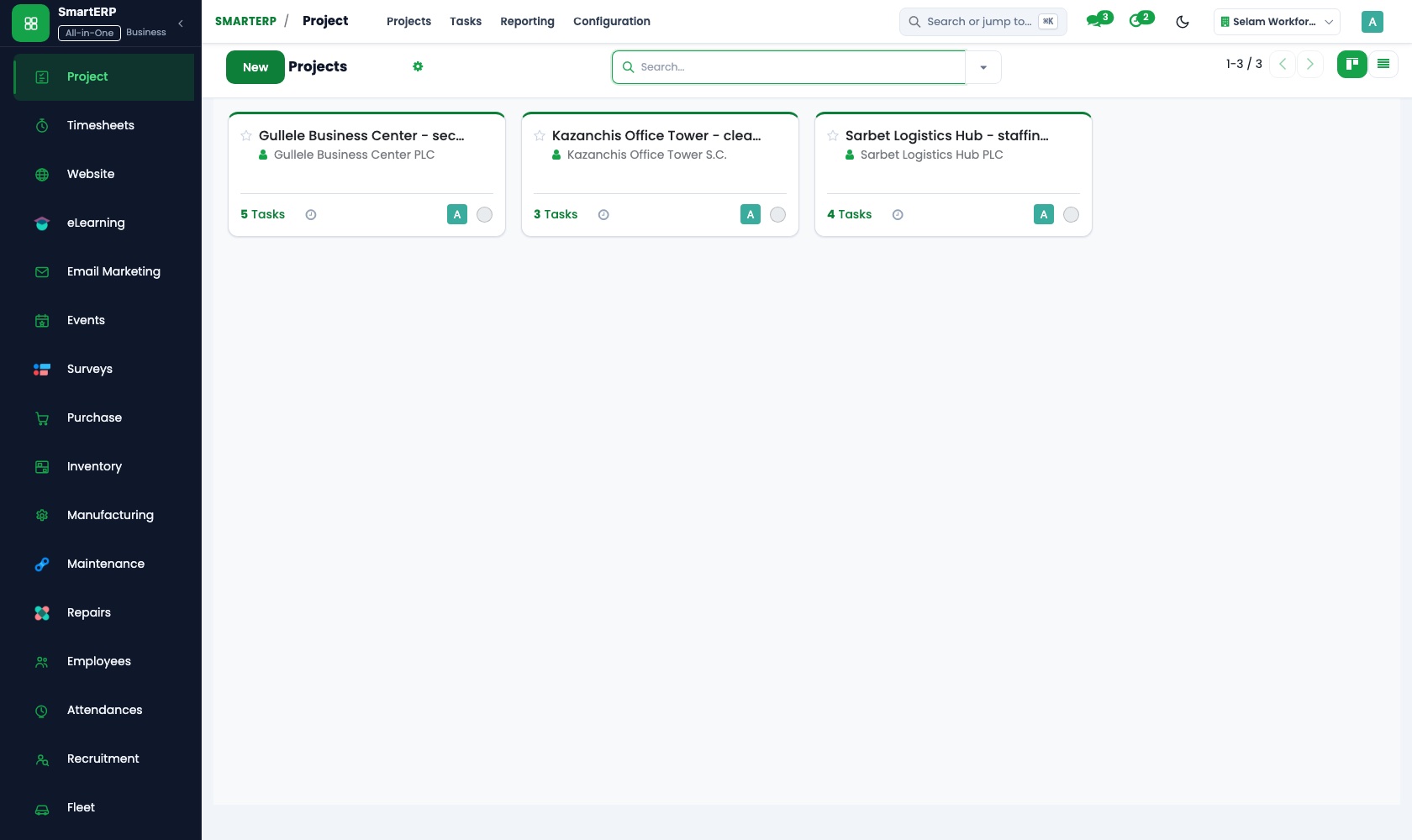
A managed property gets a task list from inspection to the handover of keys, and customer visibility lets an owner abroad follow the work.
Website
Property pages are built in the drag-and-drop page editor, and each page's form creates a lead in CRM instead of landing in one person's inbox.
Employees
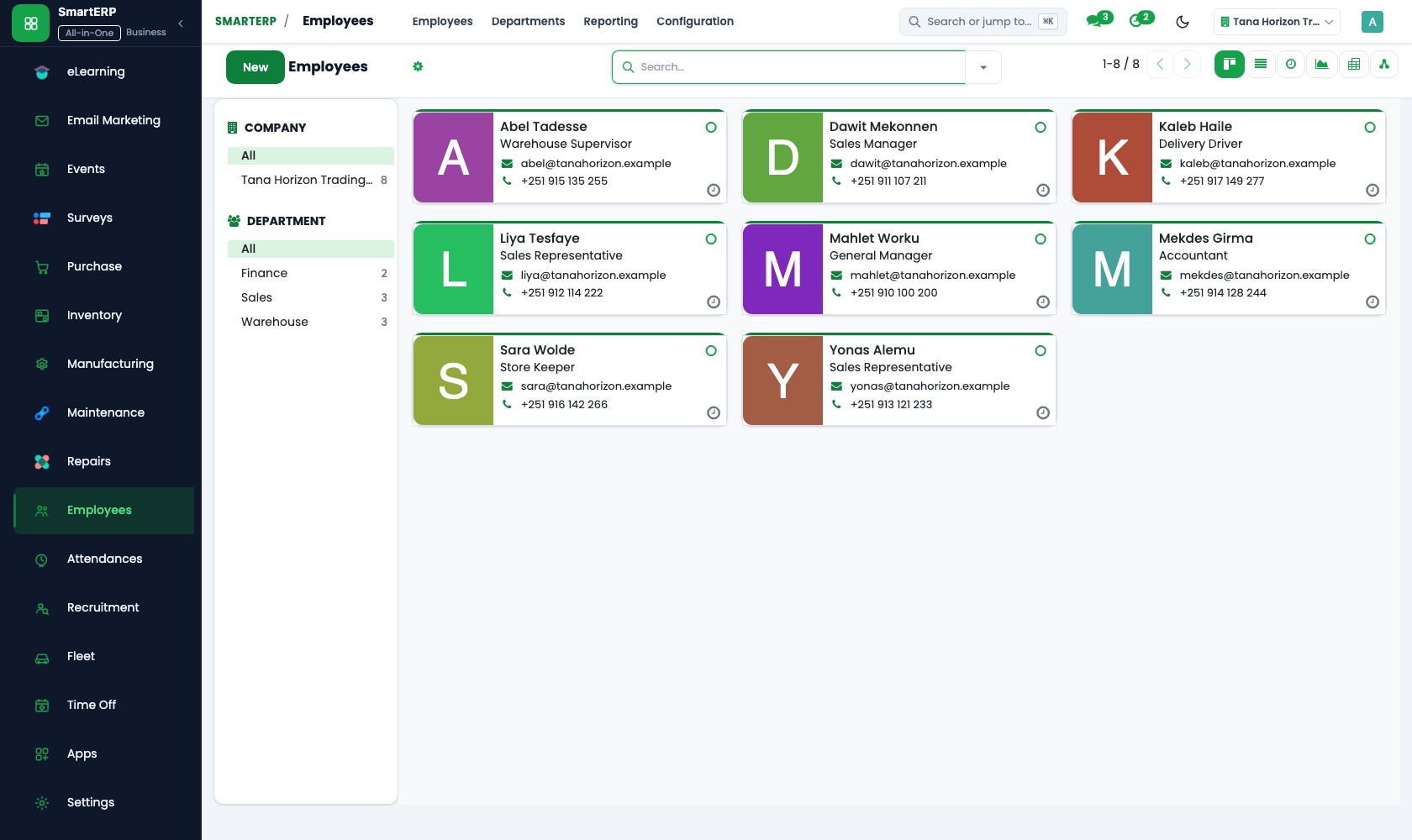
Each agent is one record with position, department and manager, and the org chart shows the sales and letting teams and who reports to whom.
How the work runs on SmartERP
From a website enquiry to a signed sale or letting
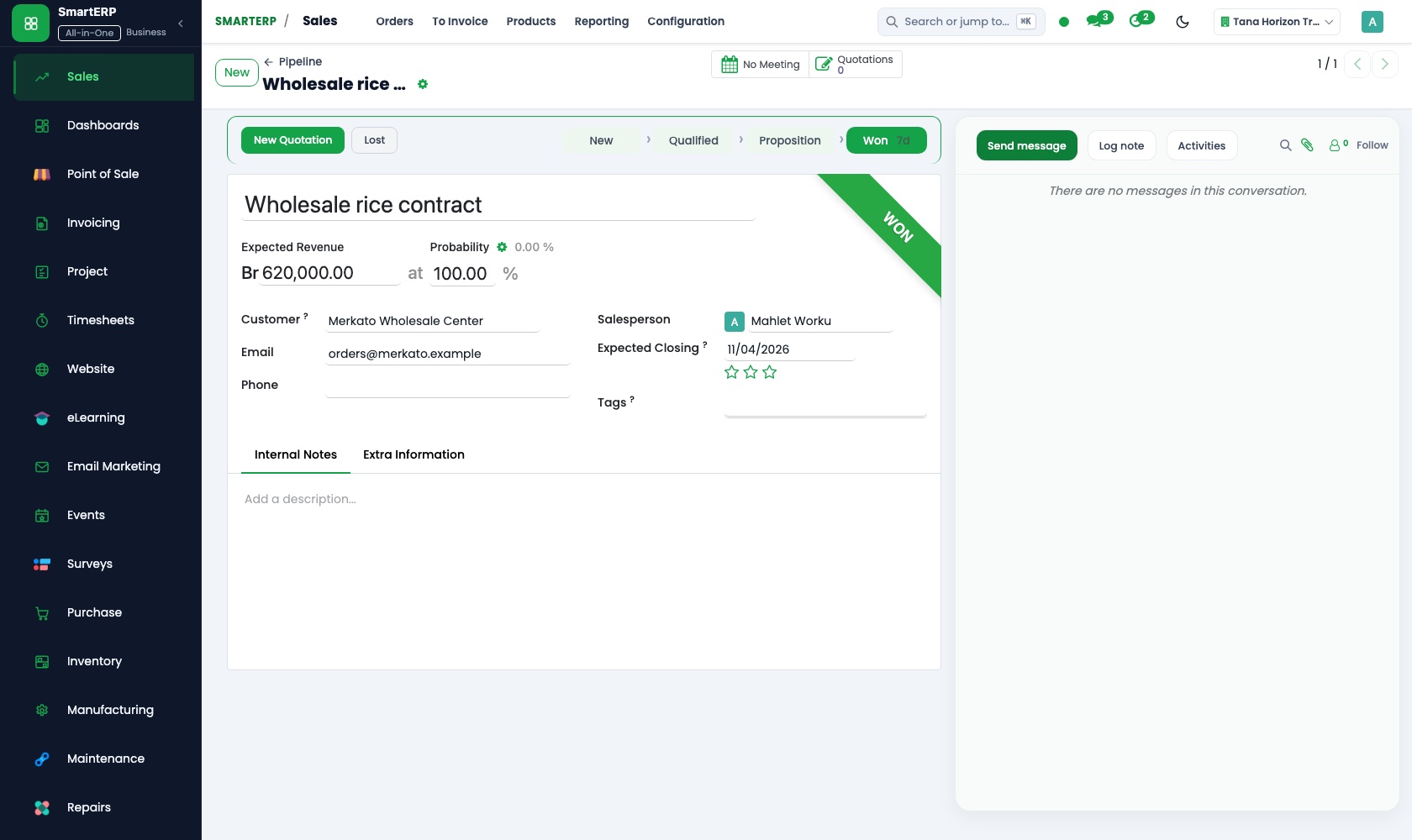
An enquiry from a property page becomes a lead, is followed through viewings and negotiation, and ends in an invoice for the agency fee.
- Website: Forms to CRM A visitor asks about a flat or a plot on its page and the enquiry lands with the agents, not in an inbox.
- CRM: Leads and opportunities Qualify the enquirer as a buyer, renter or landlord and note the type of property and the area they want.
- CRM: Scheduled activities Plan the viewing and the follow-up call after the visit against the person, so none is forgotten.
- CRM: Pipeline by stage Move the deal from viewing to offer to signed, so the manager sees which deals are live.
- Accounting: Customer invoices and credit notes Invoice the agency fee to the owner or buyer once the deal is signed.
From an owner's repair request to a paid invoice
A managed property needs work, the owner receives a quotation, follows the job, and pays; the transfer is matched to the invoice.
- Sales: Quotations and sales orders Send the owner a quotation for the repair or fit-out and confirm it on their reply.
- Project: Projects and tasks Open a task list for the property, from inspection and quotes to the handover of keys.
- Project: Customer visibility Let an owner living abroad follow the work without phoning the office.
- Accounting: Customer invoices and credit notes Invoice the owner for the completed work and the management charge.
- Accounting: Bank and cash Match the transfer received from abroad or in the city to the invoice it settles.
Your first month
- First week. We agree how enquiries are sorted and the stages a deal passes through, then build the pipeline and load your agents and existing contacts.
- Second week. Property pages and their enquiry forms go up on your website, the accountant confirms the chart of accounts and banks, and the fee invoice layout is agreed.
- Third week. Agents log real enquiries, plan viewings and callbacks, and move deals across the pipeline. One managed-property repair is quoted, opened as a project and invoiced.
- After go-live. We review the pipeline with the agency head: enquiries gone cold, deals with no next step, fees not yet invoiced.
What to have ready
- Current buyers, renters and landlords, with the property type and area each wants
- Properties you list or manage, with owner contacts, text and photos
- Agents with their teams and positions
- The fee rates you charge for sales, lettings and management
- Bank account details and opening balances from your accountant
The applications on screen
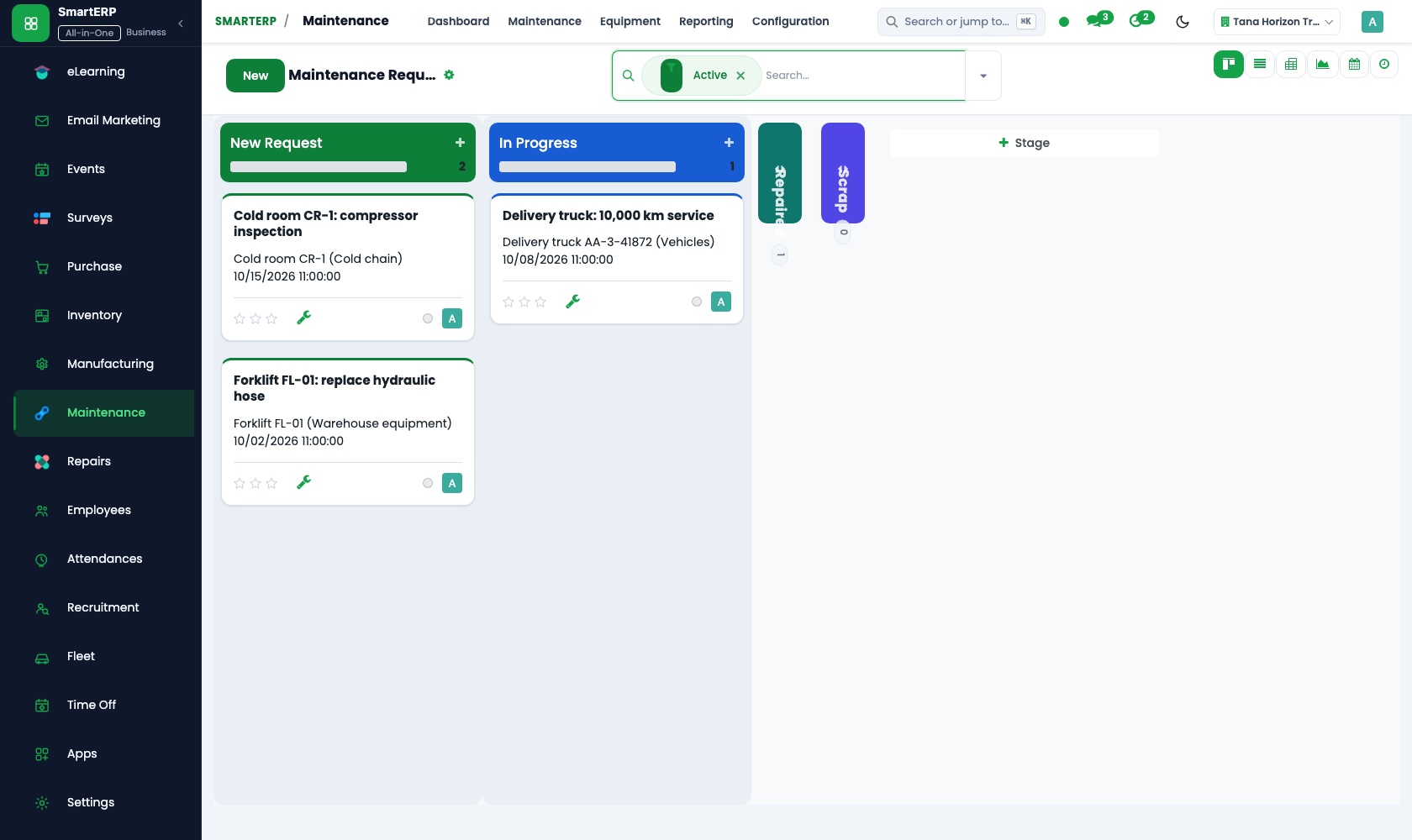
Real SmartERP screens with sample data.


Who uses it
- Business owner or general managerSee the whole business and keep every department working on the same records.
- Finance and accountingInvoices, bills, bank and reports from one ledger.
- Sales and customer serviceLeads, quotations, orders and follow-up.
- Project and service managersPlan projects and bill the time.
Company sizes
- Up to 10 people
- 11 to 50 people
What SmartERP does not cover for this industry
SmartERP does not include a searchable property listing database, tenancy and rent-collection schedules, lease contract tracking or agent commission splits. Listings can be website pages; enquiries flow into CRM and fees are invoiced by hand.
Questions about SmartERP for property Management
Does SmartERP hold a searchable property listing database?
No. SmartERP has no searchable listing database, tenancy or rent-collection schedules, lease tracking or agent commission splits. Listings are website pages; enquiries flow into CRM and your team invoices fees.
Do website enquiries reach my agents automatically?
Yes. A form on a property page creates a lead in CRM. Scheduled activities then put the viewing and the callback on the record.
Can an owner abroad see what is happening to their property?
Yes. Selected projects are shared with the owner through the portal, and a repair quotation can be accepted online from your link. The transfer is matched to the invoice in Accounting.
Can the viewing diary show Ethiopian dates?
Not in the standard cloud service. Calendar uses Gregorian dates, and it holds shared calendars and invitations so agents see each other's availability for viewings.
Do the enquiry, the invoice and the repair work stay connected?
Yes. Opportunities in CRM become quotations in Sales, orders become invoices in Accounting, and a project can be opened from an order, so it stays on linked records.
See it before you decide
One website enquiry followed to a signed sale and its fee invoice
The walkthrough follows a buyer's enquiry from a property page into the pipeline, plans the viewing, moves the deal to signed and invoices the agency fee, on sample data for a fictional agency.
There is no self-service sandbox. The demo is a guided walkthrough on sample data, or you can start a trial workspace.
Pricing
SmartERP has an industry edition for this sector (Real Estate and Property). The applications listed above are its applications, and the editions, their staff bands and the current prices are on the pricing page. This page shows no price.
See plans and pricingA website for your business
SmartERP can also set up a starter website for this kind of business, offered as part of a website project: Home, Properties, Find a Property, Sell or Let, Property Management, Owners Abroad, Contact. How the website tools work.
Start with what your business needs first
Tell us your industry and we carry it through the guided set-up, or talk to us first.
Start SmartERP Book a demo