Repair jobs, spare parts and vehicle sales on one set of records
A garage and dealer earns from labour, from parts and from selling vehicles, and each has its own paperwork. SmartERP keeps the customer and the repair history together, counts spare parts in the store and turns an estimate into an invoice. It does not diagnose faults or book workshop bays.
Start with Sales, Inventory, Purchase and Accounting. Add Repair when a job needs parts and labour on one order, Fleet for your own recovery truck and demonstration cars, and Maintenance for the lifts, compressors and tools of the workshop itself.
Typical businesses: Repair garages · Used car dealers · Tyre and battery shops · Body and paint workshops · Car showrooms
Problems this industry runs into
Spare parts are counted from memory
The store cannot say what is on the shelf, so a mechanic waits for a part that was already in stock, or a customer is quoted for one that ran out last week.
Estimates and final bills do not match
A price given at the counter is jotted on paper and the bill is built later from recollection of parts and hours, so customers dispute the difference.
The same car returns and its history is gone
When an owner brings back a vehicle, earlier repairs and advice are found only if the mechanic who did them happens to be on duty.
Vehicle buyers ask once and are never called back
Someone asks about a used or imported car, leaves a number and hears nothing, because no person owns the follow-up and no reminder was set.
A recommended starting set of applications
There is no packaged edition for this industry yet. These applications are our recommendation for a business of this kind, not a fixed bundle.
Often added for this industry
What each application does for automobile Spare Parts
Accounting
A buyer's deposit and balance, paid by transfer or cash, are matched to the vehicle invoice. A part returned unused is credited.
Sales
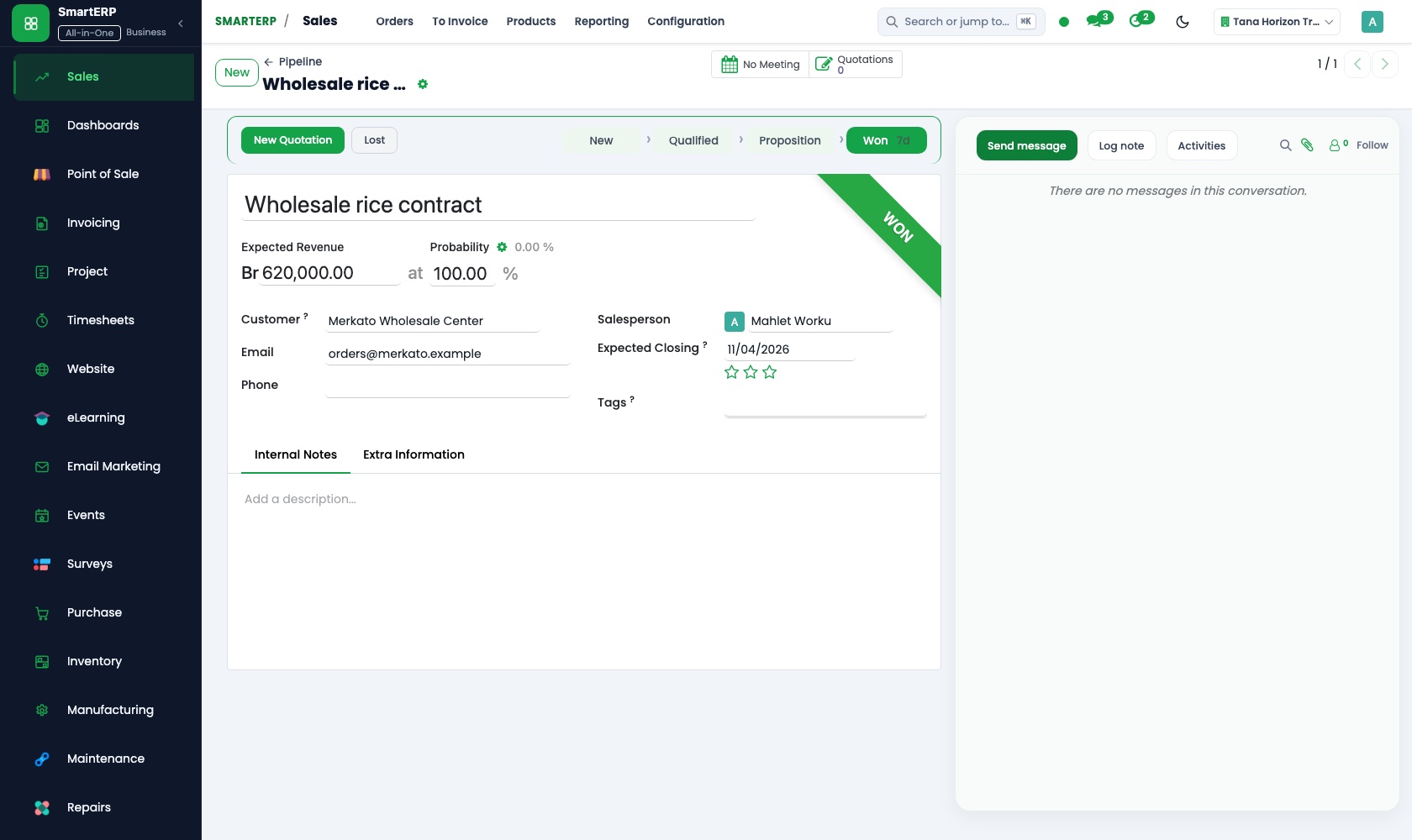
A quotation lists the vehicle, accessories and price, and one click confirms it as a sales order. Sales reporting shows margin by salesperson.
Inventory
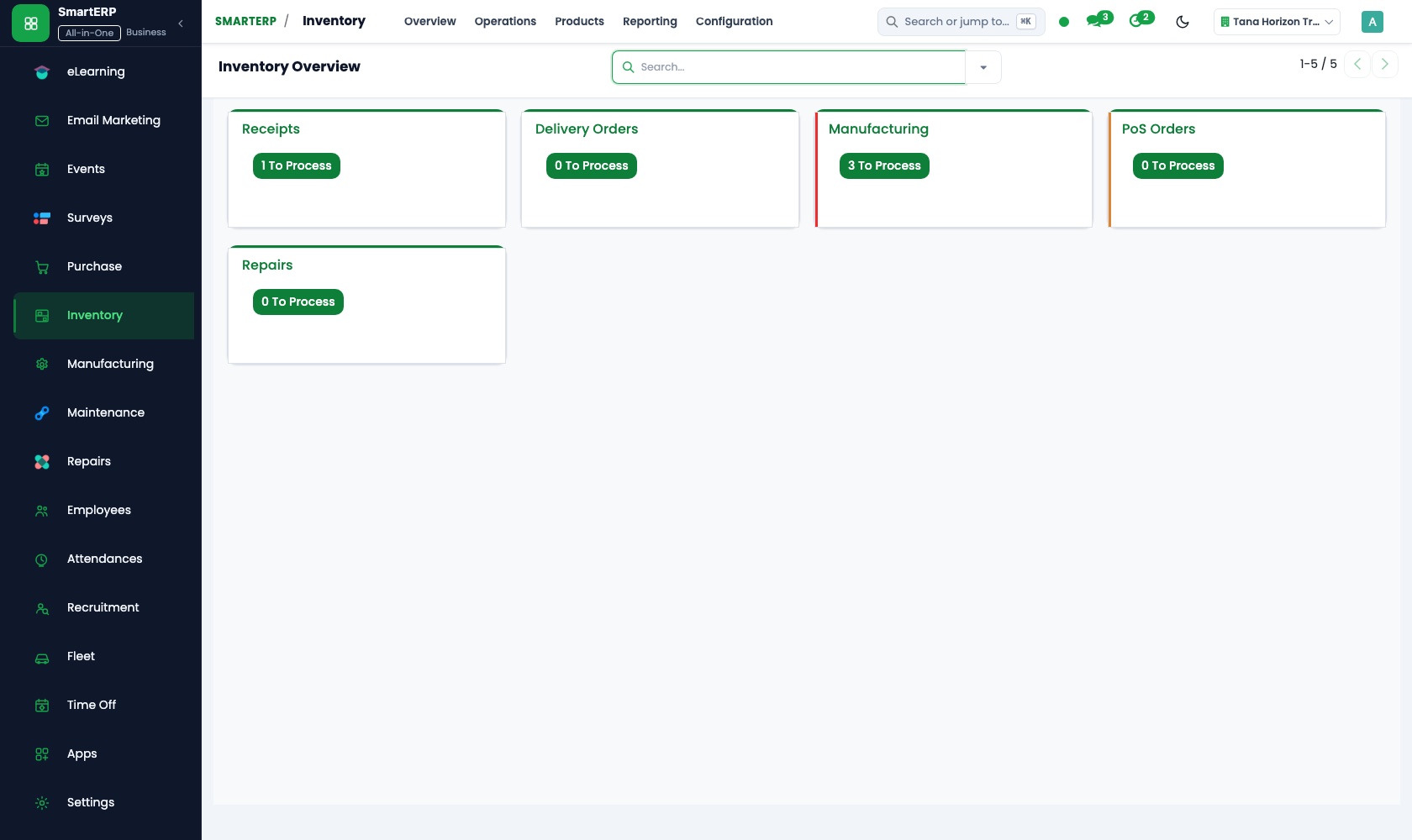
Spare parts sit in locations such as the front shelf and the back store. Reorder rules flag a filter or brake pad before it runs out.
Purchase
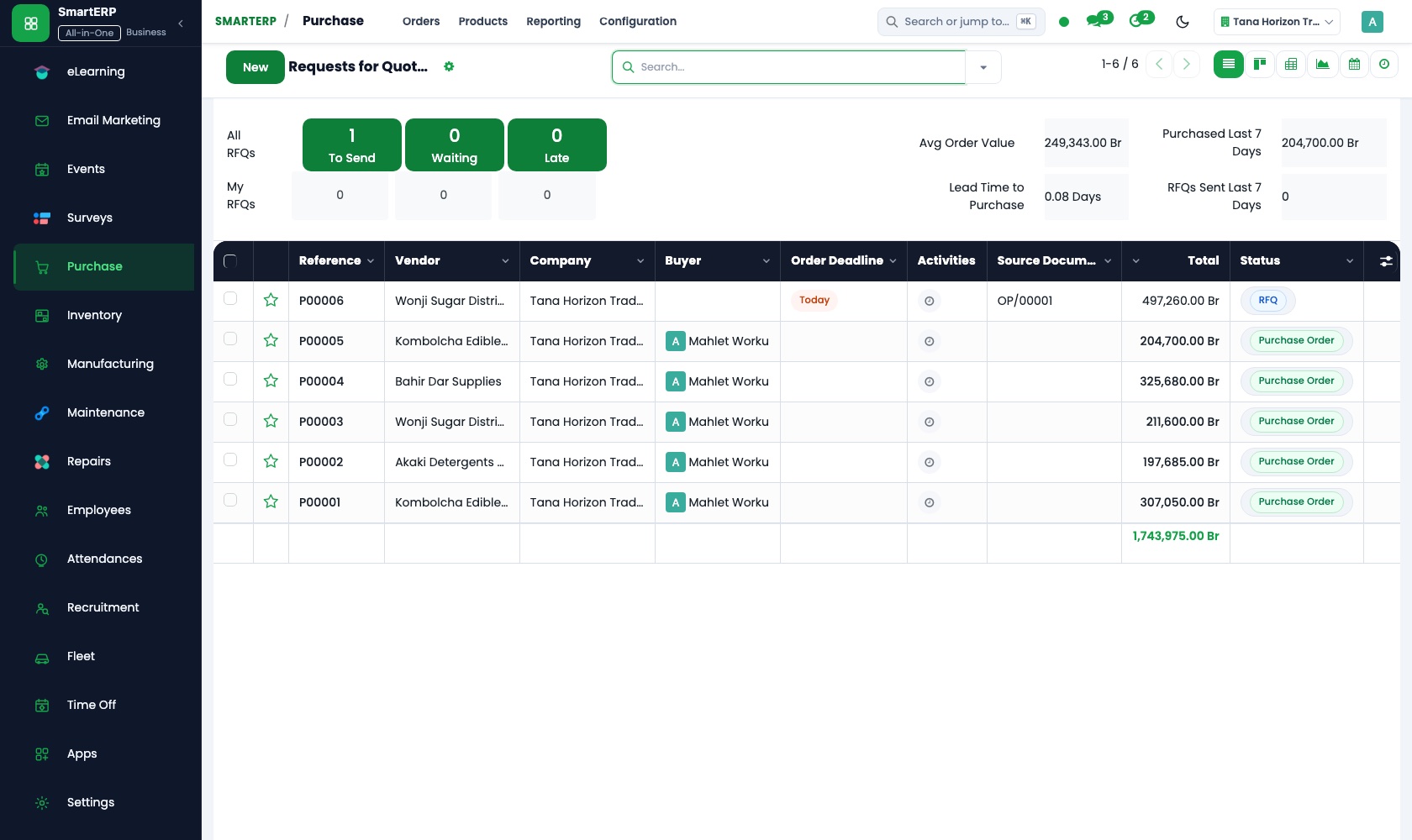
Requests for quotation compare parts suppliers' prices, and the chosen one becomes a purchase order. Vendor records keep price history.
CRM
A caller asking about a used or imported car is logged as a lead with the model and price range. A scheduled activity sets the call-back.
Fleet
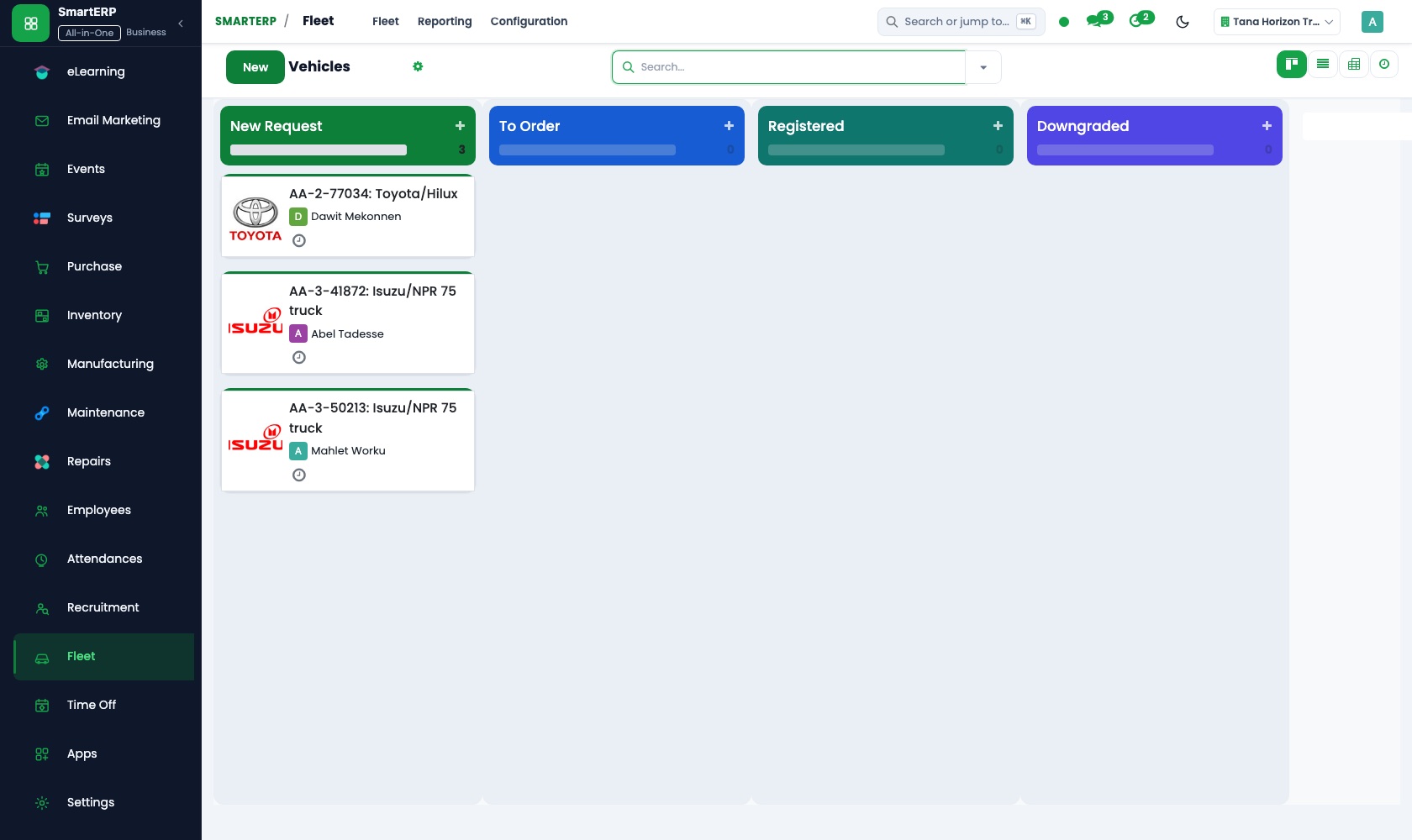
The recovery truck and demonstration cars go in the vehicle register with plate, driver and odometer. The service log gives a running cost per vehicle.
Maintenance
The lifts, compressors and tools of the workshop go in the equipment register, with preventive maintenance repeating before a machine fails.
How the work runs on SmartERP
From an estimate to a repaired car and its final bill
A repair order is opened for the customer's vehicle, priced with parts and labour, fitted from stock and invoiced.
- Repair: Repair orders Open the job against the customer's car with the fault written as the owner described it.
- Repair: Parts and labour List the brake pads, filters or other parts and the labour hours the estimate is built on.
- Repair: Quotation and invoicing Show the owner the estimate before any part is fitted, then bill the job from the same lines.
- Repair: Stock integration Parts fitted leave the store as the job progresses, so the shelf count follows the work.
- Accounting: Customer invoices and credit notes Invoice the owner or the company account and credit a part that was returned unused.
From a used-car enquiry to a completed sale
A buyer's question about a vehicle is followed up, priced, confirmed and paid, with each step recorded.
- CRM: Leads and opportunities Log the caller interested in a used or imported car, with the model wanted and the price range.
- CRM: Scheduled activities Set the call-back and the test drive on someone's list so the buyer is not left waiting.
- CRM: Quotations from opportunities Prepare the price offer for the vehicle straight from the opportunity, extras included.
- Sales: Quotations and sales orders Confirm the sale once the buyer accepts the price and the accessories.
- Accounting: Bank and cash Match the buyer's deposit and balance, paid by transfer or in cash, to the invoice.
Your first month
- First week. We agree how estimates, parts and vehicle sales are priced, then load customers, suppliers, parts, the recovery truck and workshop equipment.
- Second week. Parts are counted on the shelf and entered as opening stock, with minimum quantities set for fast movers. Your accountant confirms the accounts.
- Third week. The counter practises a full job with real customers: enquiry, quotation, parts received and issued, invoice. The sales desk sets call-backs for used-car enquiries.
- After go-live. We compare the first month's stock counts with the shelf, see which quotations changed before invoicing, and adjust reorder levels.
What to have ready
- Customers with the plates of their vehicles and any repair history you keep
- Parts with shelf locations, quantities on hand and the supplier of each
- Suppliers of parts, tyres and oil with their price lists
- Your labour rates and the jobs you quote most often
- Your own vehicles and workshop equipment with service dates
The applications on screen
Real SmartERP screens with sample data.


Who uses it
- Business owner or general managerSee the whole business and keep every department working on the same records.
- Sales and customer serviceLeads, quotations, orders and follow-up.
- Purchasing and storesBuy, receive and control stock.
- Operations and productionPlan production, maintain equipment, deliver on time.
Company sizes
- Up to 10 people
- 11 to 50 people
What SmartERP does not cover for this industry
SmartERP has no bay booking calendar, no fault-code or manufacturer parts catalogue and no import clearance paperwork. Mechanics work from the repair order printed or shown on a screen; there is no handheld job screen for them yet.
Questions about SmartERP for automobile Spare Parts
Can SmartERP book workshop bays or read fault codes?
No. SmartERP has no bay booking calendar, no fault-code or manufacturer parts catalogue and no import clearance paperwork. There is no handheld job screen for mechanics yet.
Do we need the Repair application from the first day?
Not necessarily. Sales and Inventory cover quotations, parts and stock. Add Repair when a job needs parts and labour on one order, with repair history per customer and vehicle.
Can we stop counting spare parts from memory?
Yes. Inventory holds locations, receipts, physical counts and reorder rules, so each part has an on-hand quantity. It stays right only if issues and receipts are recorded.
Does Fleet track our recovery truck by GPS?
No. Fleet is a register of vehicles, contracts and costs; live GPS tracking needs a separate provider. It does record the truck's services, fuel and insurance expiry.
How do the applications in the starting set work together?
A used-car enquiry in CRM becomes a quotation in Sales, then an invoice in Accounting. Parts ordered in Purchase arrive in Inventory, and Maintenance and Fleet keep equipment and vehicles serviced.
See it before you decide
One repair job from estimate to final bill for a fictional workshop
The walkthrough opens a repair order for a customer's car, lists parts and labour, takes the parts from stock and invoices the job, on sample data for a fictional garage.
There is no self-service sandbox. The demo is a guided walkthrough on sample data, or you can start a trial workspace.
Pricing
This industry has no packaged edition yet. You can start on a per-user plan with the recommended applications, or ask for a quote. Current plans and prices are on the pricing page.
See plans and pricingA website for your business
SmartERP can also set up a starter website for this kind of business, offered as part of a website project: Home, Service & Repair, Estimates & Parts, Vehicles for Sale, Fleet Care, Book a Service, Contact. How the website tools work.
Start with what your business needs first
Tell us your industry and we carry it through the guided set-up, or talk to us first.
Start SmartERP Book a demo