Lane booking, shoe rental, bar POS, and venue operations in one unified system.
Managing bowling centers requires synchronizing fast-paced lane reservations with beverage sales, equipment upkeep, and weekend league schedules. SmartERP provides an intuitive touchscreen Point of Sale that links lane duration directly with rental fees, snacks, and arcade tokens, ensuring every session is billed accurately without front-counter bottlenecks.
Behind the counter, automated inventory tracking monitors food, beverage, and cleaning consumables, while maintenance scheduling tracks mechanical lane oiling and pinsetter servicing. Integrated accounting rolls up daily shift takings, card settlements, and tax records into real-time fiscal journals.
Typical businesses: Ten-pin bowling alleys · Family entertainment centers · Boutique bowling lounges · Leisure & arcade clubs
Problems this industry runs into
Peak-hour counter delays
Manual lane assignment and separate bar billing cause long customer queues during weekend rushes and holiday events.
Untracked shoe & locker rentals
Rental shoes and equipment get misplaced or returned without verifying deposits or matching session durations.
Complex league & party booking
Managing birthday packages, corporate events, and league score records across paper notes leads to double-bookings.
Fragmented daily shift reconciliation
Cashiers struggle to reconcile cash drawers, card terminals, and concession sales across multiple lane bars.
Applications in the Hospitality edition
These applications are the ones the industry edition's blueprint includes. Each opens its own page.
Often added for this industry
What each application does for bowling Alleys
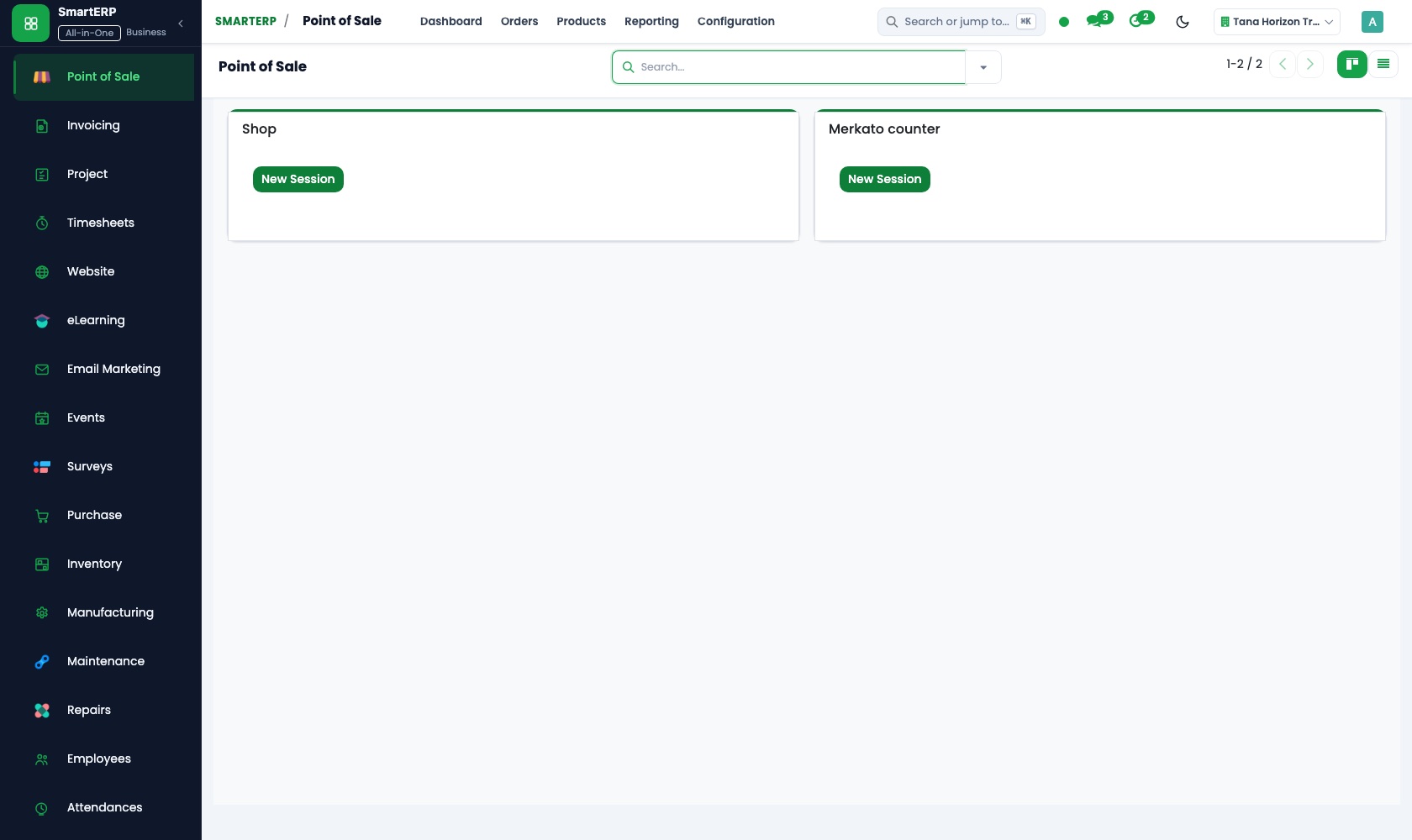
Point of Sale
Optimized pos workflows for bowling alleys operations.
Sales
Optimized sales workflows for bowling alleys operations.
Accounting
Optimized accounting workflows for bowling alleys operations.
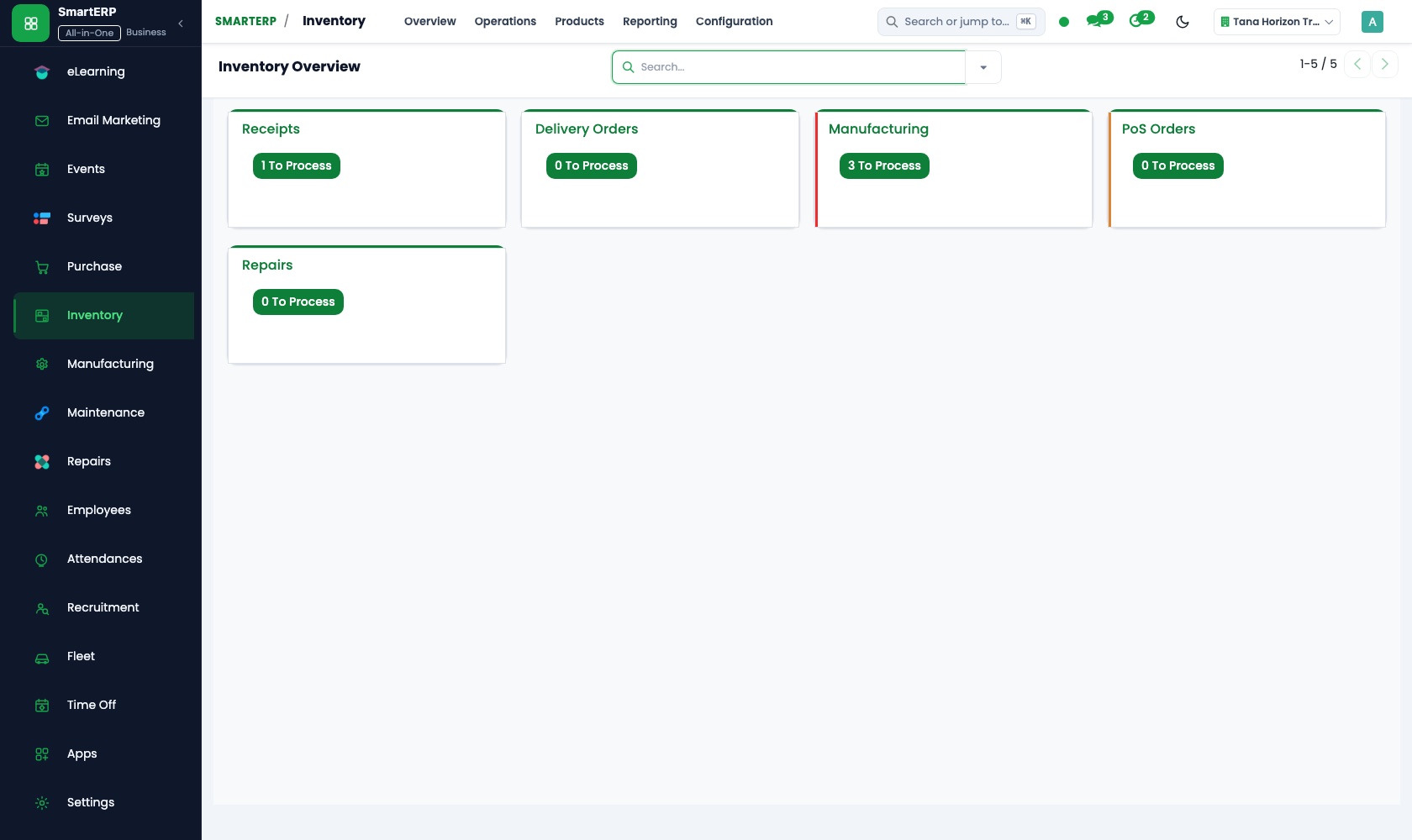
Inventory
Optimized inventory workflows for bowling alleys operations.
How the work runs on SmartERP
Lane Check-in to Checkout
Walk-in and advance lane allocation with integrated shoe rental and payment.
- Point of Sale: Table & Session Map Front desk allocates Lane 4, adds 1-hour session time, and checks out rental shoes.
- Point of Sale: Bar & Kitchen Order Bowlers order drinks from Lane 4; order tickets print directly at the bar.
- Invoicing: Unified Folio Close Lane session concludes; cashier settles single bill across bowling and refreshments.
Corporate Tournament Booking
End-to-end management of birthday parties and corporate tournaments.
- CRM: Event Opportunity Sales coordinator logs 50-person corporate tournament request and sends quotation.
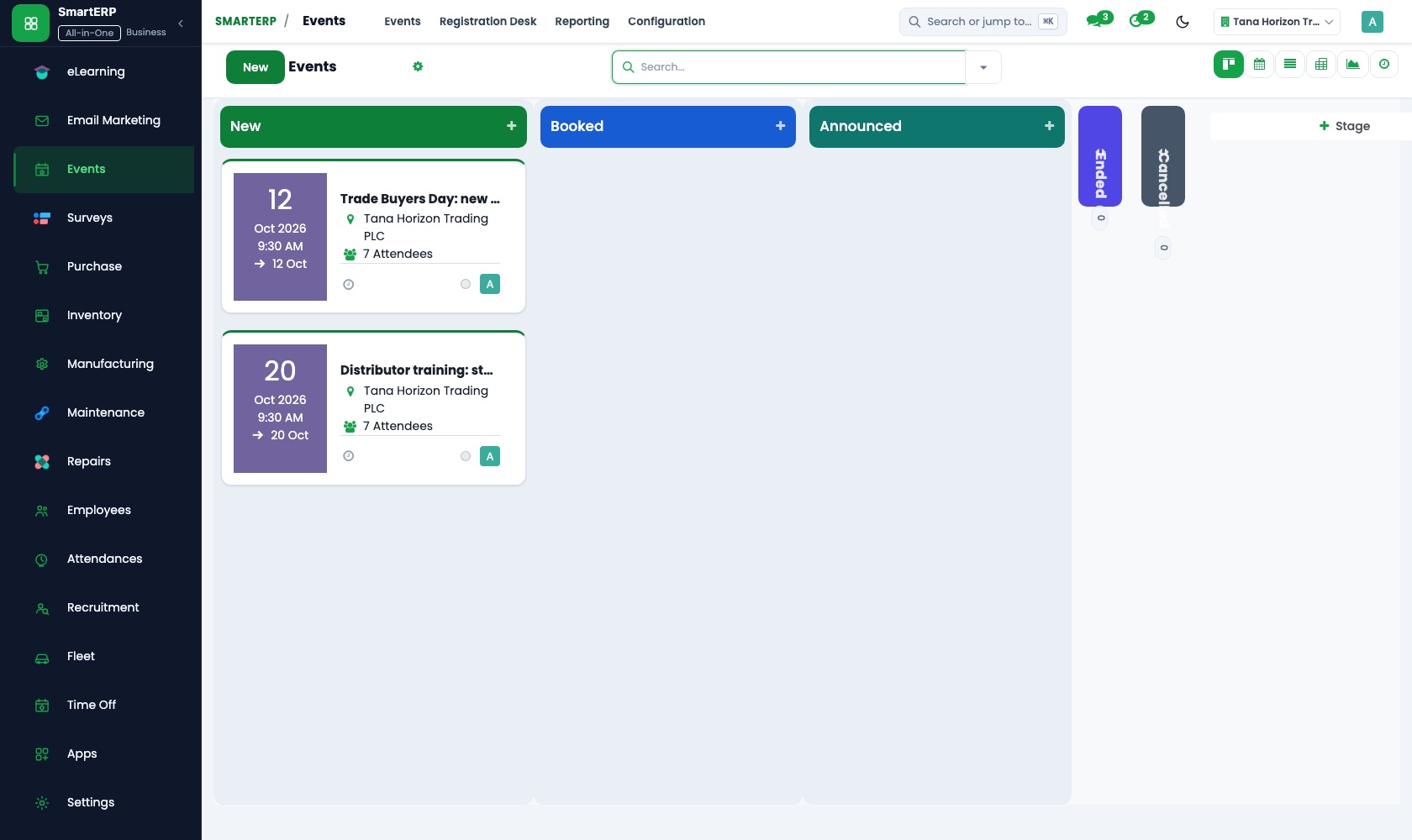
- Events: Schedule & Capacity Lanes 1 to 8 are reserved for Friday evening with pre-set catering packages.
- Sales: Advance Deposit & Final Bill Deposit recorded; final corporate invoice issued upon tournament completion.
Your first month
- First week. Import service catalog, configure Bowling Alleys pricing tiers and user permissions.
- Second week. Set up front-desk terminals, reservation timetables, and staff shifts.
- Third week. Test customer bookings, inventory depletion, and daily cashier closeout.
- After go-live. Review weekly occupancy reports, revenue performance, and customer retention.
What to have ready
- Current bowling alleys service and pricing list
- Staff names, roles, and scheduled working hours
- Existing opening inventory balances and supplier contacts
- Company tax identification number (TIN) and bank account details
The applications on screen
Real SmartERP screens with sample data.


Who uses it
- Business owner or general managerSee the whole business and keep every department working on the same records.
Company sizes
- 11 to 50 people
- 51 to 100 people
What SmartERP does not cover for this industry
Direct serial telemetry interfaces for legacy proprietary scoring console hardware are integrated via standard network POS or middleware.
Questions about SmartERP for bowling Alleys
Can SmartERP track hourly lane rates and shoe rental fees together?
Yes. SmartERP Point of Sale supports configurable session time billing combined with rental item deposits and automated return verification.
Can food and drinks be billed directly to bowling lanes?
Yes. Staff can order refreshments to any lane, table, or party tab, and settle all charges on a single combined receipt.
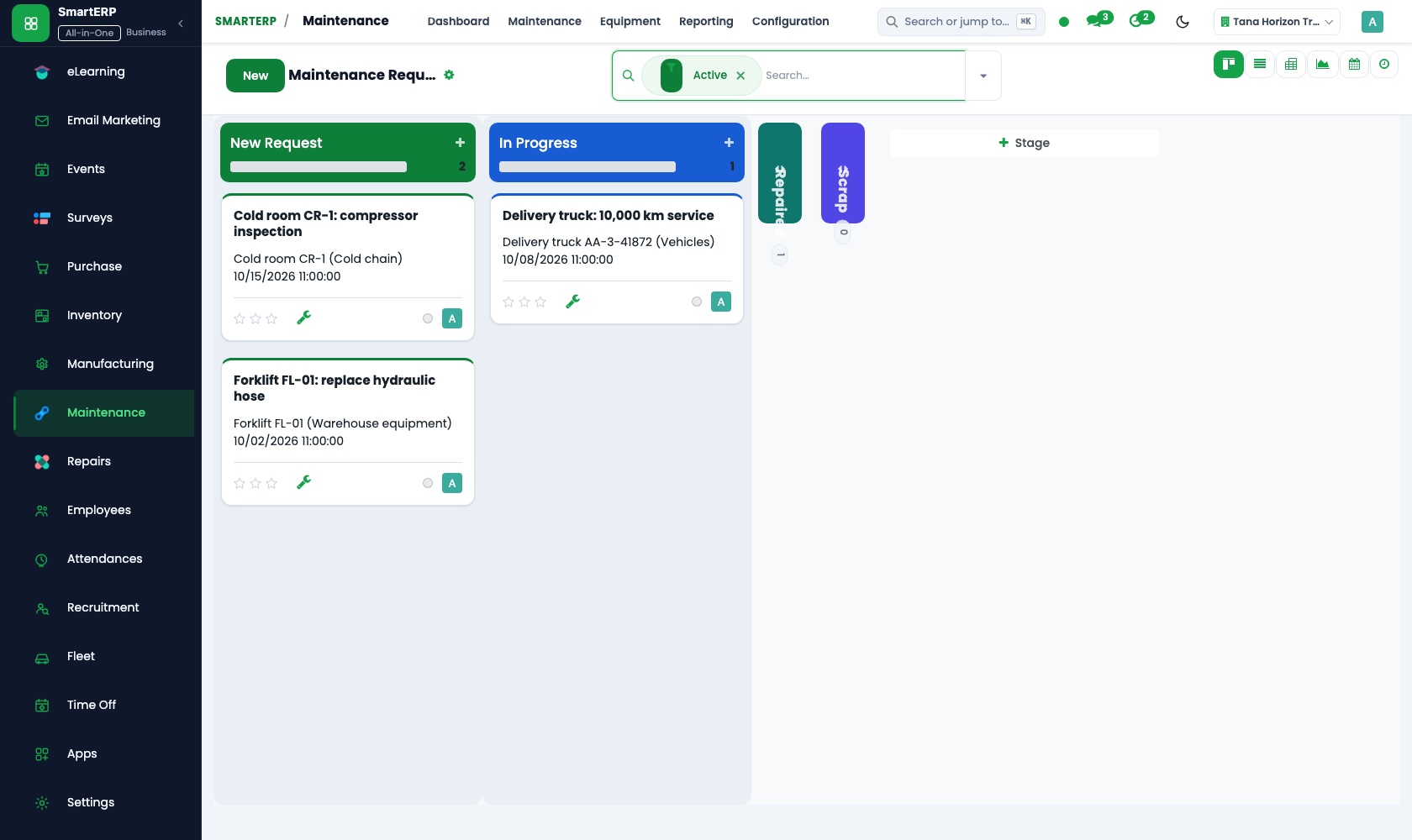
How does SmartERP handle lane pinsetter maintenance?
SmartERP Maintenance provides scheduled service requests, tracking machinery run-hours, oil replenishment, and replacement parts.
See it before you decide
Live Bowling Alleys Walkthrough
Explore live booking calendars, customer folios, and inventory tracking for bowling alleys.
There is no self-service sandbox. The demo is a guided walkthrough on sample data, or you can start a trial workspace.
Pricing
SmartERP has an industry edition for this sector (Hospitality). The applications listed above are its applications, and the editions, their staff bands and the current prices are on the pricing page. This page shows no price.
See plans and pricingA website for your business
SmartERP can also set up a starter website for this kind of business, offered as part of a website project: Home, Services, Bookings, Contact. How the website tools work.
Start with what your business needs first
Tell us your industry and we carry it through the guided set-up, or talk to us first.
Start SmartERP Book a demo