Know every vehicle, its driver and its service history
Services and contract renewals are not missed, and vehicle costs are visible.
Available
The problem
What goes wrong without it
Vehicle papers, service dates and fuel costs are scattered. Renewals are discovered when they have expired.
The solution
How Fleet works in SmartERP
Fleet keeps a record per vehicle with driver, contracts, services and odometer, and reminds you of upcoming dates.
Main features
What you can do with Fleet
Vehicle register
Plate, model, driver, odometer and acquisition details.
Contracts and renewals
Leasing and insurance contracts with expiry dates.
Service log
Record services and their cost.
Fuel and odometer
Log fuel and mileage.
Driver assignment
Assign drivers and see their vehicles.
Cost reporting
Cost per vehicle over time.
Workflow
How the work flows
Each step hands its data to the next, so nothing is typed twice.
Vehicle
Register the vehicle.
Driver
Assign a driver.
Services and fuel
Log costs as they happen.
Renewal
Get reminded before contracts expire.
Screenshots
The real application
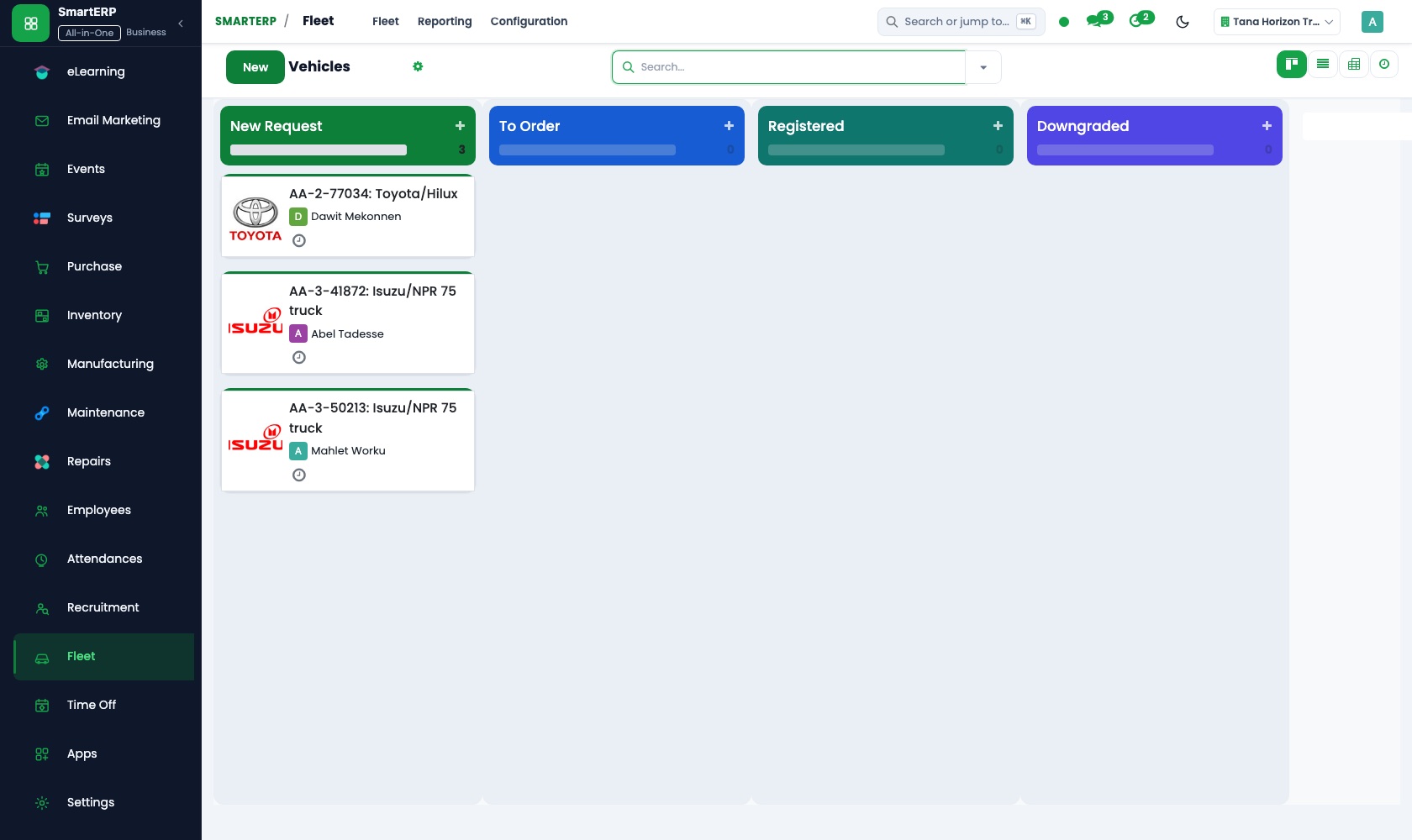
Captured from a running SmartERP system with synthetic sample data.
Roles
Who uses Fleet
Fleet manager
Tracks services and contracts.
Driver
Reports mileage and issues.
Finance
Reads vehicle costs.
Industries
Where Fleet is used
Sectors whose starting set includes this application. See all on the solutions page.
Related applications
Works with
Integrations
What it connects to
Drivers come from the employee records. Vehicle costs can be analysed in Accounting.
Availability and pricing
How to get Fleet
Available
Part of the SmartERP cloud service. It is included in the plans and industry editions shown on the pricing page; there is no separate price for this application.
FAQ
Questions about Fleet
Next step
See Fleet in action
Book a guided demo, or start a trial workspace and try it yourself.