One record for every employee
HR works from a single, current employee record that time off, attendance and recruitment all use.
Available
The problem
What goes wrong without it
Employee details live in files and spreadsheets. Departments change, contacts go stale and every HR task starts with searching.
The solution
How Employees works in SmartERP
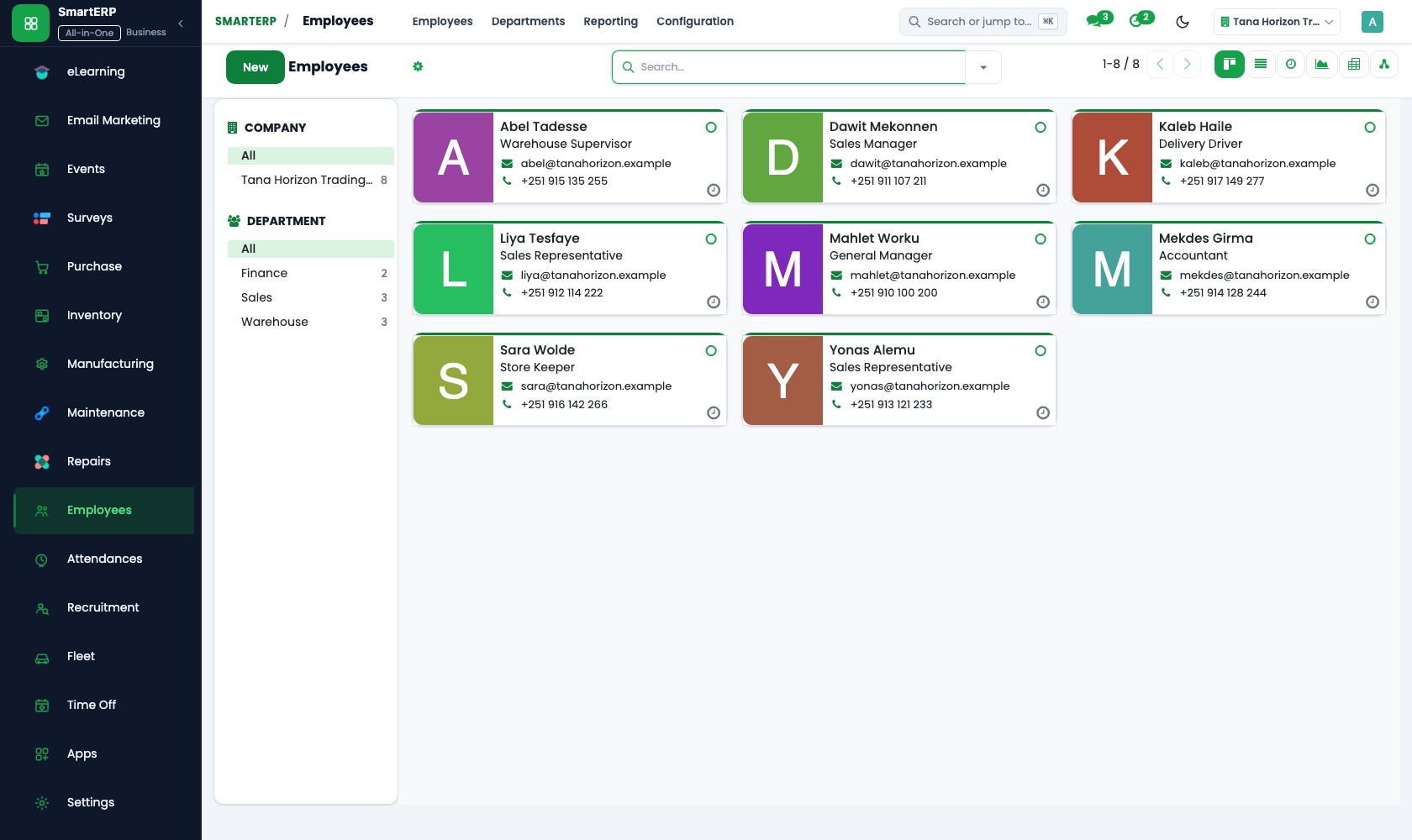
Employees stores the employee record, department, manager and job position, and is the base other HR applications build on.
Main features
What you can do with Employees
Employee directory
Photo, contact details, job position, department and manager.
Departments and org chart
Model your structure and see reporting lines.
Job positions
Positions with descriptions and target headcount.
Private information
Sensitive details are restricted to HR officers.
Employee self-service
Employees can view and update permitted details.
Documents and notes
Attach documents and notes to the record.
Workflow
How the work flows
Each step hands its data to the next, so nothing is typed twice.
Hire
The applicant becomes an employee.
Employee record
Department, manager and position are set.
Daily use
Time off and attendance use the record.
Changes
Transfers and updates keep one history.
Screenshots
The real application
Captured from a running SmartERP system with synthetic sample data.
Roles
Who uses Employees
HR officer
Maintains employee records.
Manager
Sees their team.
Employee
Checks and updates their own details.
Industries
Where Employees is used
Sectors whose starting set includes this application. See all on the solutions page.
Integrations
What it connects to
Base for Recruitment, Time Off, Attendance, Timesheets and Fleet. Payroll is delivered through implementation.
Availability and pricing
How to get Employees
Available
Part of the SmartERP cloud service. It is included in the plans and industry editions shown on the pricing page; there is no separate price for this application.
FAQ
Questions about Employees
Next step
See Employees in action
Book a guided demo, or start a trial workspace and try it yourself.