Know what is in stock, where, and what to reorder
Stock levels are current, deliveries leave on time and reordering is based on rules, not memory.
Available
The problem
What goes wrong without it
Stock is counted occasionally and recorded in spreadsheets. Shortages and overstock are discovered too late.
The solution
How Inventory works in SmartERP
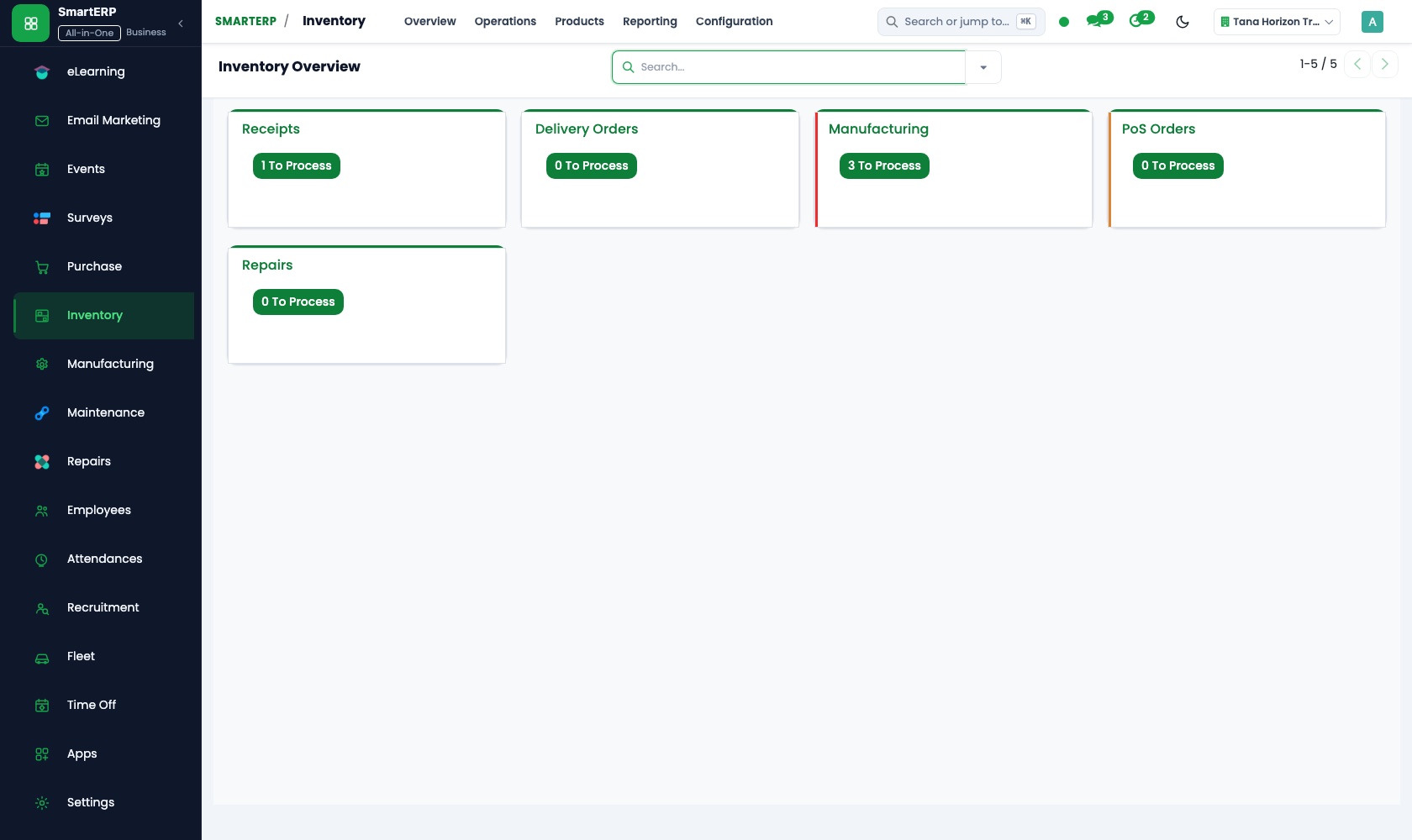
Inventory tracks every receipt, transfer and delivery by warehouse and location. Sales and purchase documents move stock automatically, and reorder rules flag what to buy.
Main features
What you can do with Inventory
Warehouses and locations
Model warehouses, shelves and internal locations.
Receipts and deliveries
Receive purchases and ship sales orders with transfer documents.
Reorder rules
Minimum and maximum quantities flag or create purchase needs.
Stock valuation and adjustments
Physical counts, adjustments and stock valuation for accounting.
Lots and serial numbers
Track batches or individual items where needed.
Stock reports
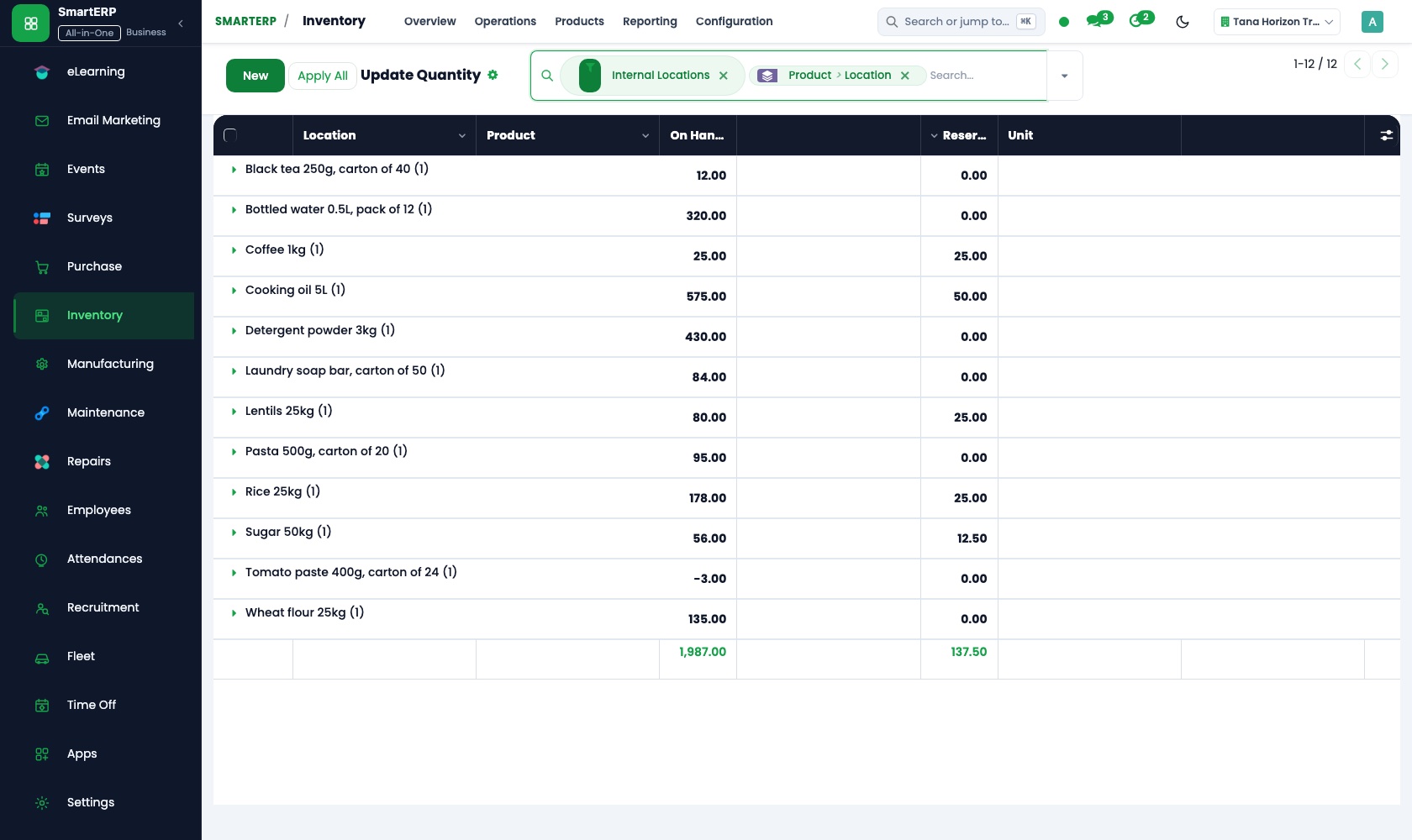
On-hand quantity, movements and forecast by product and location.
Workflow
How the work flows
Each step hands its data to the next, so nothing is typed twice.
Purchase order
Goods are ordered from a vendor.
Receipt
Goods are received into a location.
Stock on hand
Quantities update automatically.
Sales order
A customer order reserves stock.
Delivery
Goods leave and stock reduces.
Screenshots
The real application
Captured from a running SmartERP system with synthetic sample data.
Roles
Who uses Inventory
Storekeeper
Receives, transfers and counts stock.
Warehouse manager
Reviews levels, reorder needs and adjustments.
Buyer
Orders what the reorder rules show is low.
Industries
Where Inventory is used
Sectors whose starting set includes this application. See all on the solutions page.
Related applications
Works with
Integrations
What it connects to
Linked to Purchase (receipts), Sales (deliveries), Manufacturing (components and finished goods), Point of Sale and Accounting (valuation).
Availability and pricing
How to get Inventory
Available
Part of the SmartERP cloud service. It is included in the plans and industry editions shown on the pricing page; there is no separate price for this application.
FAQ
Questions about Inventory
Next step
See Inventory in action
Book a guided demo, or start a trial workspace and try it yourself.