Leave requests and balances without the paperwork
Employees request leave online, managers approve it, and balances are always current.
Available
The problem
What goes wrong without it
Leave is requested on paper or by message, balances are tracked in a spreadsheet and overlaps are noticed too late.
The solution
How Time Off works in SmartERP
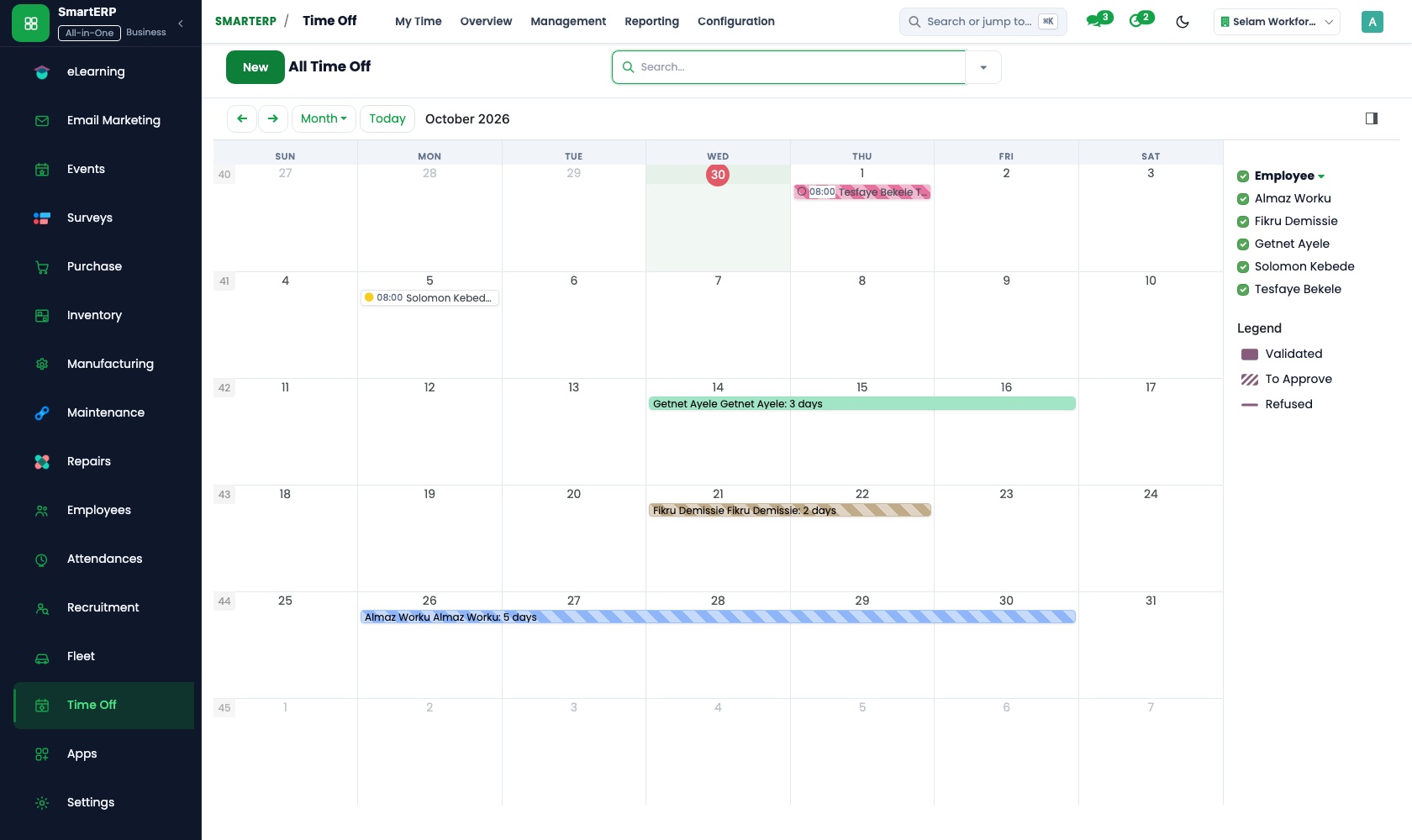
Time Off records leave types, allocations and requests, routes them to the manager for approval and shows who is away on a shared calendar.
Main features
What you can do with Time Off
Leave types
Annual, sick and other leave with their own rules.
Allocations
Give employees a balance per period.
Requests and approvals
Employees request; managers approve or refuse.
Team calendar
See who is away and avoid overlaps.
Public holidays
Record company and public holidays.
Balance reports
Days taken and remaining per employee.
Workflow
How the work flows
Each step hands its data to the next, so nothing is typed twice.
Allocation
Balance is granted.
Request
The employee asks for leave.
Approval
The manager decides.
Calendar
The absence shows for the team.
Balance
Days taken are deducted.
Screenshots
The real application
Captured from a running SmartERP system with synthetic sample data.
Roles
Who uses Time Off
Employee
Requests leave and sees the balance.
Manager
Approves requests for the team.
HR officer
Manages leave types and allocations.
Industries
Where Time Off is used
Sectors whose starting set includes this application. See all on the solutions page.
Integrations
What it connects to
Uses employee records; absences appear in Timesheets and Calendar views.
Availability and pricing
How to get Time Off
Available
Part of the SmartERP cloud service. It is included in the plans and industry editions shown on the pricing page; there is no separate price for this application.
FAQ
Questions about Time Off
Next step
See Time Off in action
Book a guided demo, or start a trial workspace and try it yourself.