Sell at the counter and keep stock and books current
Every sale at the shop updates stock and accounting, so the end-of-day count matches the system.
Available
The problem
What goes wrong without it
Counter sales are written in a book or a separate till system, and stock and accounts are updated later, if at all.
The solution
How Point of Sale works in SmartERP
Point of Sale runs in the browser on a tablet or computer at the counter. Each sale reduces stock and posts to Accounting, and the session closes with a cash and payment summary.
Main features
What you can do with Point of Sale
Browser-based till
Run the counter from a modern browser on a computer or tablet.
Products, categories and prices
The same product catalogue and price lists as Sales.
Payment methods
Cash, bank and customer-account payments per session.
Sessions and cash control
Open and close sessions with a cash count and a summary.
Stock integration
Every sale reduces stock in the shop location.
Receipts
Print or email receipts to the customer.
Workflow
How the work flows
Each step hands its data to the next, so nothing is typed twice.
Open session
Count the cash and start the shift.
Sell
Scan or pick products and take payment.
Stock update
Inventory is reduced automatically.
Close session
Count the cash and post the summary.
Screenshots
The real application
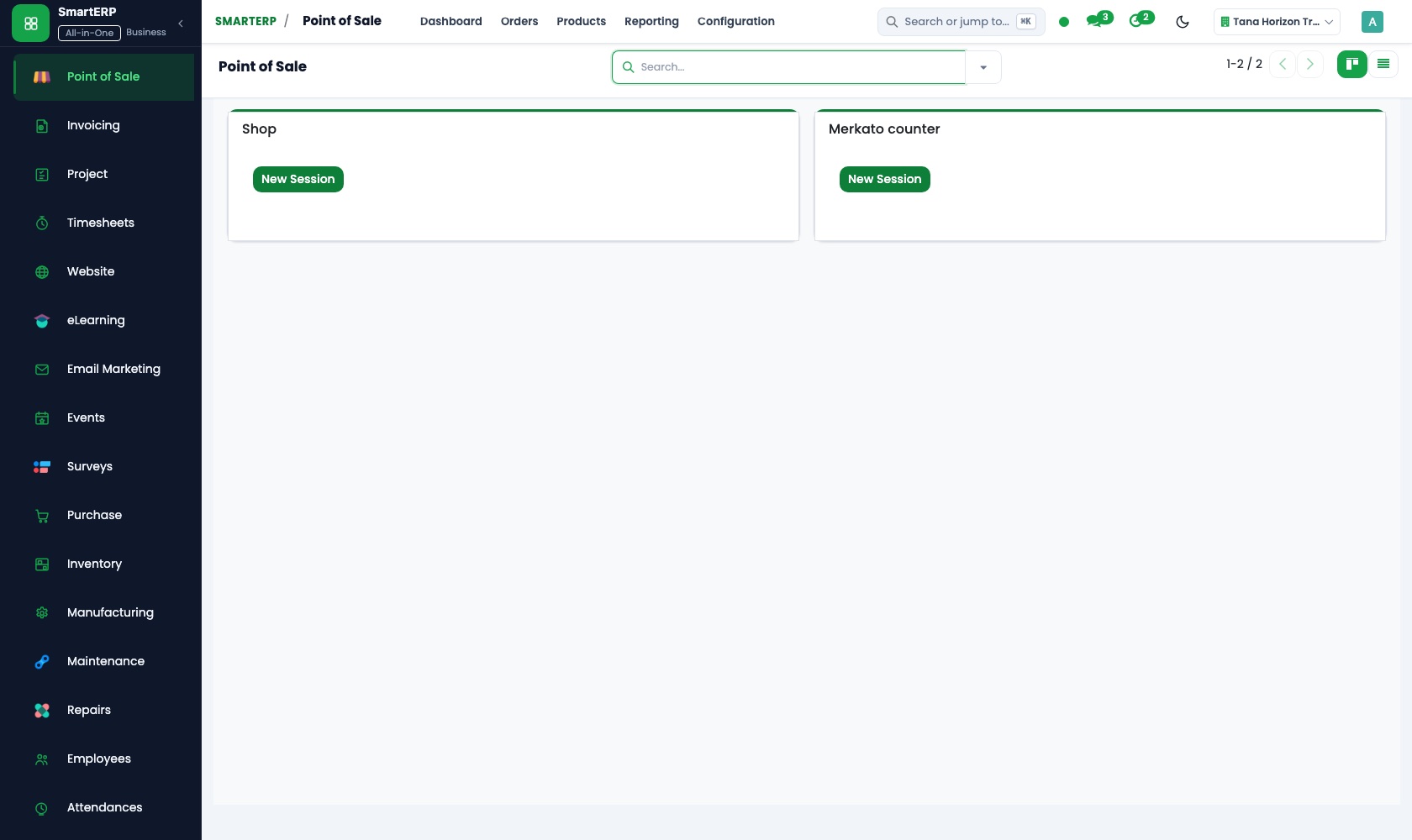
Captured from a running SmartERP system with synthetic sample data.
Roles
Who uses Point of Sale
Cashier
Sells at the counter and takes payment.
Shop manager
Opens and closes sessions and reviews sales.
Owner
Reads daily takings and stock levels.
Industries
Where Point of Sale is used
Sectors whose starting set includes this application. See all on the solutions page.
Related applications
Works with
Integrations
What it connects to
Shares products and stock with Inventory and posts to Accounting. Hardware (printers, scanners) depends on your setup and is confirmed during implementation.
Availability and pricing
How to get Point of Sale
Available
Part of the SmartERP cloud service. It is included in the plans and industry editions shown on the pricing page; there is no separate price for this application.
FAQ
Questions about Point of Sale
Next step
See Point of Sale in action
Book a guided demo, or start a trial workspace and try it yourself.