Run projects with tasks people can see and finish
Everyone knows who does what by when, and managers see project status at a glance.
Available
The problem
What goes wrong without it
Project tasks live in chat messages and personal lists. Deadlines slip because nobody sees the whole picture.
The solution
How Project works in SmartERP
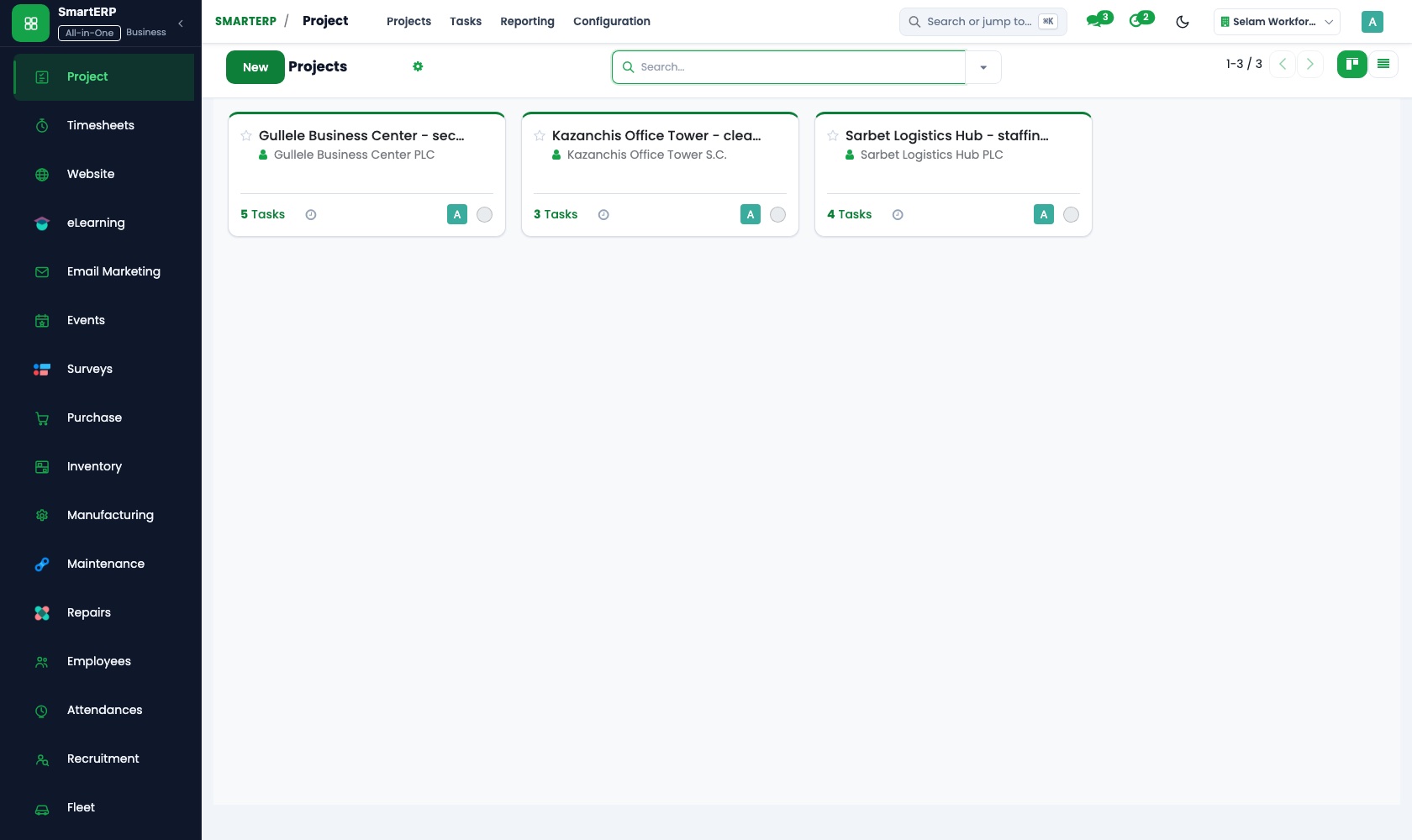
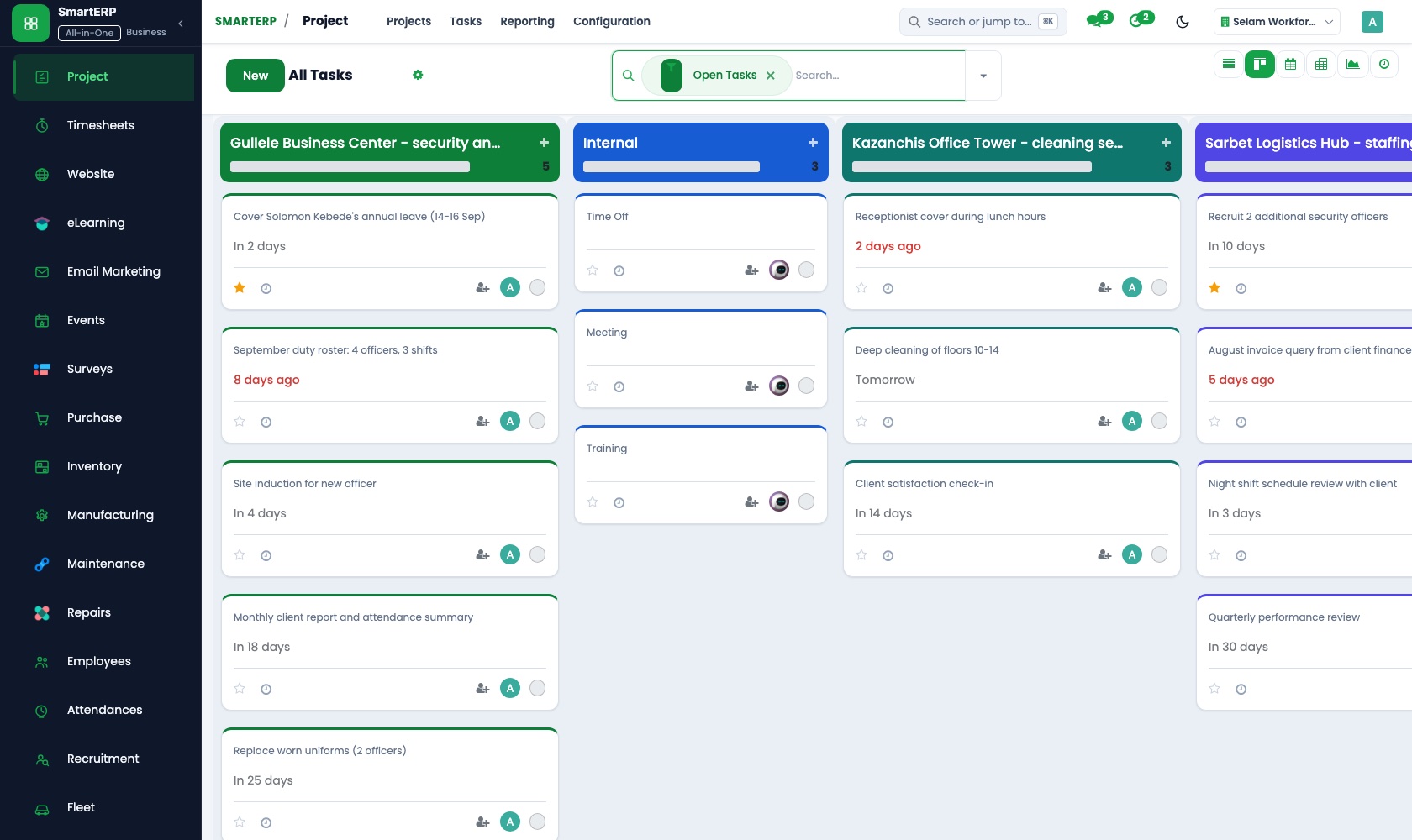
Project organises work into projects and tasks on a kanban board with stages, deadlines, assignees and discussion on each task, and feeds billable time into invoicing.
Main features
What you can do with Project
Projects and tasks
Tasks with assignee, deadline, priority and description.
Kanban stages
Drag tasks across stages for a live project board.
Sub-tasks and dependencies
Break work down and order it.
Collaboration on the task
Discuss and attach files on the record.
Customer visibility
Share selected projects with customers through the portal.
Agile boards
Stage-based boards for sprint-style work using the standard project stages.
Workflow
How the work flows
Each step hands its data to the next, so nothing is typed twice.
Project
Define scope and team.
Tasks
Break down and assign.
Execution
Move tasks across stages.
Time
Log time on tasks.
Invoice
Bill from timesheets or fixed price.
Screenshots
The real application
Captured from a running SmartERP system with synthetic sample data.
Roles
Who uses Project
Project manager
Plans tasks and monitors progress.
Team member
Works tasks and logs time.
Customer
Follows shared projects in the portal.
Industries
Where Project is used
Sectors whose starting set includes this application. See all on the solutions page.
Related applications
Works with
Integrations
What it connects to
Works with Timesheets (hours), Sales (project from order) and Accounting (invoicing). Custom delivery-governance tooling is available only through implementation.
Availability and pricing
How to get Project
Available
Part of the SmartERP cloud service. It is included in the plans and industry editions shown on the pricing page; there is no separate price for this application.
FAQ
Questions about Project
Next step
See Project in action
Book a guided demo, or start a trial workspace and try it yourself.