Plan events and manage registrations in one place
Registrations are collected online, attendance is known in advance and follow-up goes to the right people.
Available
The problem
What goes wrong without it
Registrations arrive by phone and messages; the attendee list is rebuilt in a spreadsheet before every event.
The solution
How Events works in SmartERP
Events publishes each event on your website with a registration form, tracks attendees and ticket types, and lets you email participants.
Main features
What you can do with Events
Event pages
Publish events with date, place and description.
Online registration
Attendees register on your website.
Ticket types
Free or priced tickets with limited seats.
Attendee list
One list of confirmed attendees.
Email to participants
Send reminders and follow-ups.
Event reports
Registrations over time.
Workflow
How the work flows
Each step hands its data to the next, so nothing is typed twice.
Create event
Set date and seats.
Publish
Show on the website.
Register
Attendees sign up.
Attend
Check the list on the day.
Follow up
Email participants.
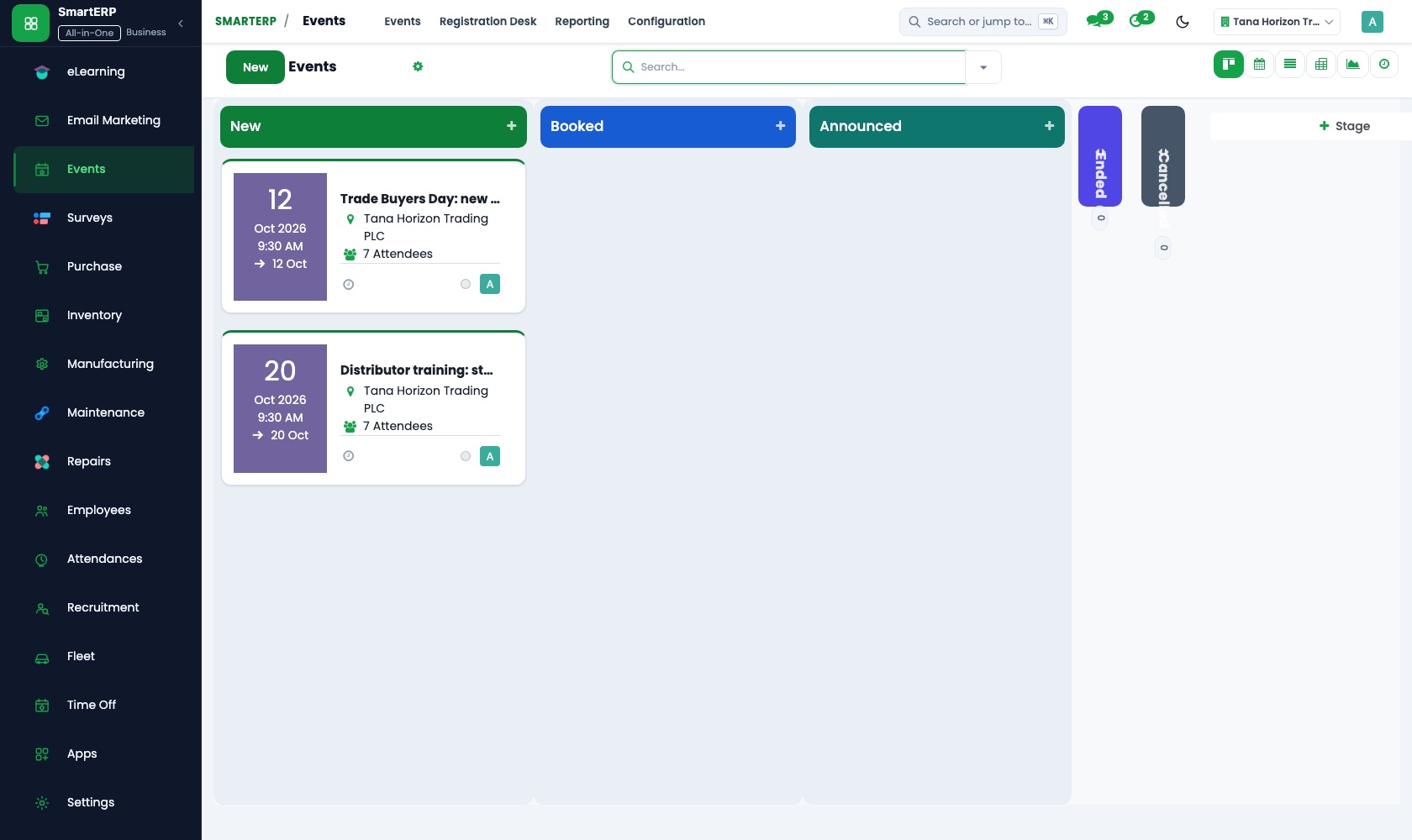
Screenshots
The real application
Captured from a running SmartERP system with synthetic sample data.
Roles
Who uses Events
Event organiser
Creates events and follows registrations.
Marketing
Promotes and follows up.
Attendee
Registers online.
Industries
Where Events is used
Sectors whose starting set includes this application. See all on the solutions page.
Related applications
Works with
Integrations
What it connects to
Uses the website for pages and registrations; paid tickets invoice through Accounting.
Availability and pricing
How to get Events
Available
Part of the SmartERP cloud service. It is included in the plans and industry editions shown on the pricing page; there is no separate price for this application.
FAQ
Questions about Events
Next step
See Events in action
Book a guided demo, or start a trial workspace and try it yourself.