Cake orders, ingredient buying and shop takings for a cafe or bakery in one place
A neighbourhood cafe sells coffee and bakes over the counter while also taking orders that need a price and a pickup day. SmartERP does not run the ovens or the display. It keeps the orders, the supplier bills, the till and the staff list on one ledger.
Begin with Sales, Purchase and Accounting, plus Employees for the baking and counter team. Add a till for walk-in sales and Inventory once ingredients are counted and reordered.
Typical businesses: Neighbourhood cafes · Bakeries · Cake shops · Coffee and pastry shops · Bread and pastry counters
Problems this industry runs into
Celebration cake orders live on paper slips
The size, the writing on the cake and the pickup day are noted on a slip, and when the customer returns nobody can find the price that was quoted.
Flour, butter and eggs are bought in a hurry
Ingredients come from whichever wholesaler is nearest when stock runs low, so prices vary and the owner cannot compare what each supplier charged.
Office trays and weekly boxes are retyped each time
Offices that order breakfast boxes every week are quoted and invoiced from scratch, so small mistakes creep in and the invoice goes out late.
The day's takings and the bank deposit do not agree
Cash and transfers from the counter are counted by hand at closing, and a difference of any size is hard to trace back to a day or a cashier.
Applications in the Hospitality edition
These applications are the ones the industry edition's blueprint includes. Each opens its own page.
Often added for this industry
What each application does for bakery
Accounting
Bank statements are imported or entered and matched against invoices and payments, so the owner sees which deposit or transfer settled which order. Offices are invoiced, with a credit note when a tray order shrinks, and financial reports show the month.
Sales
A cake or pastry tray gets a written price at once: usual sizes are saved as quotation templates, adjusted for the customer and confirmed as a sales order for the pickup day. A weekly office order starts from the same template.
Purchase
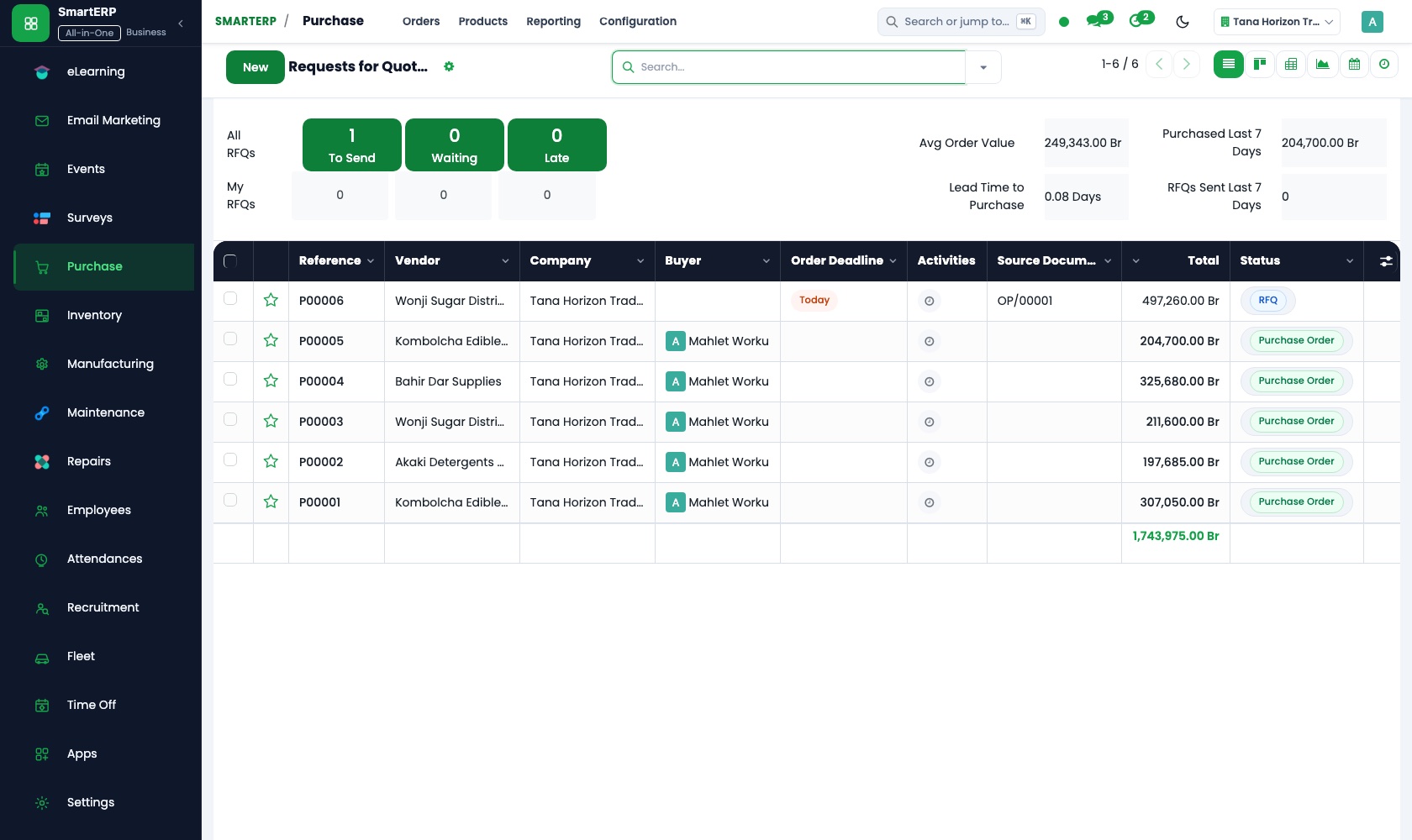
Flour, butter and eggs are bought on purchase orders to named wholesalers, and vendor records keep each supplier's price history, so the owner can compare what each charged. Each bill is checked against what arrived.
Employees
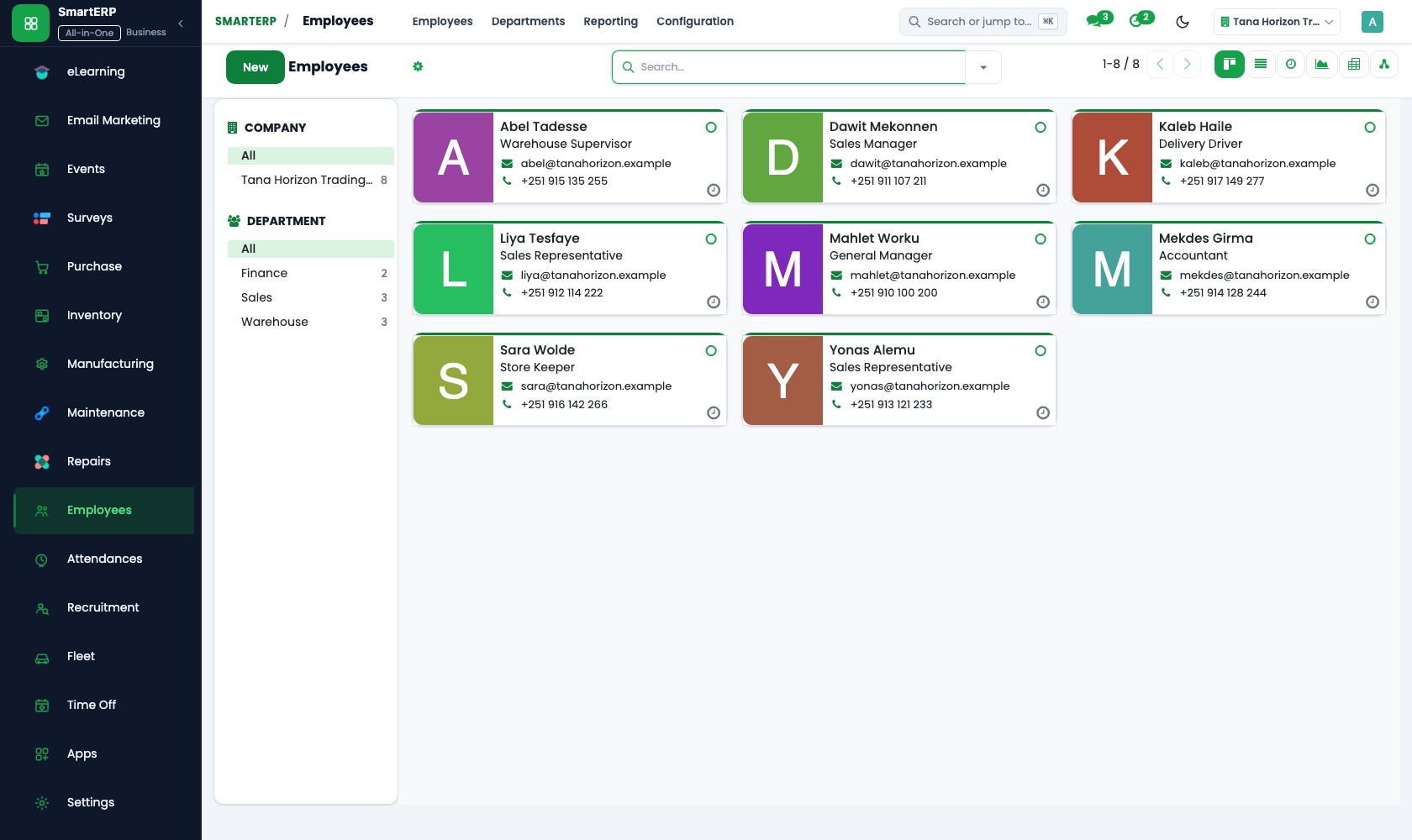
Each member of the baking and counter team has an employee record with position, department and manager. The owner sees who works in the bakery and who at the counter, and each person can update their own permitted details.
How the work runs on SmartERP
From a celebration cake enquiry to a paid invoice
A customer asks for a cake or a pastry tray: the price is quoted, the order is confirmed for a pickup day and the invoice is settled.
- Sales: Quotation templates Save the usual cake sizes and pastry trays as templates so a phone enquiry gets a written price.
- Sales: Quotations and sales orders Confirm the order for the pickup day the customer chooses.
- Sales: Delivery and invoicing status Check which confirmed orders have been handed over and which are already invoiced.
- Accounting: Customer invoices and credit notes Invoice offices and event organisers, with a credit note if a tray order is reduced.
- Accounting: Bank and cash Record the cash or transfer received when the cake is collected.
From the morning till to the evening bank deposit
Walk-in sales are rung up through the day, the till session is closed with the cash counted and the deposit is matched at the bank.
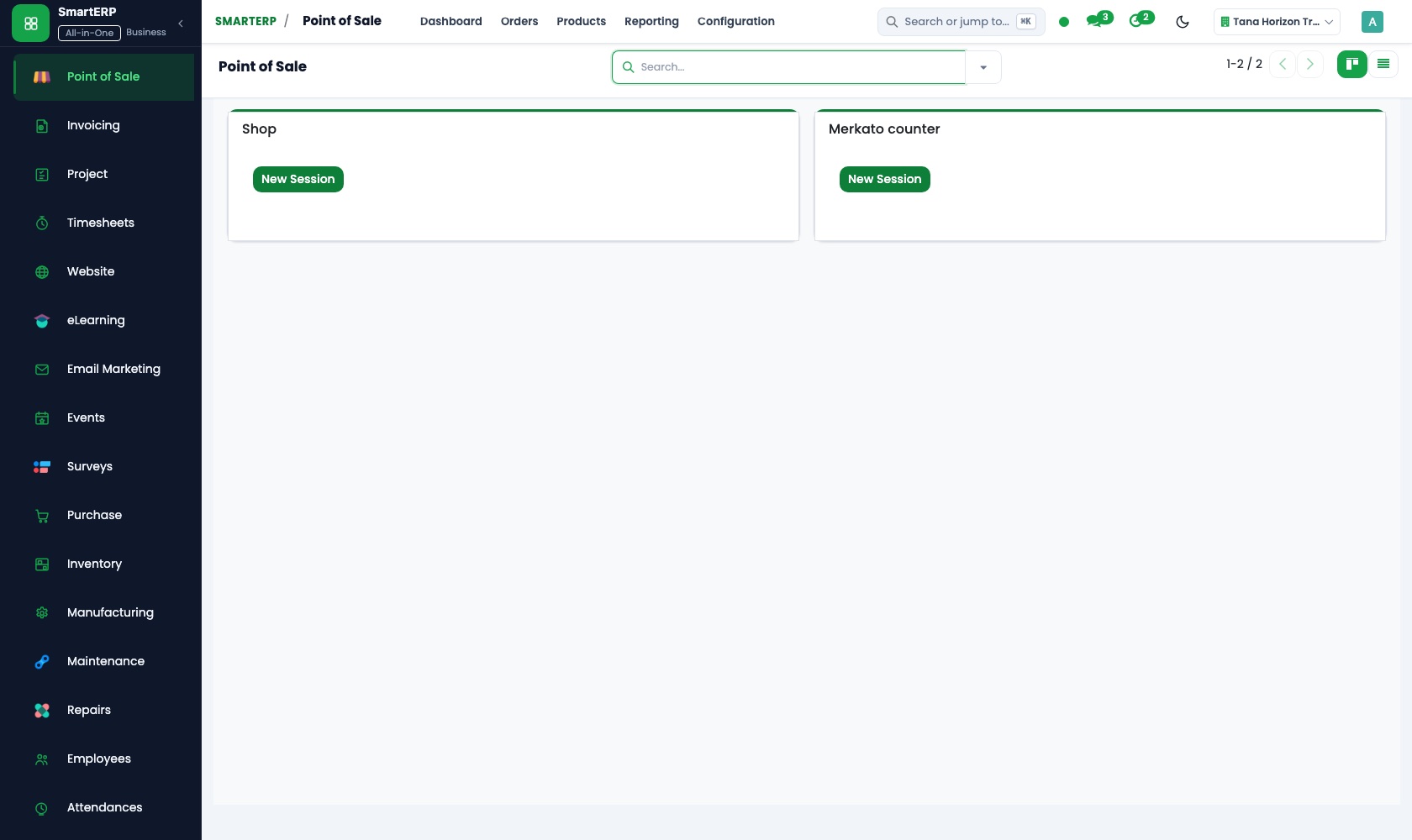
- Point of Sale: Products, categories and prices Group coffee, bread and pastries into categories with a price on each, so counter staff find them easily.
- Point of Sale: Browser-based till Ring up coffee and bread sales at the counter on any browser screen.
- Point of Sale: Sessions and cash control Close the session at day's end and count the cash against what the till expects.
- Accounting: Bank and cash Match the bank deposit and the transfers received to the day's takings.
Your first month
- First week. We list the cakes, trays and office boxes you sell with the price of each, then load regular wholesalers, office customers and the baking and counter team.
- Second week. The chart of accounts and bank account are set up with your accountant and opening balances go in. Quotation templates are made for the cake sizes and trays you quote most.
- Third week. The counter turns a cake enquiry into a confirmed order for a pickup day, whoever buys ingredients raises a purchase order, and the office invoices one customer.
- After go-live. We review with the owner which orders were quoted late, which supplier charged more for the same ingredient and whether deposits matched takings, then adjust templates and supplier lists.
What to have ready
- Your usual cakes, pastry trays and office boxes with the price of each
- Regular office customers and event organisers with billing details
- Your flour, butter and egg suppliers and what each one charges today
- The baking and counter team with positions and start dates
- Your accountant's starting balances and the bank account the cafe uses
The applications on screen
Real SmartERP screens with sample data.


Who uses it
- Business owner or general managerSee the whole business and keep every department working on the same records.
- Finance and accountingInvoices, bills, bank and reports from one ledger.
- Purchasing and storesBuy, receive and control stock.
- Operations and productionPlan production, maintain equipment, deliver on time.
Company sizes
- Up to 10 people
- 11 to 50 people
What SmartERP does not cover for this industry
SmartERP does not include recipe or batch costing, production sheets for the ovens, cake design sketches, loyalty cards or delivery tracking, and it does not calculate salaries. Keep design notes on the order slip.
Questions about SmartERP for bakery
Does SmartERP cost recipes or plan the ovens?
No. SmartERP does not include recipe or batch costing, production sheets for the ovens, cake design sketches, loyalty cards or delivery tracking, and it does not calculate salaries. Keep design notes on the order slip.
Can we quote a celebration cake while the customer is on the phone?
Yes. Save usual sizes and trays as quotation templates in Sales, adjust one for the customer and email it. The accepted quotation becomes a sales order, and the invoice follows in Accounting.
Can we compare what different wholesalers charge for flour?
Yes. Purchase keeps vendor records with price history, and each purchase order names the supplier and the agreed price. Purchase reporting shows spend by vendor.
Can the counter's takings be checked against the bank deposit?
Yes, with Point of Sale. A session closes with the cash counted against what the till expects, and Accounting matches the deposit to that day's takings. Fiscal-machine integration is not offered today.
How do ingredient stock and supplier bills fit together?
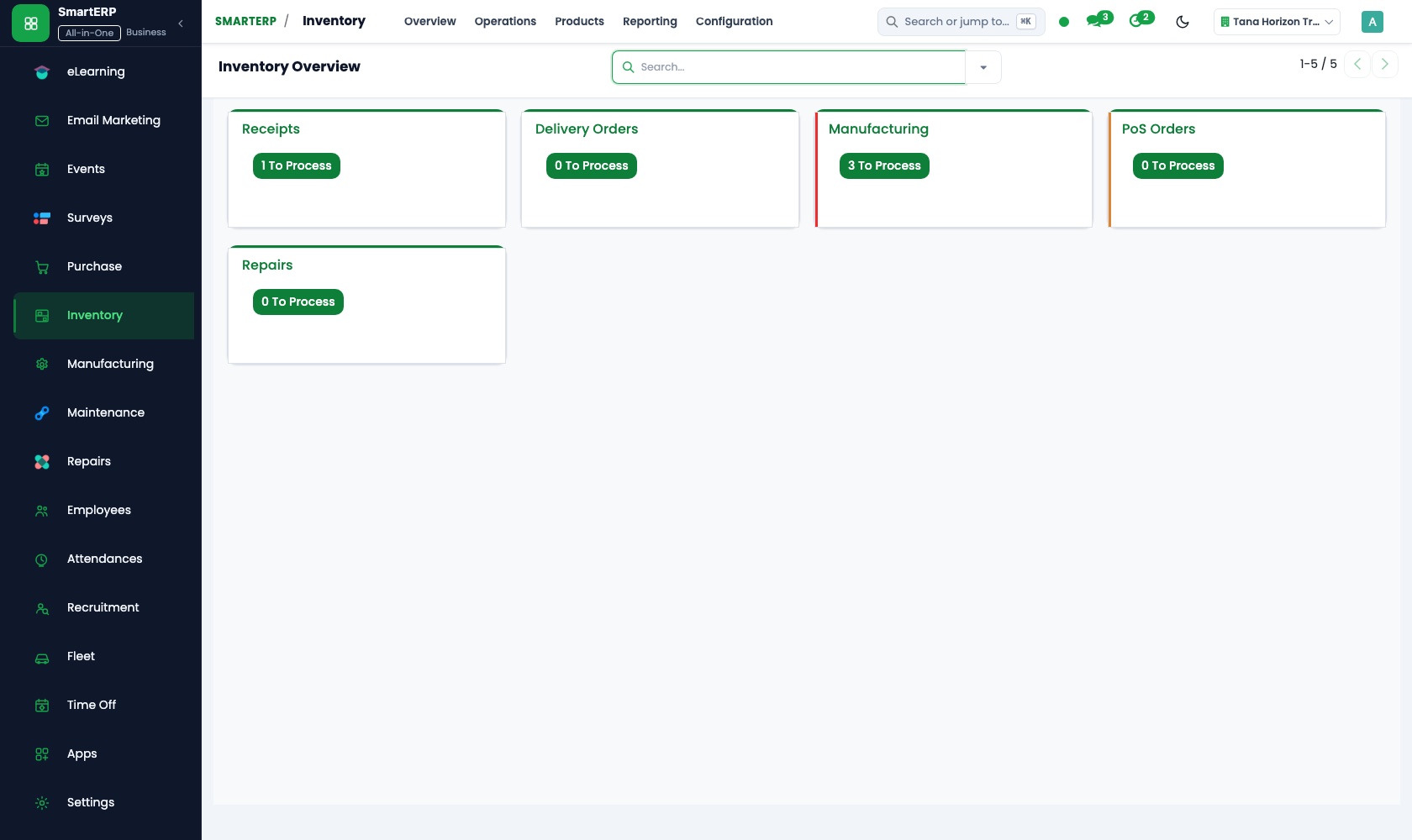
With Inventory, ingredients are counted and reorder rules turn a low item into a purchase need in Purchase. The bill goes to Accounting, and each till sale reduces stock in the shop location.
See it before you decide
Cake orders and counter takings for one neighbourhood bakery
The walkthrough follows a birthday cake order from written quote to paid invoice, then a day's counter takings to the bank match, on sample data for a fictional bakery.
There is no self-service sandbox. The demo is a guided walkthrough on sample data, or you can start a trial workspace.
Pricing
SmartERP has an industry edition for this sector (Hospitality). The applications listed above are its applications, and the editions, their staff bands and the current prices are on the pricing page. This page shows no price.
See plans and pricingA website for your business
SmartERP can also set up a starter website for this kind of business, offered as part of a website project: Home, Coffee & Bakes, Custom Cakes, Office & Bulk Orders, Order Ahead, Visit Us, Contact. How the website tools work.
Start with what your business needs first
Tell us your industry and we carry it through the guided set-up, or talk to us first.
Start SmartERP Book a demo