Programme budgets, concept notes, beneficiary assistance, and field purchasing for non-profits
A non-profit organization coordinates donor funding, field implementation teams, and community assistance. SmartERP NGO connects concept notes, donor budget ceilings per analytic account, beneficiary registers with role-based privacy scoping, voucher program distributions, and field purchasing.
Start with Project, Donor Budgets, and Field Purchasing for transparent spending trails, then add the Beneficiary and Voucher assistance modules and Program Risk register.
Typical businesses: Local NGOs · Community associations · Development organisations · Relief charities · Foundations
Problems this industry runs into
Each funder's spending sits in its own spreadsheet
Costs are copied into a separate file for every grant, so one payment is typed twice and the totals disagree when the reporting date arrives.
Field purchases are made first and documented later
Supplies for a community activity are bought on the spot, and the quotes, order and receipt are gathered afterwards when a funder asks for the paper trail.
Staff time on programmes is remembered, not recorded
Programme officers split their week across several activities, but nothing records the hours given to each, so the cost of an activity is a guess.
Activities and partners are tracked in personal notebooks
Each officer keeps a private list of tasks, deadlines and partner commitments, so a colleague covering leave cannot see what is due or what was promised.
Applications in the NGO and Development edition
These applications are the ones the industry edition's blueprint includes. Each opens its own page.
Often added for this industry
What each application does for community Care
Accounting
Vendor bills for field supplies are paid by bank transfer or cash. Finance reads the period's profit and loss and trial balance from a ledger that keeps an audit trail of every posting.
Project
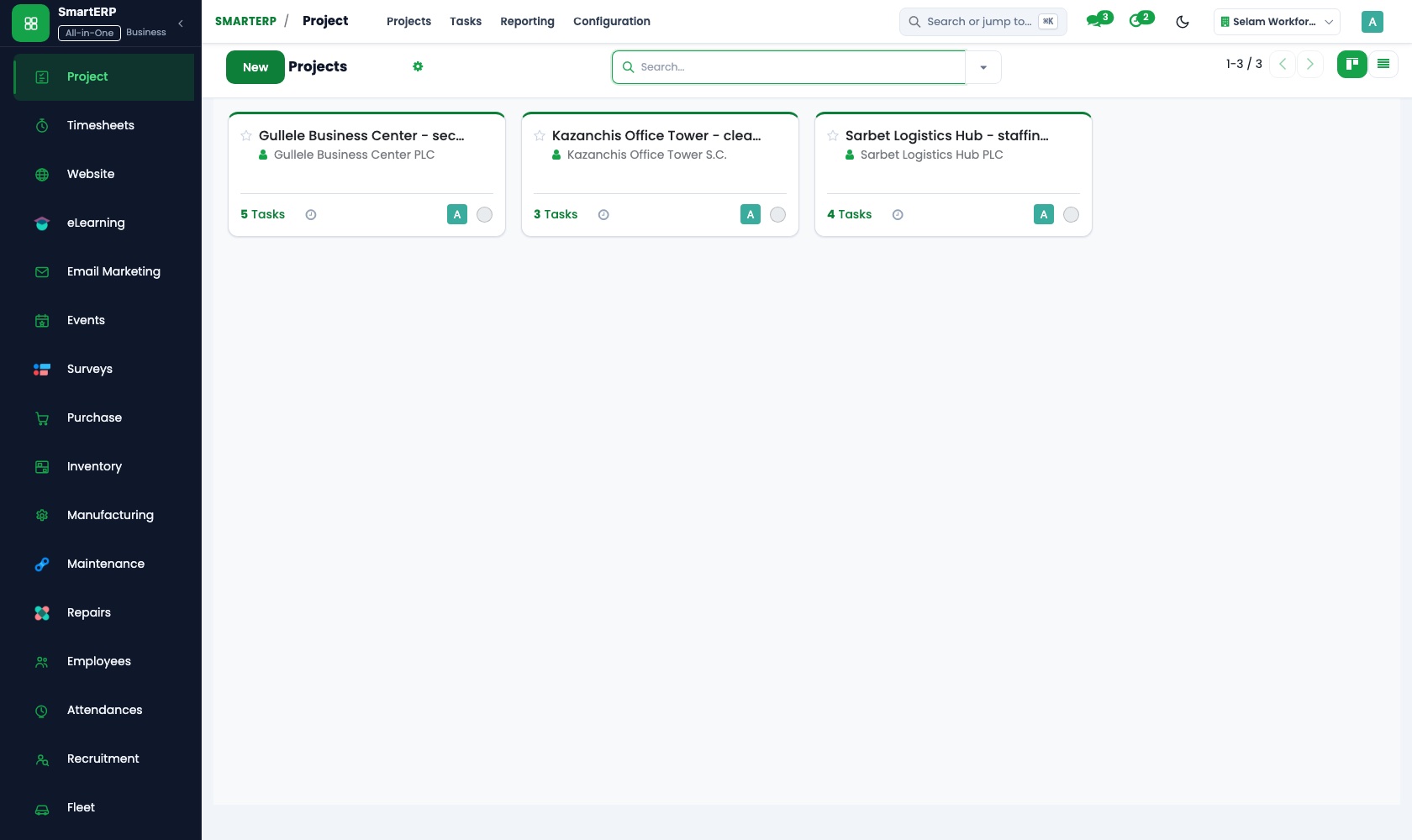
Each funded activity is a project with tasks for the field visit, the training day or the distribution. Kanban stages show the programme lead what is planned, under way and done.
Purchase
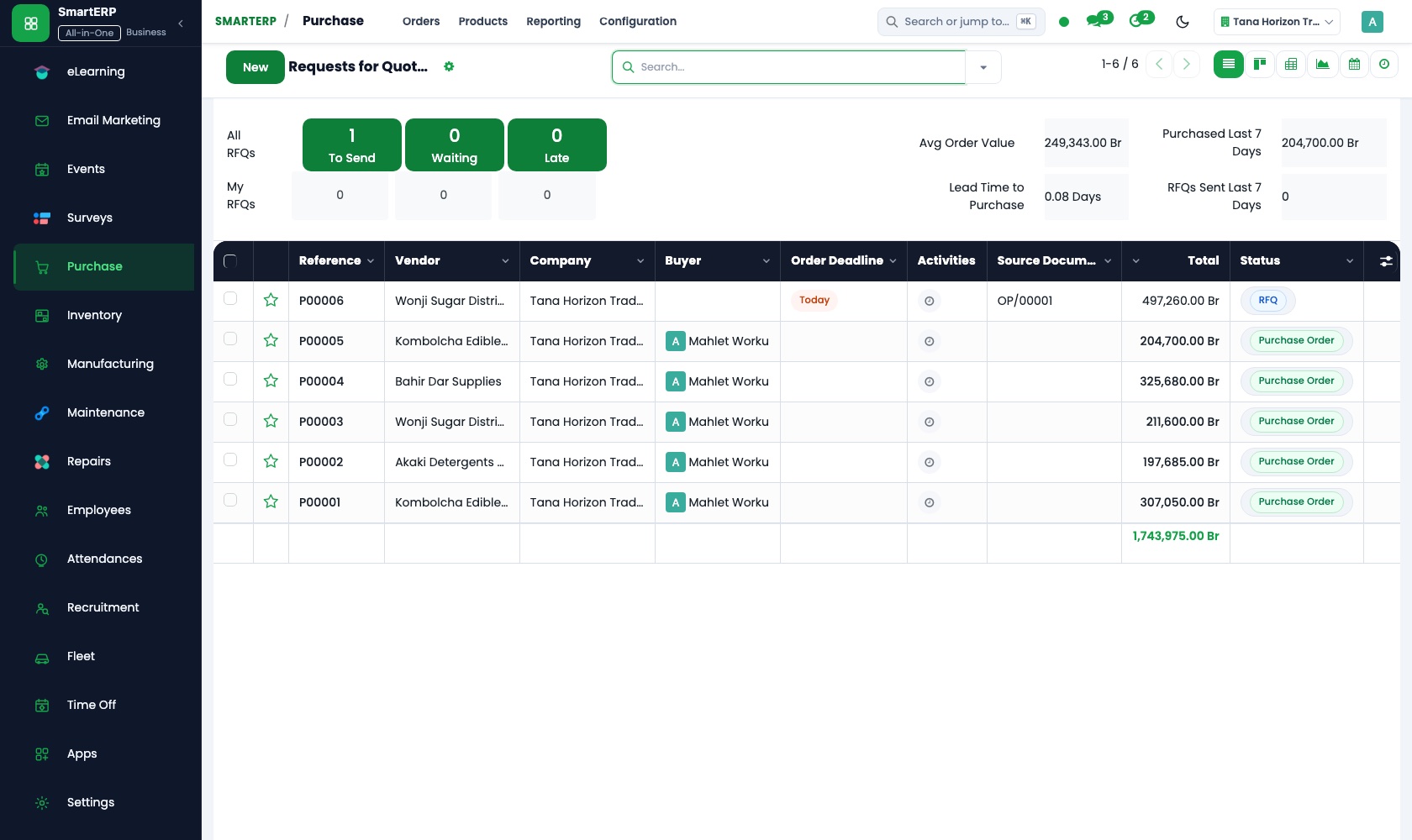
Requests for quotation gather written prices from local suppliers, and the chosen one becomes a purchase order. Receipts and three-way matching compare what was ordered, received and billed.
Timesheets
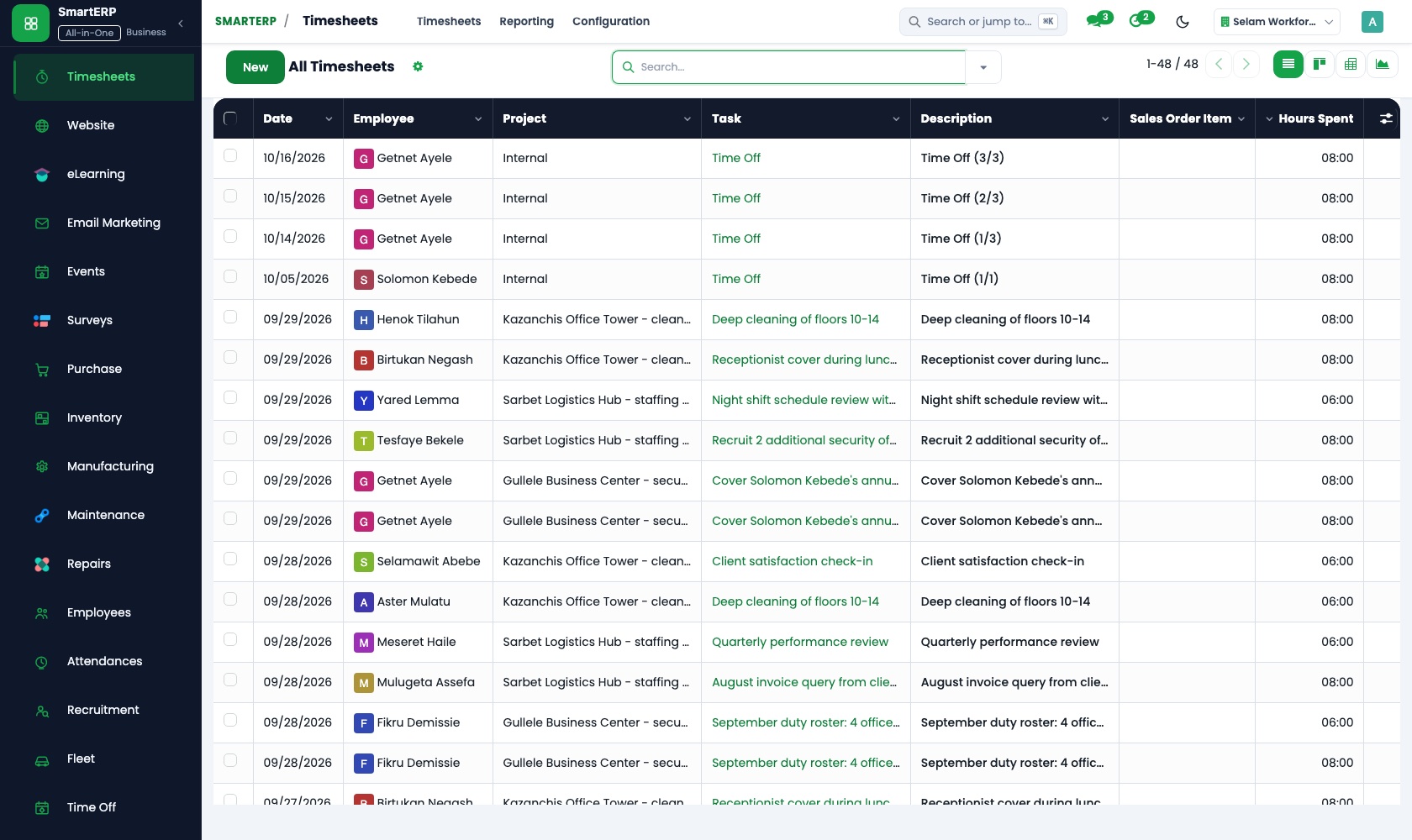
Programme officers and drivers log hours on the activity they worked on. Timesheet reports show hours per person and per project, which answers a funder asking what staff time went in.
Employees
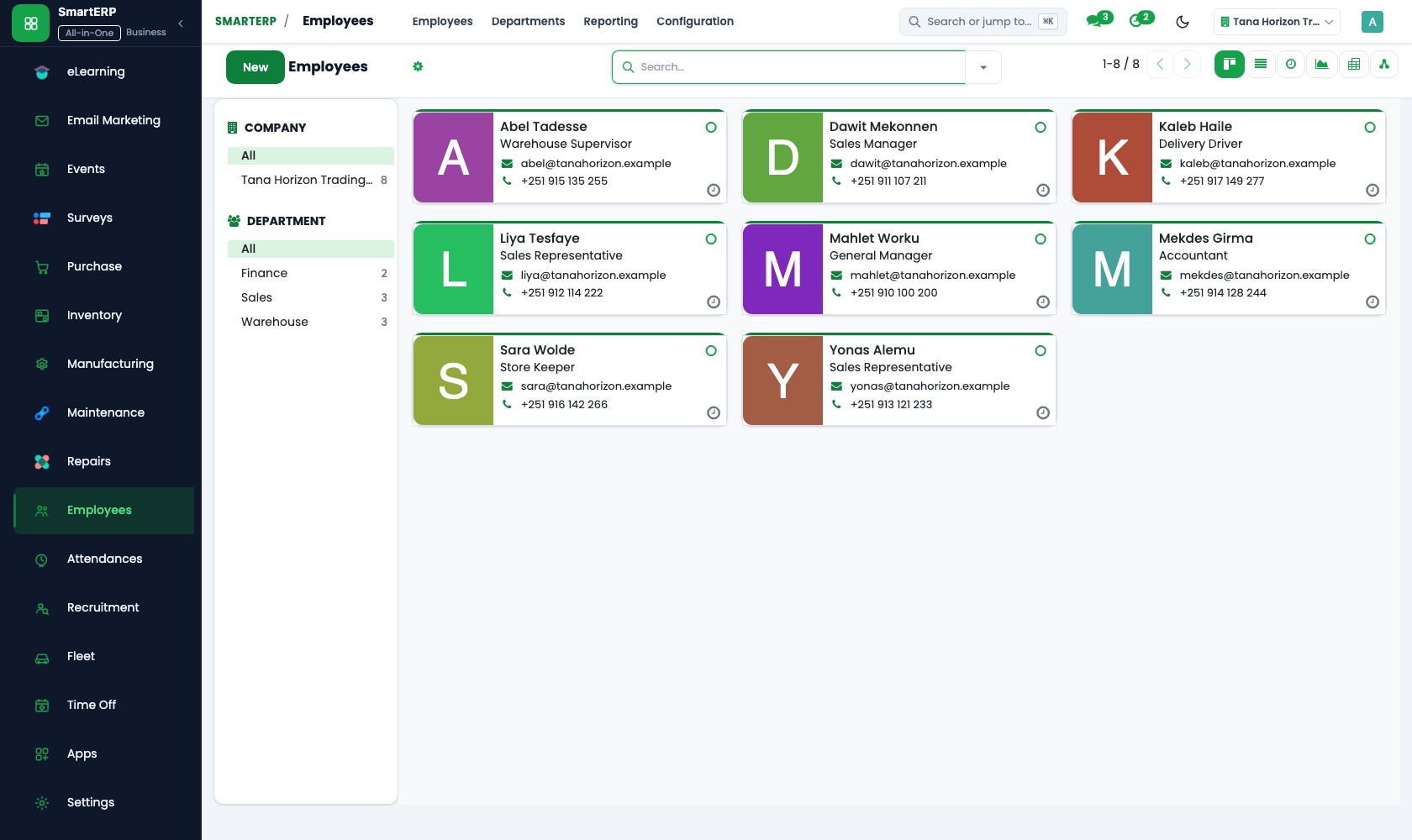
One directory holds each staff member's position, department and manager, and the org chart shows reporting lines. Private details are restricted to HR officers.
How the work runs on SmartERP
From funded activity to hours logged and costs reported
A funded activity is set up as a project, staff record their hours against its tasks, and finance draws the period's figures from the ledger.
- Project: Projects and tasks Set up each funded activity as a project, with tasks for the field visit, the training day or the distribution.
- Project: Kanban stages Move tasks through planned, under way and done so the programme lead can follow progress without a meeting.
- Timesheets: Log time on tasks Programme officers and drivers log hours against the activity they worked on, not a general line.
- Timesheets: Timesheet reports Read hours per activity and per person when a funder asks what staff time went into the work.
- Accounting: Financial reports Give the funder the period's ledger figures alongside the record of the activity.
From field supply request to a vendor paid with a full trail
Supplies for a community activity are quoted, ordered, checked on arrival and paid, so every payment traces to an order and a receipt.
- Purchase: Requests for quotation Collect written quotes from local suppliers for the materials a community activity needs.
- Purchase: Purchase orders Confirm the chosen quote as an order tied to the activity, before goods are collected.
- Purchase: Receipts and three-way matching Match what reached the field site with the order and the supplier's bill before payment.
- Accounting: Vendor bills and payments Pay the supplier by bank transfer or cash and keep the vendor account up to date.
Your first month
- First week. We list your programmes and funded activities, agree how each is named as a project, and load your staff directory and suppliers.
- Second week. With your finance officer we set up the accounts, bank and cash and the opening figures. Purchase routines are agreed: who asks for quotes, who orders, who receives at the field site.
- Third week. Programme officers practise logging hours on real tasks, and the buyer runs one live purchase from quotes to receipt, so the paper trail is complete before anyone asks.
- After go-live. Finance and the programme lead review hours per activity, orders against receipts and vendor bills paid. We then adjust project stages and purchase routines.
What to have ready
- The current programmes and the funded activities inside each
- Staff names, positions, departments and managers
- Regular suppliers and what you buy from them for field activities
- Your accounts, bank details and opening figures from the finance officer
- How field purchases are documented today: quotes, orders and receipts
The applications on screen
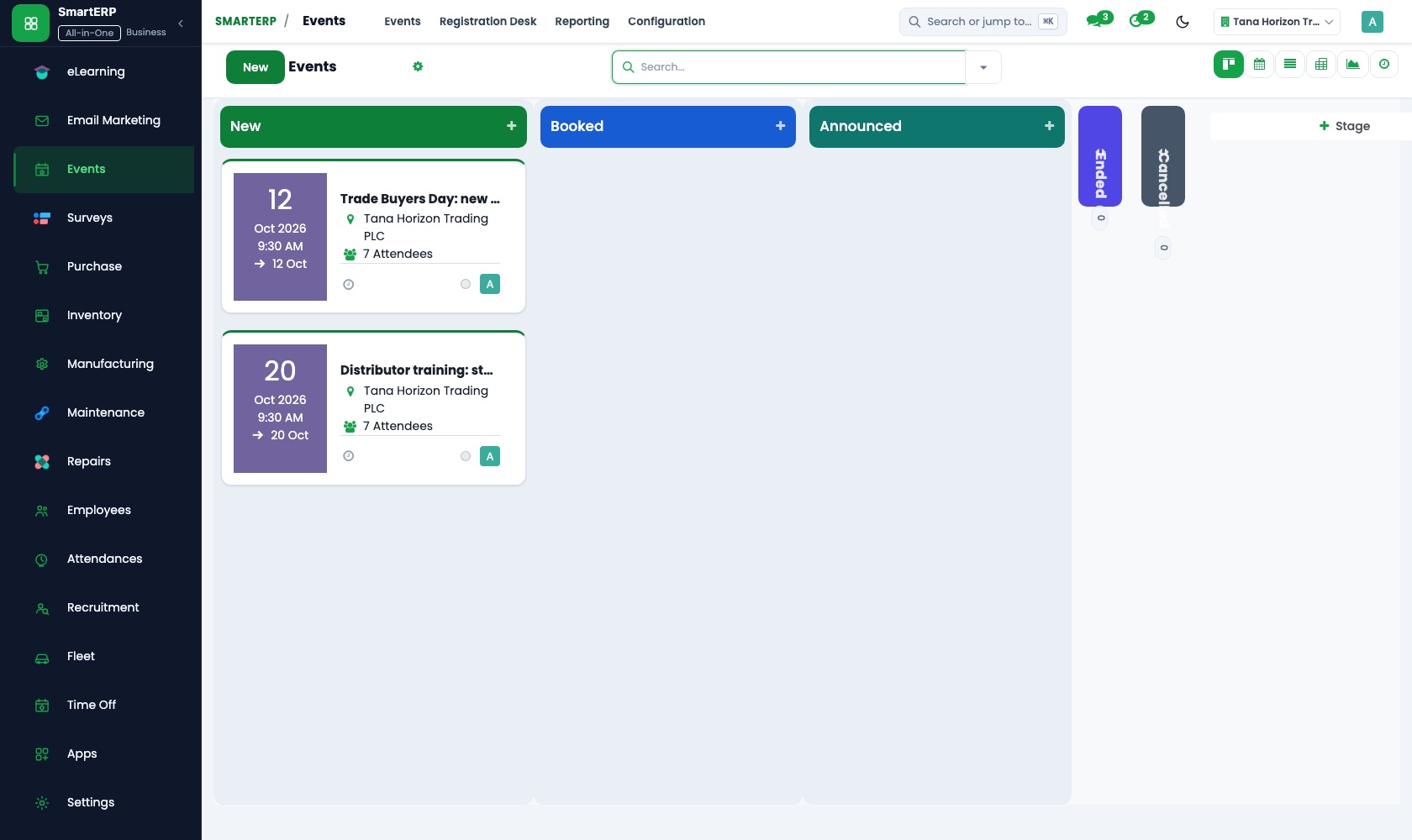
Real SmartERP screens with sample data.

Who uses it
- Business owner or general managerSee the whole business and keep every department working on the same records.
- Finance and accountingInvoices, bills, bank and reports from one ledger.
- Purchasing and storesBuy, receive and control stock.
- Project and service managersPlan projects and bill the time.
Company sizes
- 11 to 50 people
- 51 to 100 people
- 101 to 200 people
What SmartERP does not cover for this industry
SmartERP NGO manages donor budgets, concept notes, beneficiary registers, voucher distributions, and program risks. It does not produce automated custom donor matrices for international funding bodies (e.g. USAID or EU formats), nor does it execute direct mobile-money payments to beneficiaries.
Questions about SmartERP for community Care
Does SmartERP support beneficiary registers and voucher aid?
Yes. It includes a beneficiary directory with field officer privacy controls, voucher program issuance, partner redemption tracking, and concept note approvals. Specific external donor matrix layouts remain formatted externally.
Can every field purchase be traced from quote to payment?
Yes. The trail is the quote, the purchase order, the receipt and the vendor bill. Purchase compares what was ordered, received and billed before Accounting pays the supplier.
Can we record staff hours by activity?
Yes. Officers log hours on the tasks of each activity in Timesheets, and reports show hours by employee, project and period.
Does SmartERP run payroll for our staff?
Payroll is not part of the standard cloud service and SmartERP does not calculate salaries; it is available only through an implementation project.
How do Project, Timesheets, Purchase and Accounting fit together?
A funded activity is a project. Officers log hours on its tasks, the buyer raises purchase orders for its supplies, and Accounting holds the vendor bills and the ledger.
See it before you decide
One funded activity from task list to reported hours and costs
The walkthrough sets up a funded activity as a project for a fictional organisation, logs staff hours against its tasks and reads the ledger figures for the period.
There is no self-service sandbox. The demo is a guided walkthrough on sample data, or you can start a trial workspace.
Pricing
SmartERP has an industry edition for this sector (NGO and Development). The applications listed above are its applications, and the editions, their staff bands and the current prices are on the pricing page. This page shows no price.
See plans and pricingA website for your business
SmartERP can also set up a starter website for this kind of business, offered as part of a website project: Home, Our Programmes, Our Approach, Stories, Accountability, Get Involved, Partner With Us, Contact. How the website tools work.
Start with what your business needs first
Tell us your industry and we carry it through the guided set-up, or talk to us first.
Start SmartERP Book a demo