Packages, shoots and editing time for a photography and video studio
A studio sells a date and a finished set of pictures or film, and the work falls into two halves: the day of the shoot and the weeks of editing. SmartERP tracks the enquiry, the package quotation, the tasks with their deadlines, the hours spent and the invoices. It does not store the files or show a live date calendar.
Start with CRM, Sales and Project. Add Timesheets to see how long editing really takes for each package, and Accounting to invoice deposits, balances and the accounts of hotels and agencies that book regular coverage.
Typical businesses: Wedding photographers · Portrait studios · Video production houses · Commercial photographers · Media agencies
Problems this industry runs into
Enquiries arrive on social media and get lost
Couples and businesses message through several channels. With no single list of who asked for which date, replies come late and a date can be promised twice.
Package prices are retyped for every customer
Wedding, portrait and corporate coverage each carry options. Quotations are written fresh, and extras agreed by phone, like an added hour or an album, never reach the invoice.
Editing runs late because nobody sees the queue
Finished shoots wait for editing in no clear order, so a couple asks for their album and nobody can say which stage it has reached.
Time spent on a job is a guess
The owner cannot tell whether a package earns anything once the days of culling, retouching and travel are counted against its price.
A recommended starting set of applications
There is no packaged edition for this industry yet. These applications are our recommendation for a business of this kind, not a fixed bundle.
What each application does for photography
Accounting
The deposit that holds a date and the balance after delivery are raised as customer invoices. Hotels and agencies that book regularly keep one account, with each bank transfer matched to it.
Sales
One quotation template per kind of coverage lists the package, with a second shooter or an album as separate lines. Once the couple accepts, it becomes the sales order the studio works from.
CRM
Every enquiry, from whichever channel, sits on one pipeline board with a scheduled next step. Replies go out on time and one date is not promised twice.
Project
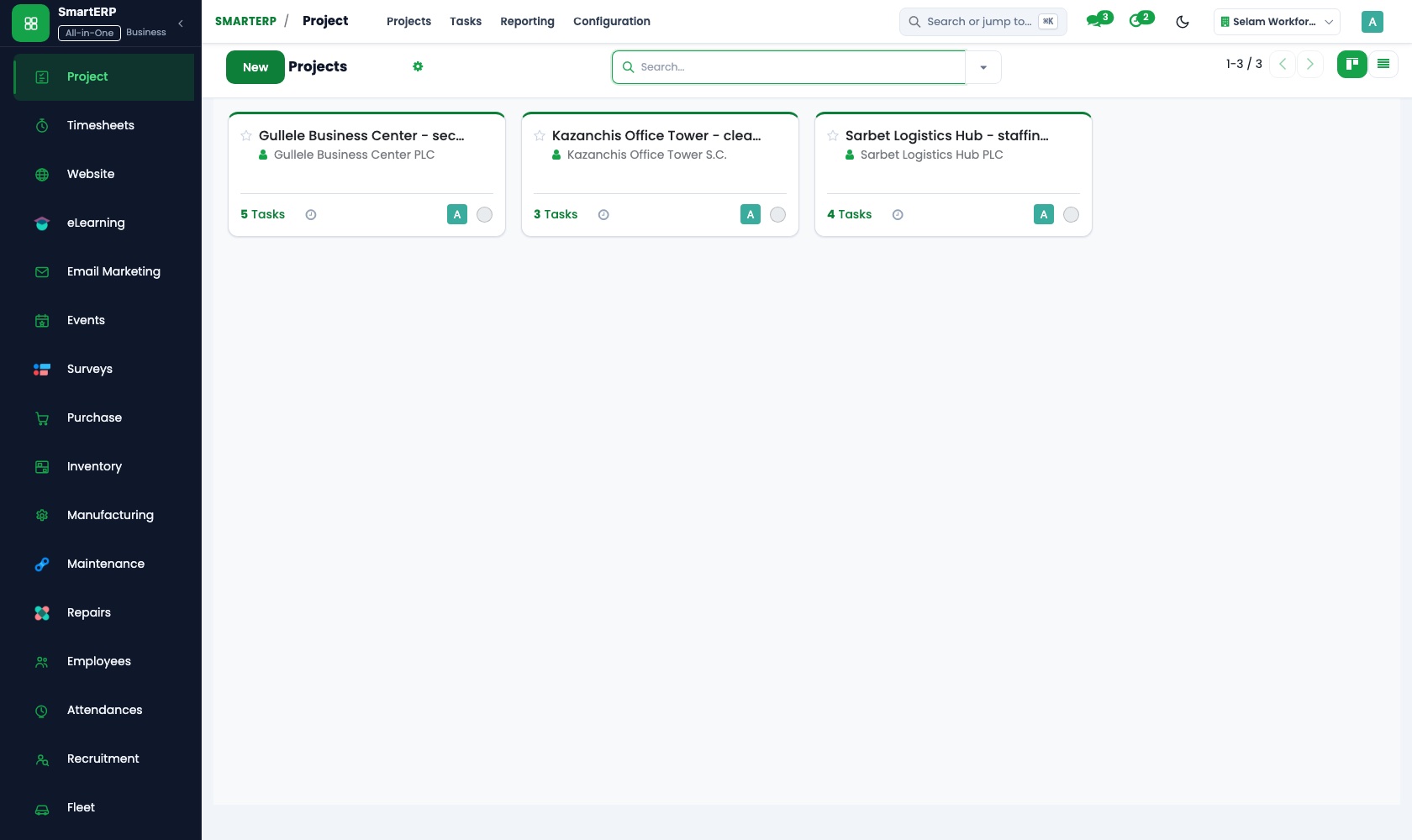
Each booking is a project, with shoot, culling, editing and delivery as tasks that carry deadlines. The kanban board shows an anxious couple which stage their album has reached.
Timesheets
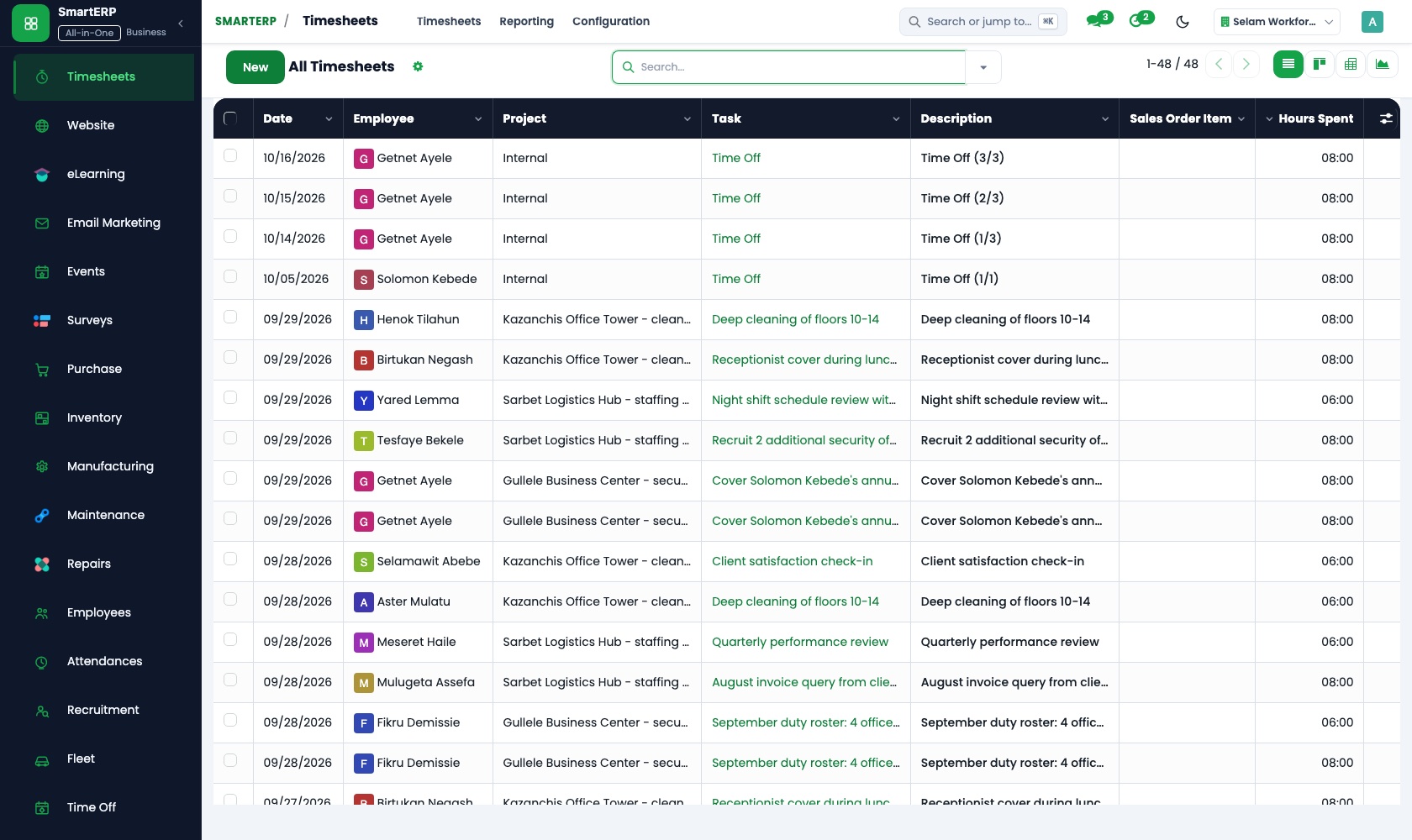
Editors and second shooters log hours on each job. Set against the package price, those hours show the profitability of wedding, portrait and corporate coverage.
How the work runs on SmartERP
From a wedding enquiry to a confirmed package with deposit
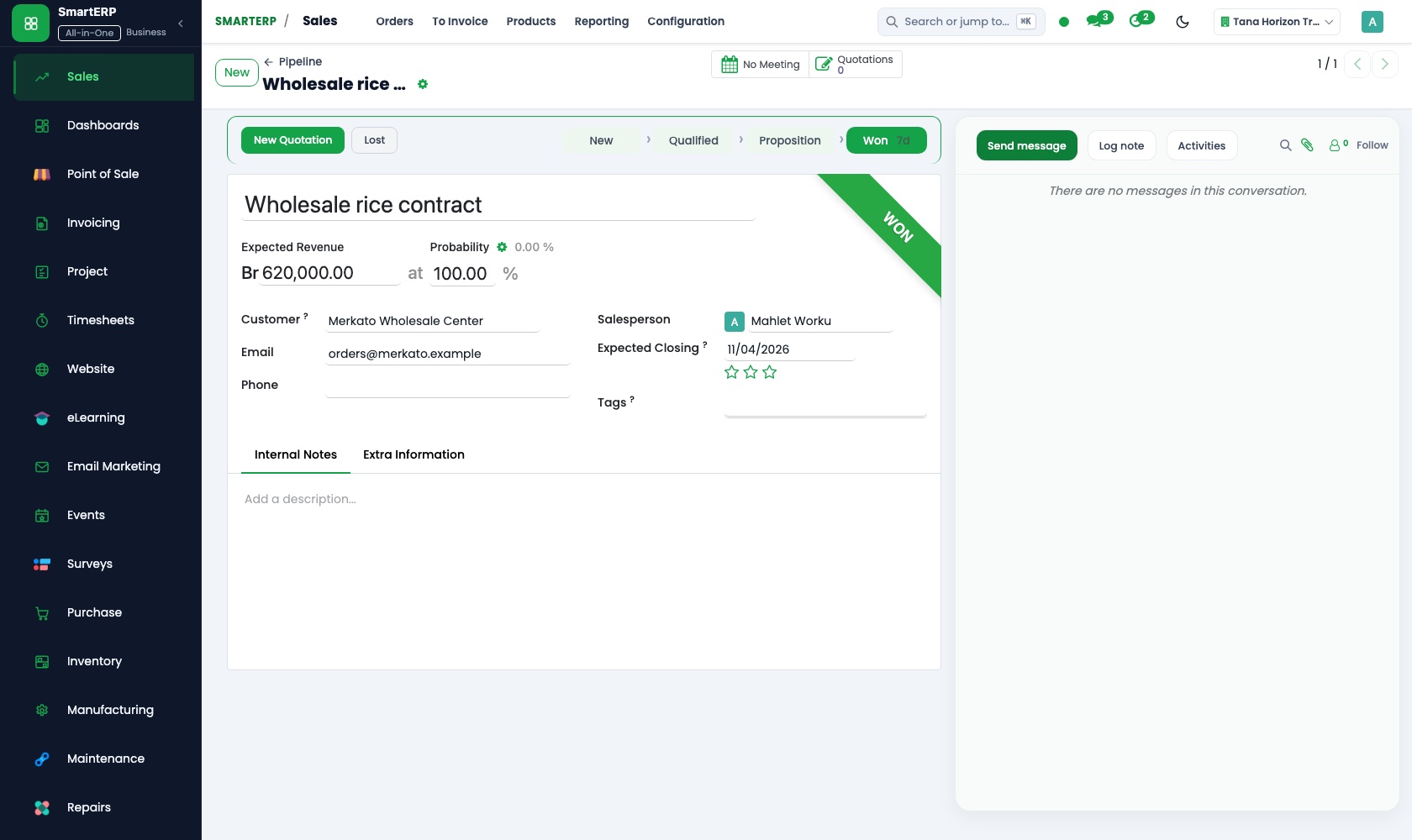
A couple's message becomes an opportunity, a quotation from a package template, a confirmed order and a deposit invoice.
- CRM: Pipeline by stage Move the couple's enquiry from first message through meeting and quote to booked, on a board the whole studio sees.
- CRM: Quotations from opportunities Create the quotation from the opportunity so the date and the coverage asked for carry across.
- Sales: Quotation templates Start from the wedding, portrait or corporate layout and list extras such as a second shooter as separate lines.
- Sales: Quotations and sales orders Confirm the date and package as an order once the couple agrees.
- Accounting: Customer invoices and credit notes Invoice the deposit that holds the date, and the balance after the album is delivered.
From shoot day to edited delivery and the hours behind it
Each job runs as tasks from shoot to delivery, and the hours are compared with the price of the package.
- Project: Projects and tasks Create the job with shoot, culling, editing and delivery as tasks, each with its own deadline.
- Project: Kanban stages Drag each job from shot to editing, review and delivered, so the queue is visible at a glance.
- Timesheets: Log time on tasks The editor and the second shooter log their hours against the job they worked on.
- Timesheets: Cost and profitability Set those hours against the package price to see which coverage is worth its editing time.
Your first month
- First week. We list your packages, load past clients and the hotels and agencies that book regularly, and shape the pipeline stages from first message to booked.
- Second week. Quotation templates are built with their extras, task stages from shoot day to delivery are agreed with your editors, and your accountant prepares the accounts.
- Third week. The team runs live enquiries through the pipeline, opens current jobs as projects and logs editing hours, and finance issues a deposit and a balance invoice.
- After go-live. We review the first month's hours and invoices with the owner, then adjust package lines and task stages where the studio loses time.
What to have ready
- Your package menu with prices and the usual extras
- Enquiries still open, with the date each client asked for
- Past clients and the hotels or agencies that book you regularly
- The stages a job passes through from shoot day to delivery
- Deposits received and balances still owed by clients
The applications on screen
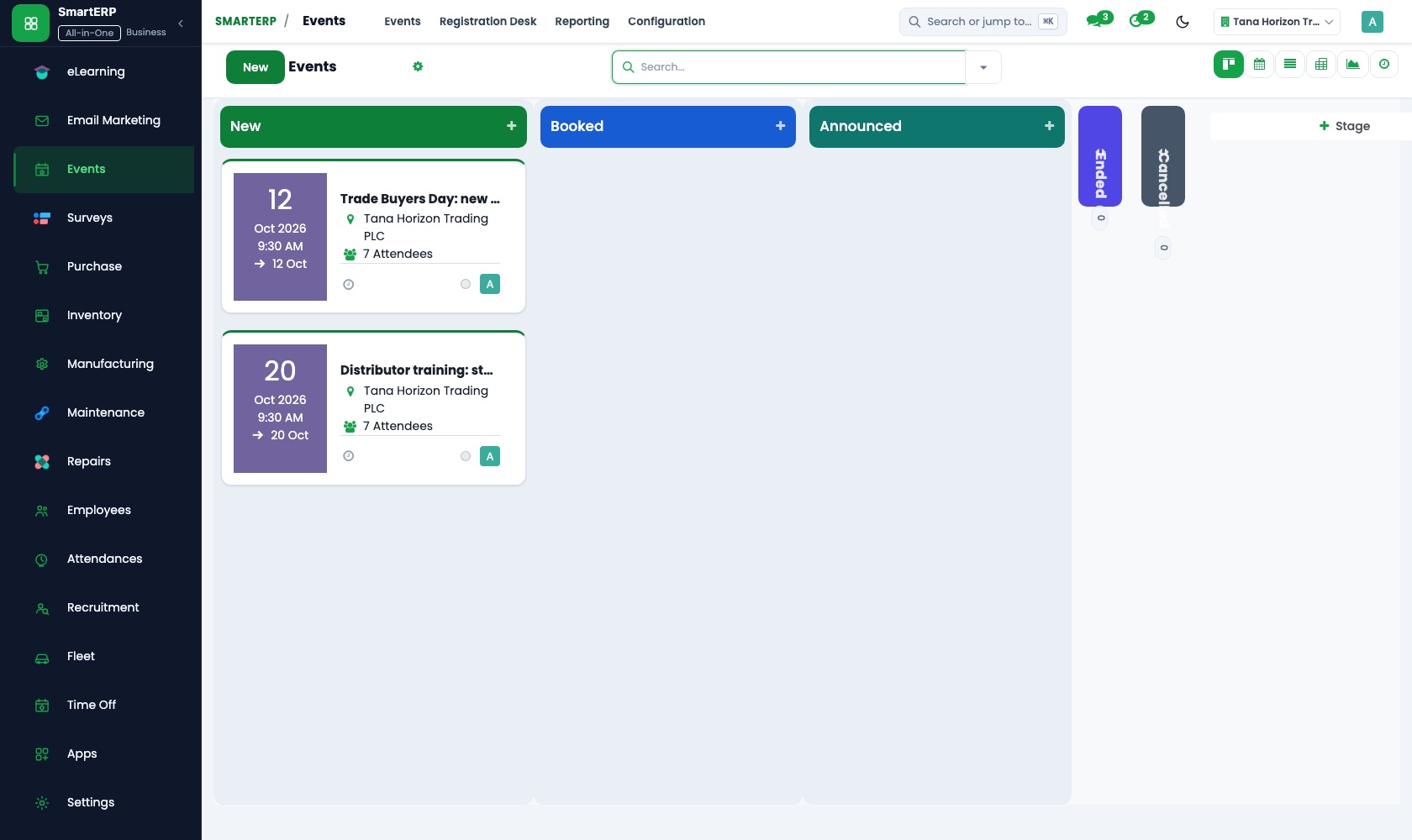
Real SmartERP screens with sample data.


Who uses it
- Business owner or general managerSee the whole business and keep every department working on the same records.
- Finance and accountingInvoices, bills, bank and reports from one ledger.
- Sales and customer serviceLeads, quotations, orders and follow-up.
- Project and service managersPlan projects and bill the time.
Company sizes
- Up to 10 people
- 11 to 50 people
What SmartERP does not cover for this industry
SmartERP does not store photographs or video, offer clients a gallery to pick their favourites, or show a live calendar of open dates online. Keep your storage and proofing tools; SmartERP handles the enquiry, the job, the hours and the money.
Questions about SmartERP for photography
Can SmartERP keep my photos and videos for clients to choose from?
No. SmartERP does not store photographs or video, and it has no gallery for clients to pick favourites. Keep your storage and proofing tools; SmartERP handles the job and the money.
How do we invoice a deposit first and the balance later?
Confirm the quotation as a sales order, invoice the deposit that holds the date, then the balance once the album is delivered. Both stay under one client in Accounting.
How does the starting set of applications fit together?
An enquiry in CRM becomes a quotation in Sales. The confirmed order opens a job in Project, editors log hours in Timesheets, and Accounting invoices the same client.
Can we force editors to log their hours every week?
The application records hours and lets a manager review them. Reminders, period locking and enforced submission are not standard; they come only through implementation.
Can a couple accept our quotation online?
Yes. The customer portal in Sales lets a client open the quotation you send, review it and accept it.
See it before you decide
From shoot day to delivery for a fictional photography studio
The walkthrough sets up a wedding as a project with shoot and editing tasks, moves it across the board, logs the editor's hours and compares them with the package price, on sample data.
There is no self-service sandbox. The demo is a guided walkthrough on sample data, or you can start a trial workspace.
Pricing
This industry has no packaged edition yet. You can start on a per-user plan with the recommended applications, or ask for a quote. Current plans and prices are on the pricing page.
See plans and pricingA website for your business
SmartERP can also set up a starter website for this kind of business, offered as part of a website project: Home, Portfolio, Weddings & Events, Commercial Work, Packages, About, Book a Shoot, Contact. How the website tools work.
Start with what your business needs first
Tell us your industry and we carry it through the guided set-up, or talk to us first.
Start SmartERP Book a demo