Trade accounts, warehouse stock and weekly restocking for a wholesaler
A wholesaler sells the same goods to many small buyers, each with a different price, a different habit of paying and a different delivery day. SmartERP holds those terms against each customer, ties every sales order to warehouse stock and shows unpaid invoices next to the orders that keep arriving.
Switch on Sales, Inventory and Accounting first. Purchase joins them once restocking should follow the stock levels, and CRM helps the sales team visit or call accounts on a schedule. Route sheets and driver tracking are outside its scope.
Typical businesses: General wholesalers · Grocery wholesalers · Beverage distributors · Household goods wholesalers · Cash-and-carry depots
Problems this industry runs into
Every shop has its own price and nobody remembers it
Trade prices, carton discounts and special deals live in a notebook or in the head of the longest-serving salesperson, so two counters quote the same shopkeeper differently.
Credit sales pile up and balances are argued from memory
Kiosk and minimarket owners take stock on account and pay in pieces. Without a ledger per customer, nobody can say who is overdue before agreeing to the next order.
Fast movers run out while slow cartons fill the shelves
Reordering is done by walking the warehouse, so a popular item is missing on the day a shop asks for it, while slow stock keeps tying up cash.
Delivery loads are assembled from handwritten order slips
Orders taken by phone or at the counter are copied onto slips for the warehouse, and a wrong quantity is found only when the van reaches the shop.
Applications in the Trading and Distribution edition
These applications are the ones the industry edition's blueprint includes. Each opens its own page.
What each application does for wholesale
Accounting
Aged receivables show who is overdue before the next order is agreed. Counter cash and customers' bank transfers are matched to their open invoices.
Sales
A shop's trade tier and carton discount live in price lists and are applied on the order, not quoted from memory. Delivery and invoicing status lists what left the warehouse uninvoiced.
Inventory
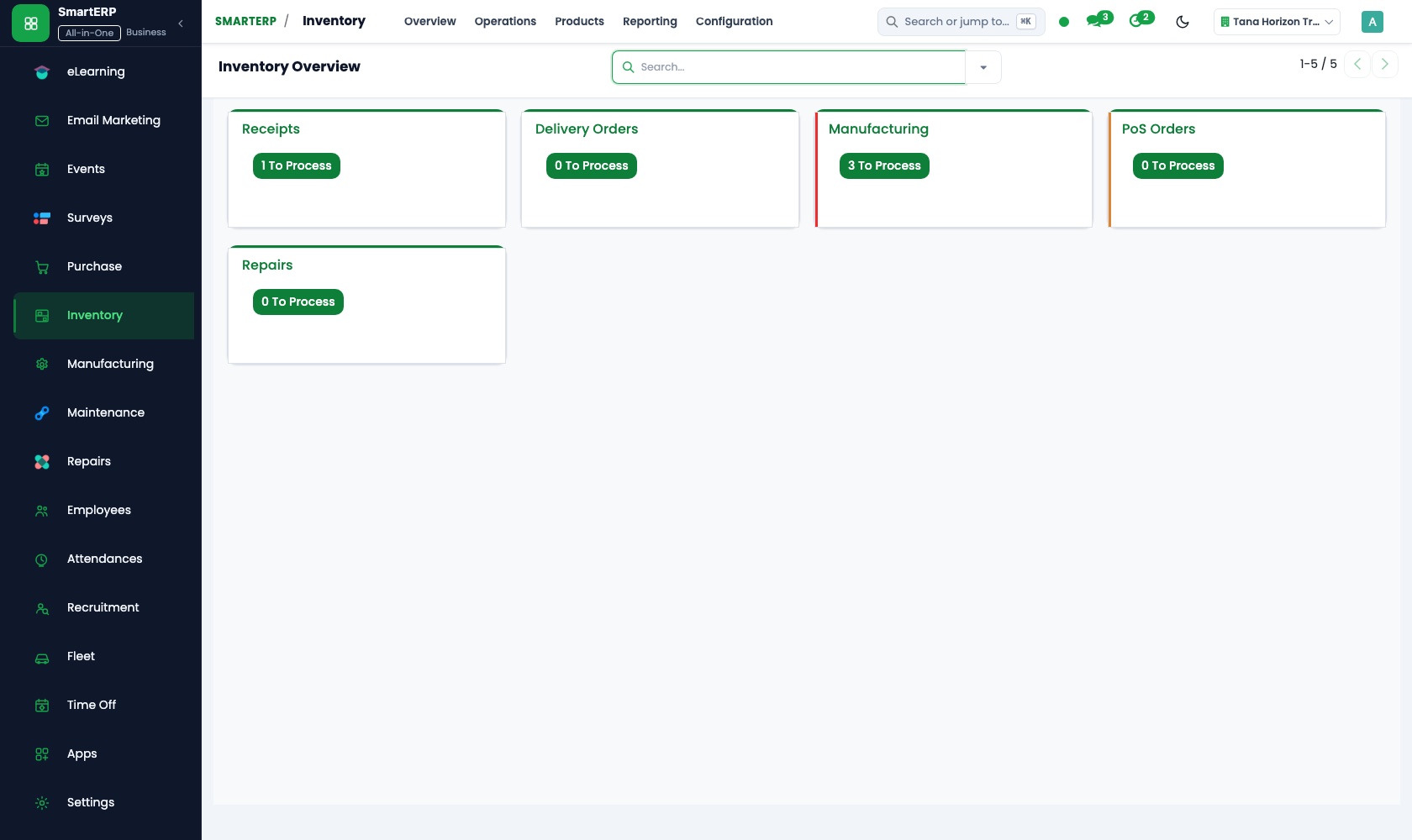
Stock reports show what is on hand per item, receipts and deliveries record each carton, and reorder rules flag a fast mover before a shop finds it missing.
Purchase
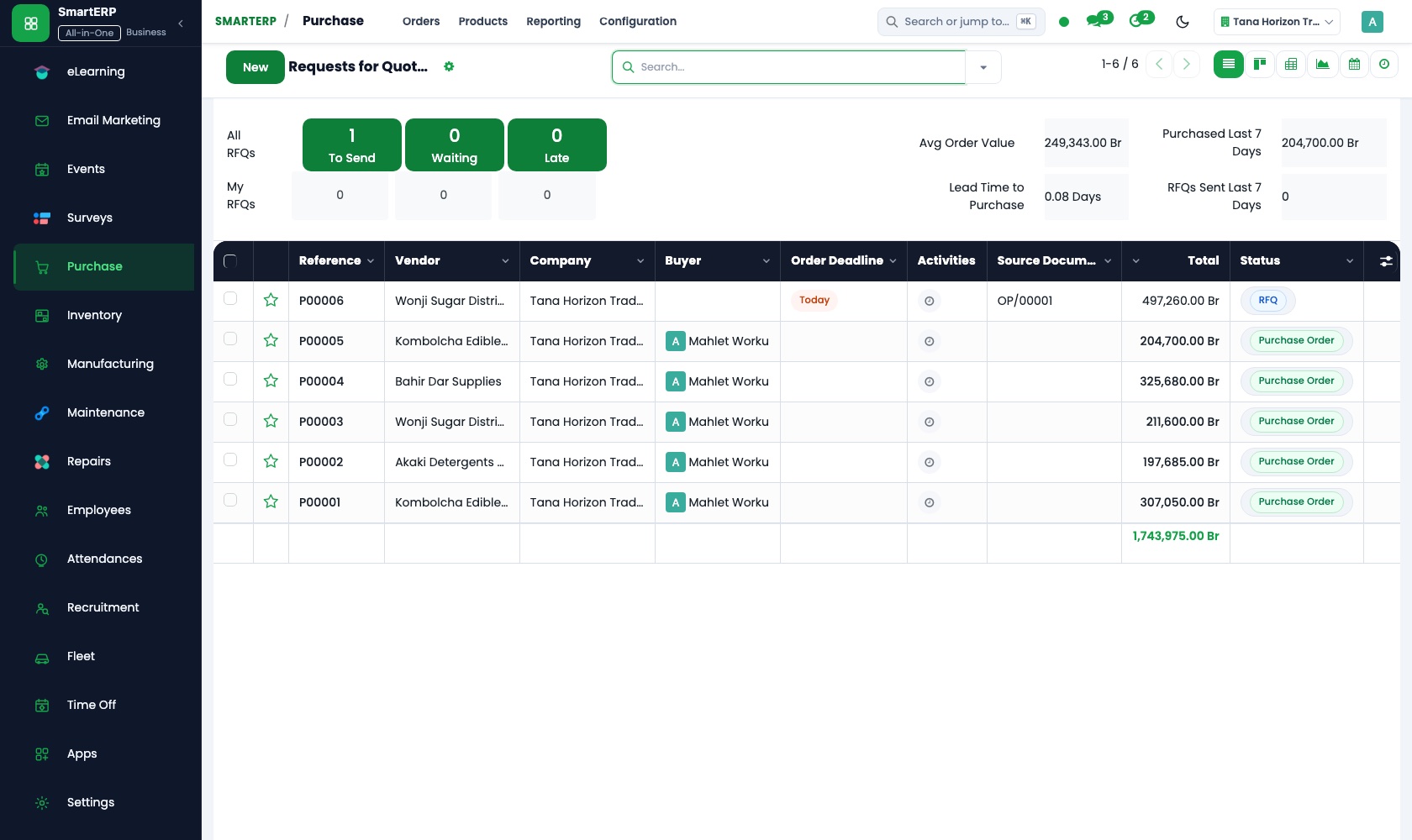
Restocking follows stock levels: reorder rules become purchase needs and each supplier gets a purchase order. Purchase reporting shows spend by vendor and product.
CRM
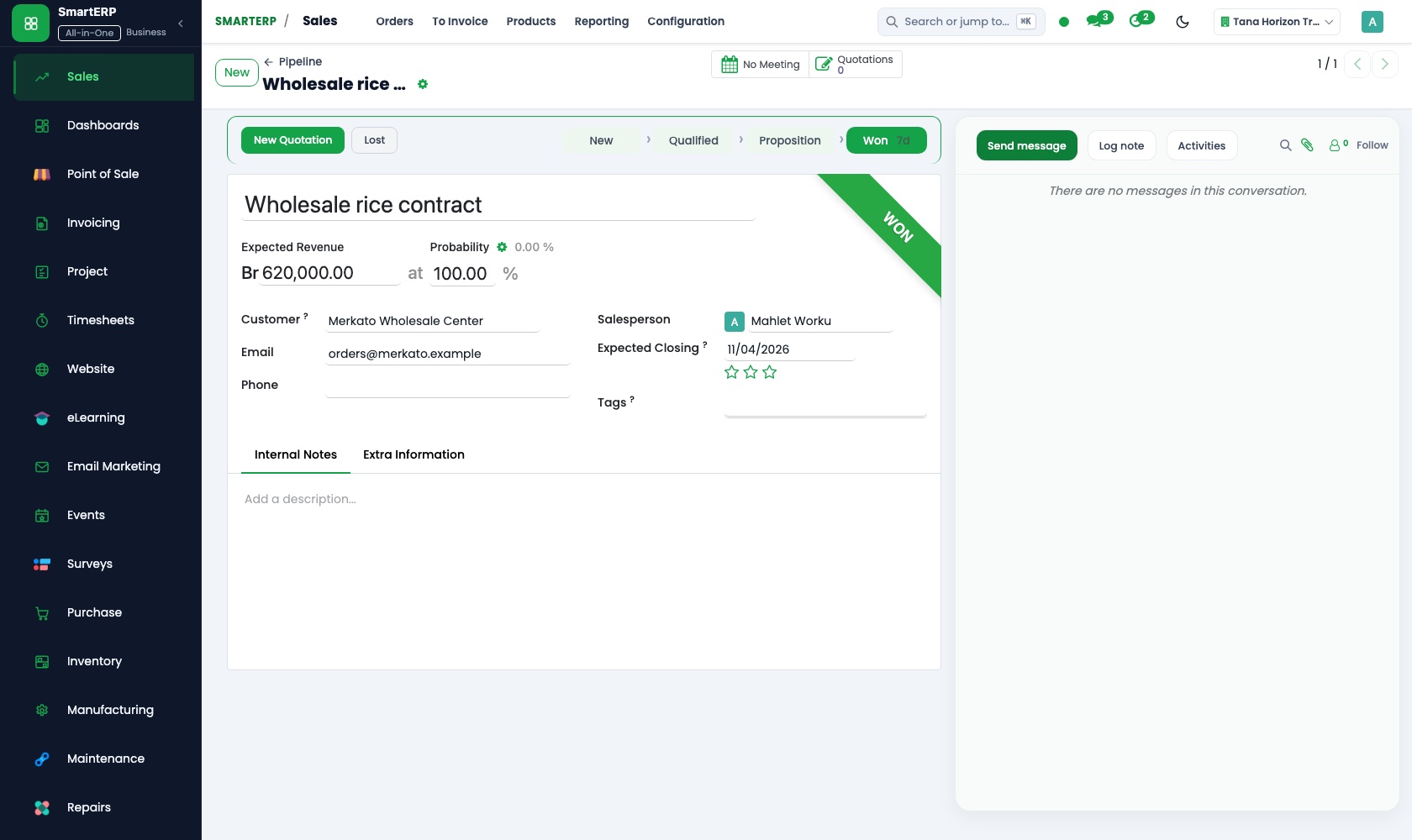
Each shop account has a named salesperson, a call or visit is scheduled for every late balance, and sales teams keep a pipeline of new shops.
More that runs with it
Also included in the platform
Approvals
One approval engine for purchase orders, vendor bills and petty cash, with levels and a record of who decided and when.
Subscriptions
Sell retainers and recurring services with automatic invoicing, price revision and termination.
SMS reminders
Ethiopian SMS for appointment, shift and payment reminders, sent from the system.
Balanced scorecard and BI
A balanced scorecard with objectives, indicators and initiatives, and dashboards built on your own records.
AI assistant
An assistant for staff on Telegram and WhatsApp for leave, approvals and quick questions, with tools that answer from your documents.
Lead generation
Prospect lists researched with AI and reviewed by a person before they enter CRM.
How the work runs on SmartERP
From a shopkeeper's order to a route delivery
A customer's standing price is applied to the order, the warehouse prepares and hands over the goods, and the invoice follows.
- Sales: Price lists and discounts Apply the trade tier and any carton discount agreed with this shop instead of quoting from memory.
- Sales: Quotations and sales orders Enter the order taken at the counter or by phone and confirm it so the warehouse sees it at once.
- Inventory: Receipts and deliveries Prepare the delivery from warehouse stock for the morning route or for collection at the counter.
- Accounting: Customer invoices and credit notes Invoice what was actually handed over; a credit note covers cartons the shop sends back.
Collecting what trade accounts owe each week
Deliveries never invoiced are found, late balances are chased and payments are matched to invoices.
- Sales: Delivery and invoicing status List the deliveries that left the warehouse and are not yet invoiced before the week closes.
- Accounting: Customer invoices and credit notes Issue the missing invoices and record credit notes for damaged or returned crates.
- CRM: Scheduled activities Schedule a call or visit for each account with a late balance, so a named salesperson follows up.
- Accounting: Bank and cash Match counter cash and transfers from customers' banks to the open invoices.
Your first month
- First week. We list trade customers with agreed prices, carton discounts and current balances, and load the product list, warehouse locations and regular suppliers.
- Second week. Opening stock is counted into warehouse locations, reorder levels are set for fast movers, and your accountant prepares the accounts and opening customer balances.
- Third week. Counter staff enter real orders at trade prices, the warehouse prepares delivery from stock, and finance invoices what was handed over.
- After go-live. We work through the first weekly list of unpaid and uninvoiced deliveries with the owner, then adjust price lists, reorder levels and the routine for late accounts.
What to have ready
- Trade customers with price tier, carton discounts and credit terms
- What each customer owes today, invoice by invoice
- A count of warehouse stock by item and location
- Suppliers with what each supplies and how long delivery takes
- The items that move quickest and the level you reorder them at
The applications on screen
Real SmartERP screens with sample data.


Who uses it
- Business owner or general managerSee the whole business and keep every department working on the same records.
- Finance and accountingInvoices, bills, bank and reports from one ledger.
- Sales and customer serviceLeads, quotations, orders and follow-up.
- Purchasing and storesBuy, receive and control stock.
Company sizes
- 11 to 50 people
- 51 to 100 people
What SmartERP does not cover for this industry
SmartERP does not plan delivery routes or track vans and drivers, and it has no ordering tool built for shopkeepers' phones. Orders are keyed by your own staff; the customer portal shows each shop its quotations and invoices.
Questions about SmartERP for wholesale
Can SmartERP plan delivery routes or track our vans?
No. It does not plan routes or track vans and drivers, and has no ordering tool for shopkeepers' phones. Your staff key the orders; the customer portal shows shops their quotations.
Can each shop have its own price and carton discount?
Yes. Keep several price lists in Sales and apply discounts on a line or an order, so two counters quote one shopkeeper the same price instead of relying on memory.
How do we know who is overdue before we take the next order?
The aged receivables report in Accounting lists what each customer owes and how old it is. Check it before confirming an order; CRM schedules the call.
Do the sales order, the warehouse and the invoice stay in step?
Yes. A confirmed order in Sales reaches the warehouse as a delivery in Inventory, Sales shows whether it is delivered and invoiced, and Accounting invoices what left.
Can we sell on account and record part payments?
Yes. Invoice the shop in Accounting, then match each payment, cash or bank transfer, to the invoice it settles, so the open balance stays visible until cleared.
See it before you decide
A trade account from price list to weekly collection
The walkthrough prices a shop's order, prepares its delivery from the warehouse and invoices it, then lists the accounts still unpaid, all on invented records for a distributor.
There is no self-service sandbox. The demo is a guided walkthrough on sample data, or you can start a trial workspace.
Pricing
SmartERP has an industry edition for this sector (Trading and Distribution). The applications listed above are its applications, and the editions, their staff bands and the current prices are on the pricing page. This page shows no price.
See plans and pricingA website for your business
SmartERP can also set up a starter website for this kind of business, offered as part of a website project: Home, Product Categories, Brands We Stock, How to Order, Delivery to Shops, Our Warehouse, Open an Account, Contact. How the website tools work.
Start with what your business needs first
Tell us your industry and we carry it through the guided set-up, or talk to us first.
Start SmartERP Book a demo